Editing Profiles
Customize user access by editing custom profiles. While predefined profiles (Tenant Admin and Analytic Users) are locked and cannot be modified, you can configure their AD Security Groups.
|
1.
|
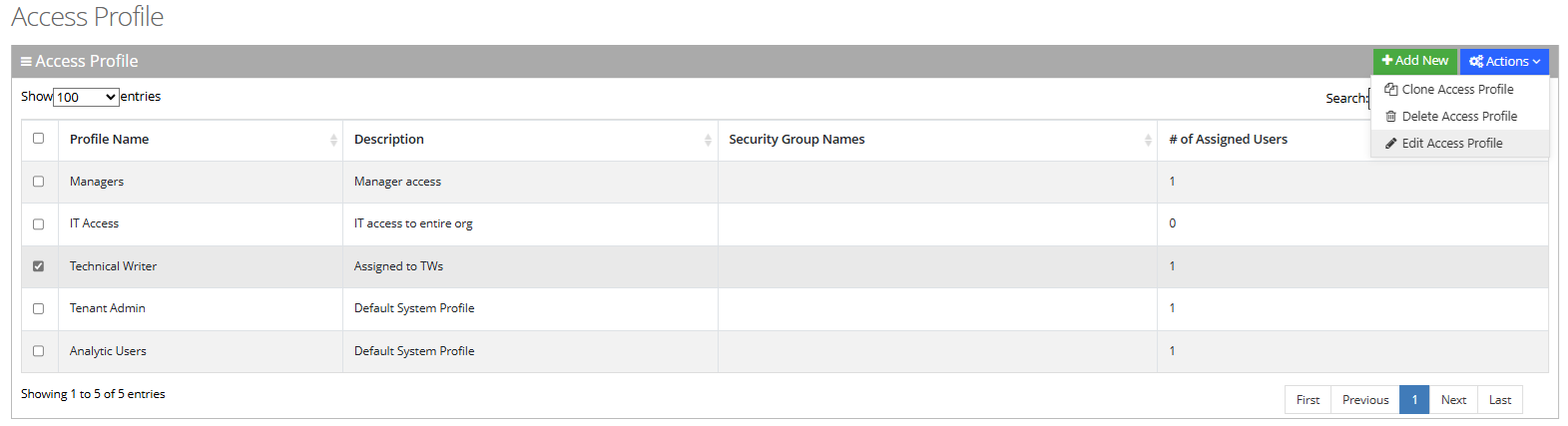
Open the User List page (Configuration > Access Management > Access Profile); the following appears: |

|
2.
|
Select the profile that you want to edit. |
|
3.
|
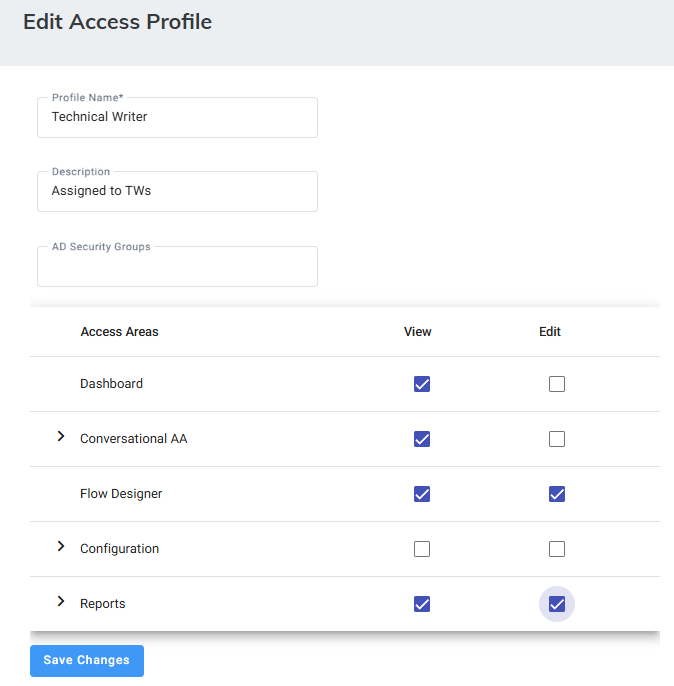
From the ‘Actions’ drop-down list, choose Edit User; the following appears: |
|
4.
|
Edit the fields you want to change.
|
Default profiles (Tenant Admin and Analytic Users) are limited to AD Security Group configuration only.