Enable direct dialing (Click-to-call)
You can easily dial a number directly from any website with the Click-to-call feature. After you enable this feature, all you need to do is right-click a phone number and directly call the number.
This is only applicable for the Chrome browser.
|
➢
|
To enable Click-to-call: |
|
3.
|
Go to the Chrome browser. |
|
a.
|
To the right of the Search bar, click the Extensions icon  . .
|
|
b.
|
Click Manage Extensions.
 |
|
c.
|
On top right, enable Developer Mode.

|
|
d.
|
Click Load Unpacked. Window appears.
 |
|
e.
|
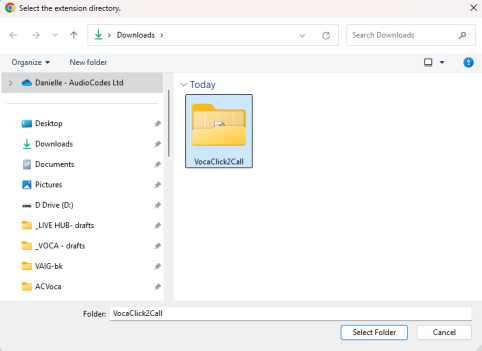
Select the folder from the Downloads folder and click Select Folder.
 |
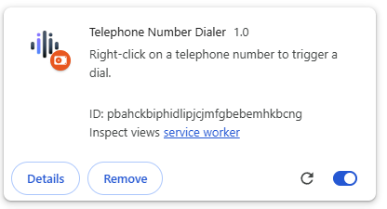
The Click-to-call extension is loaded.
Dial a phone number
|
2.
|
Select a phone number. |
|
3.
|
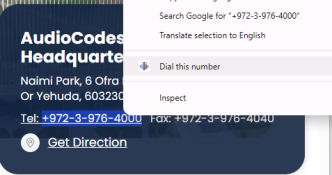
Right-click the phone number. |
|
4.
|
Click Dial this number. |