Enable Users to Make Calls even if Teams is Unavailable
A fallback feature enables users to make calls even if Teams is unavailable. If Teams is unavailable, the device will still have connectivity to the internet via the SBC using a SIP-based application.
|
➢
|
To enable it, the administrator must: |
|
1.
|
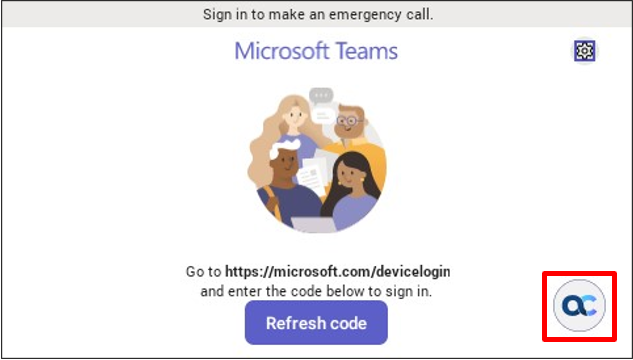
Set parameter ‘system/ace/shortcut_enabled’ to 1 (default = 0); an AC soft button is then displayed in the lower right corner of the phone screen (if Teams is unavailable) as shown here: |
|
2.
|
Set the parameter ‘system/ace/minilauncher_enabled’ to 1 (default = 0) to enable the app to be launched if Teams is available. |
|
➢
|
To register a SIP account (sign in), the admin must: |
|
1.
|
Set the following parameters: |
|
●
|
personal_settings/sip/server =wss://<SBC URL>
|
|
●
|
personal_settings/sip/port =<SBC server port>, e.g., 443 |
|
●
|
personal_settings/sip/domain =<domain name>
|
|
●
|
personal_settings/sip/username=<account name>
|
|
●
|
personal_settings/sip/password=<account password>
|
|
2.
|
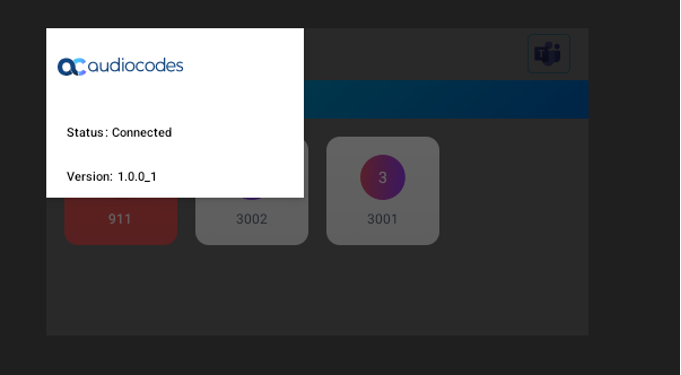
View the account status: Connected if registered, Not Connected if not registered. |
|
➢
|
To enter the app, the user must: |
|
■
|
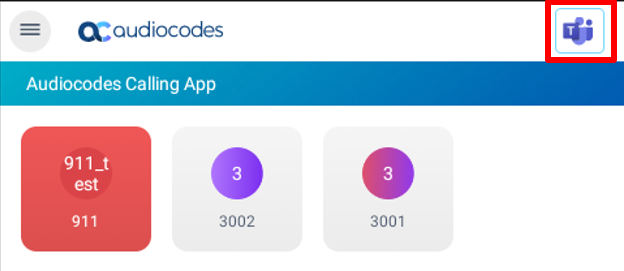
Press the AC button to switch to the app. To switch back to Teams, press the Teams button to switch to the app. To switch back to Teams, press the Teams  button as shown in the figure below the next. button as shown in the figure below the next. |
|
➢
|
To add up to 41 speed dial keys, the administrator must: |
|
1.
|
Use the following parameters: |
|
●
|
personal_settings/functional_key/[0-40]/speed_dial_number= < destination>
|
|
●
|
personal_settings/functional_key/[0-40]/type = DEFAULT (button retains its Teams color) -or- EMERGENCY (button is colored red) |
|
●
|
personal_settings/functional_key/[0-40]/display_name= <destination display name>
|
|
➢
|
To make a call, the user must: |
|
1.
|
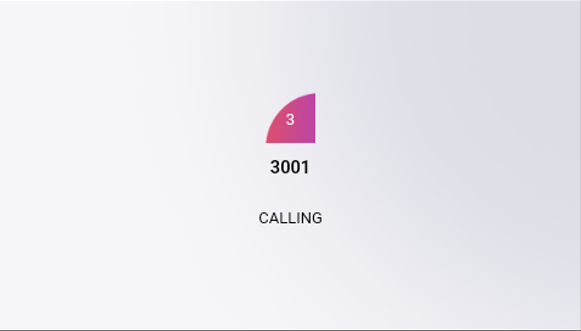
Tap the speed dial; the calling screen shows the callee’s name. To end the call, tap the ‘End Call’ button. |
|
2.
|
View the phone’s calling screen: |
|
3.
|
View the phone’s incoming call screen: |
|
4.
|
[Optionally] During the call, the user can adjust the volume, mute, unmute, DTMF, switch audio source, etc. |
|
●
|
The app blocks incoming calls when Teams is in the foreground. |
|
●
|
When Teams is available and the app is in the foreground in idle state, the phone cannot get an incoming Teams call. |
|
●
|
After rebooting, the device always displays the Teams home screen. |