Get Acquainted with the Phone Screen
The following gets you acquainted with the phone’s user interface. The figure below shows the phone's
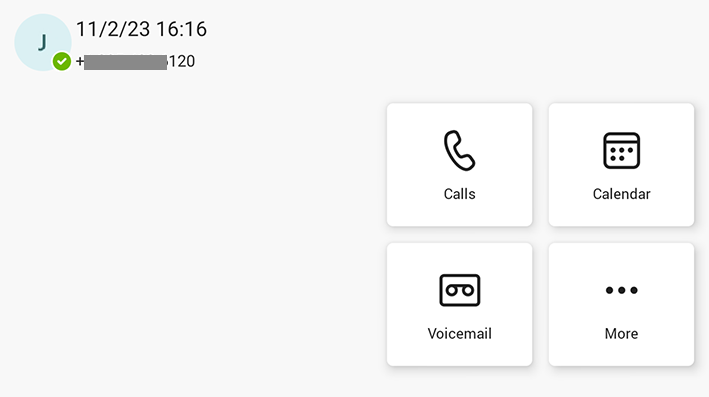
Tapping the More... button shown in the figure above opens the following screen:
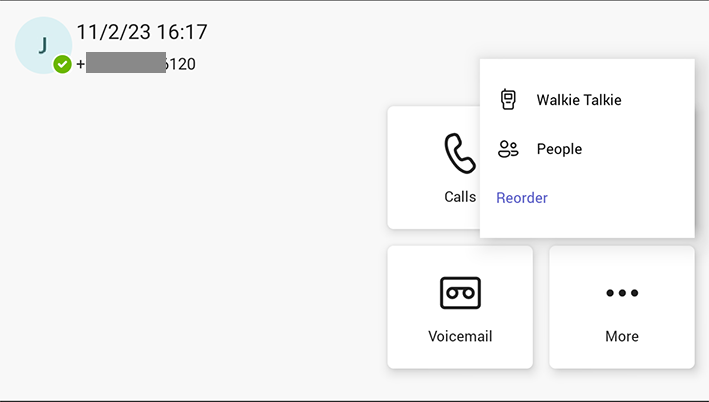
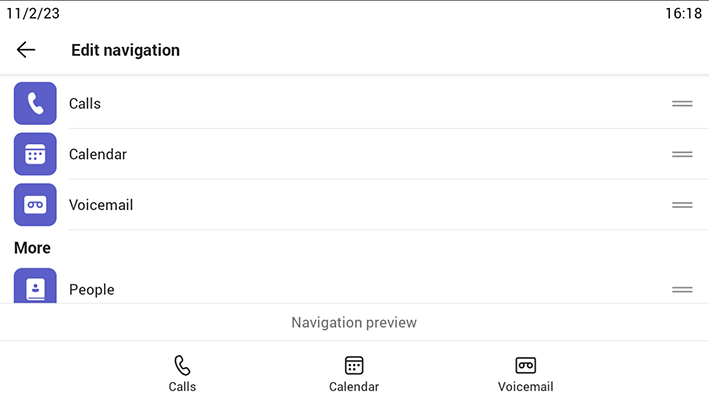
The Reorder button opens the following screen, allowing for a customized look and feel:
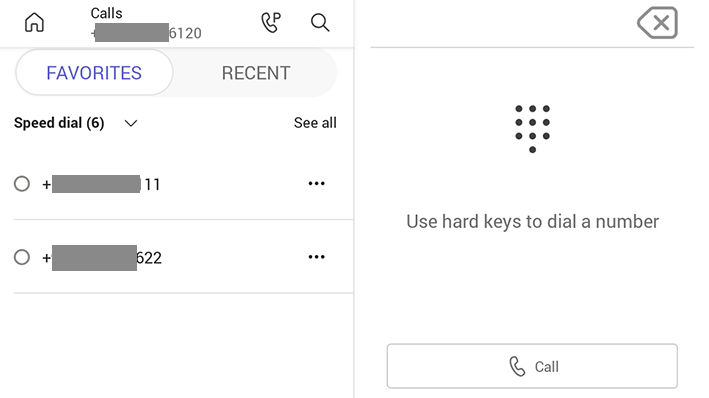
The following figure shows the phone's Calls screen.
The following table describes the phone's home screen.
|
Item |
Description |
|---|---|
|
Calls |
|
|
People |
If a contact has multiple numbers, the phone screen allows the user to select from a drop-down menu the intended contact method. |
|
Calendar |
Tap to open the Calendar screen, shown under Setting up a Meeting. |
|
Voicemail |
|
The following figure shows the user's presence status screen. To access this screen,
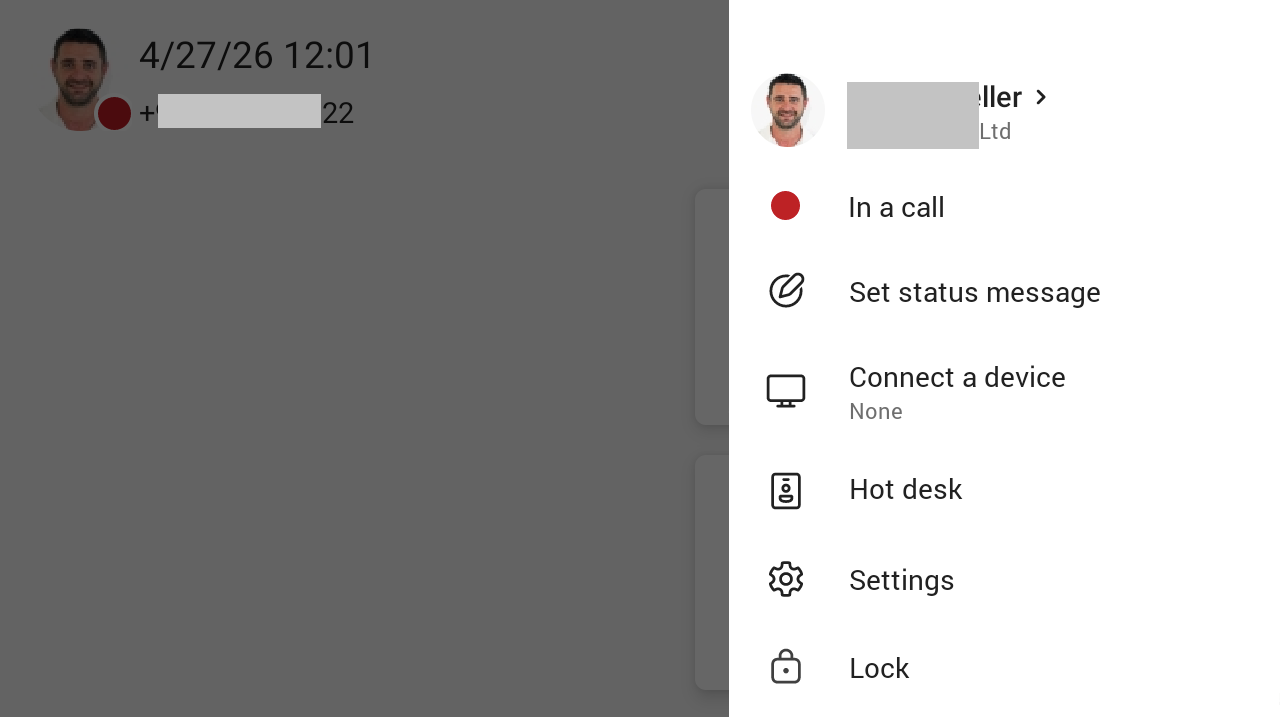
Use this table as reference.
|
Item |
Description |
|---|---|
|
Presence status |
|
|
Set status message |
See Set a Status Message. |
|
Connect a device |
See Connect a Device. |
|
Hot desk |
|
|
Settings |
|
|
Lock |