Get Audio Debug Recording Logs
Network administrators can opt to get Audio Debug Recording logs from the phone screen. The purpose of these logs is for issues related to media.
| ➢ | To enable Audio Debug Recording logs: |
| 1. | Navigate to Device Settings and log in as Administrator. |
| 2. | Scroll down and navigate to Debugging > Debug Recording. |
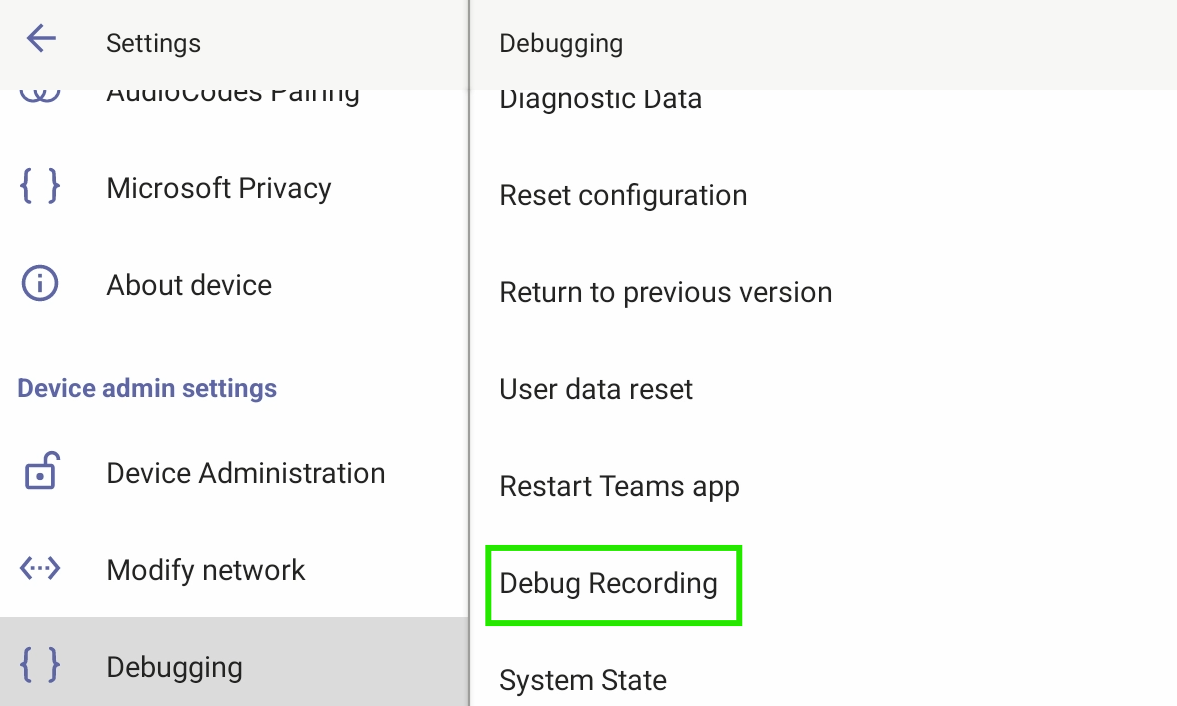
| 3. | Configure the remote IP address and port. |
| 4. | Enable ‘Voice record’. |
| 5. | Start Wireshark on your PC to capture the Audio traffic. |