Unlock
| ➢ | To unlock the phone: |
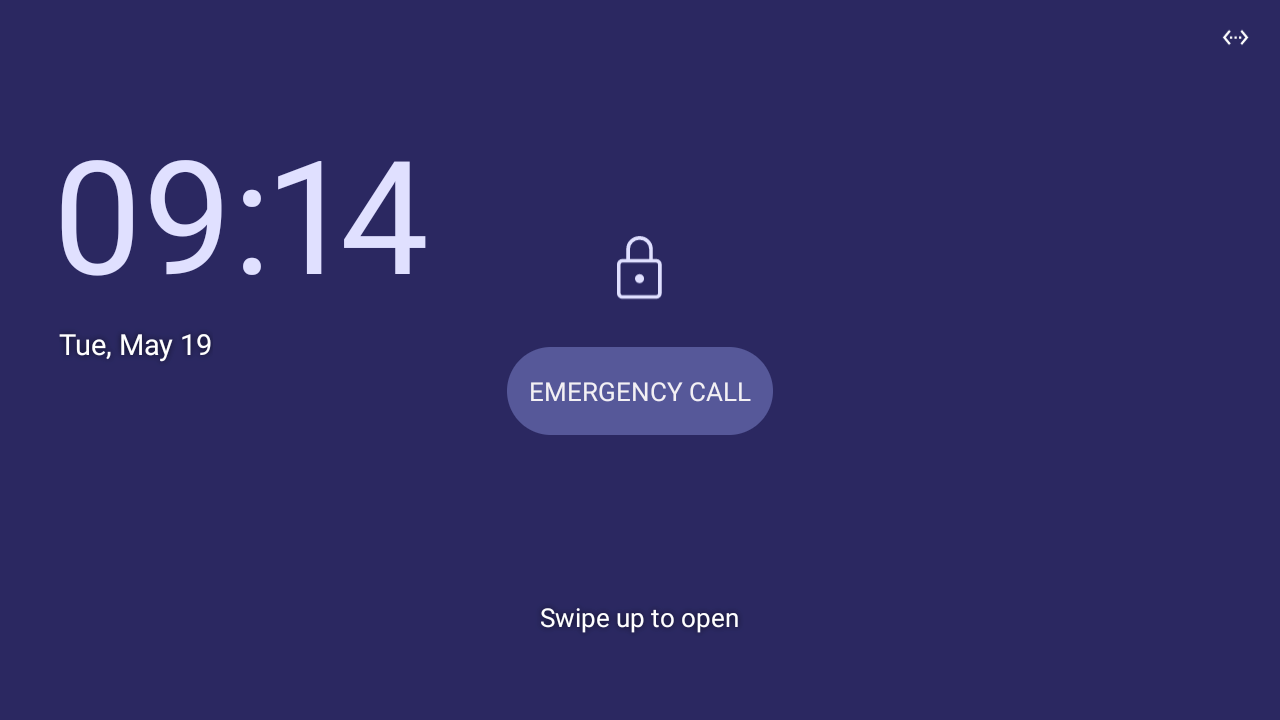
| 1. | When the screen shown in the figure below is displayed, start typing your unlock PIN code or password, or swipe up and draw your pattern, depending on the screen lock type configured in the 'Security' device setting (described in Configure C455HD Device Settings). |
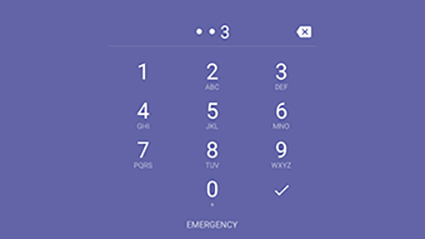
| 2. | If you enabled the Show passwords option in the 'Security' setting, you can view the digits or letters displayed as you type: |
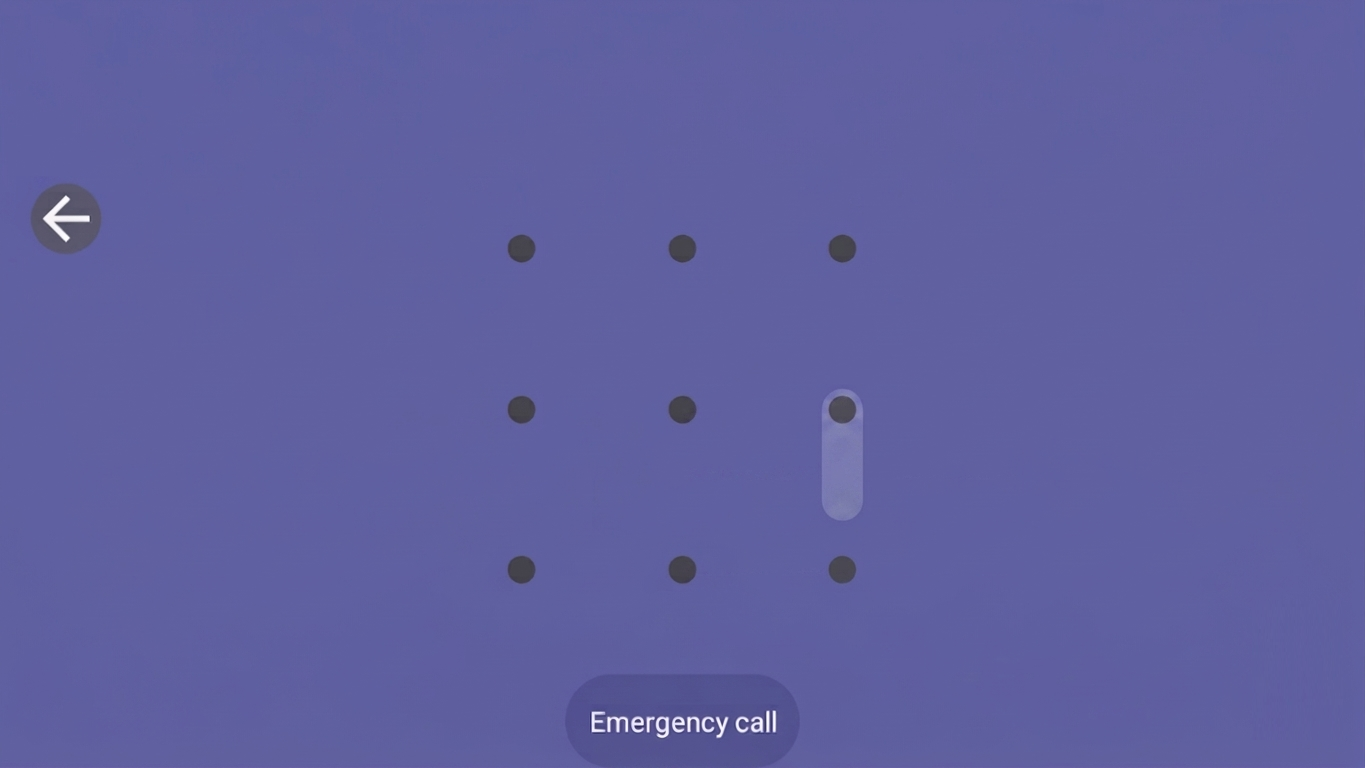
If you selected the Pattern lock option in the 'Security' setting and turned on Make pattern visible, you can view a trace as you draw the pattern:
| 3. | When the phone detects the unlock code, it unlocks. |