View and Join Meetings
Scheduled meetings can be viewed and joined by selecting the Calendar icon in the phone's home screen. See for a video clip demonstrating how to join a scheduled meeting.

|
➢
|
To view the details of a meeting: |
|
1.
|
Scroll down if necessary to the meeting whose details you want to view and select it. |
|
2.
|
Select See details and view in the right pane the details of the meeting.
|
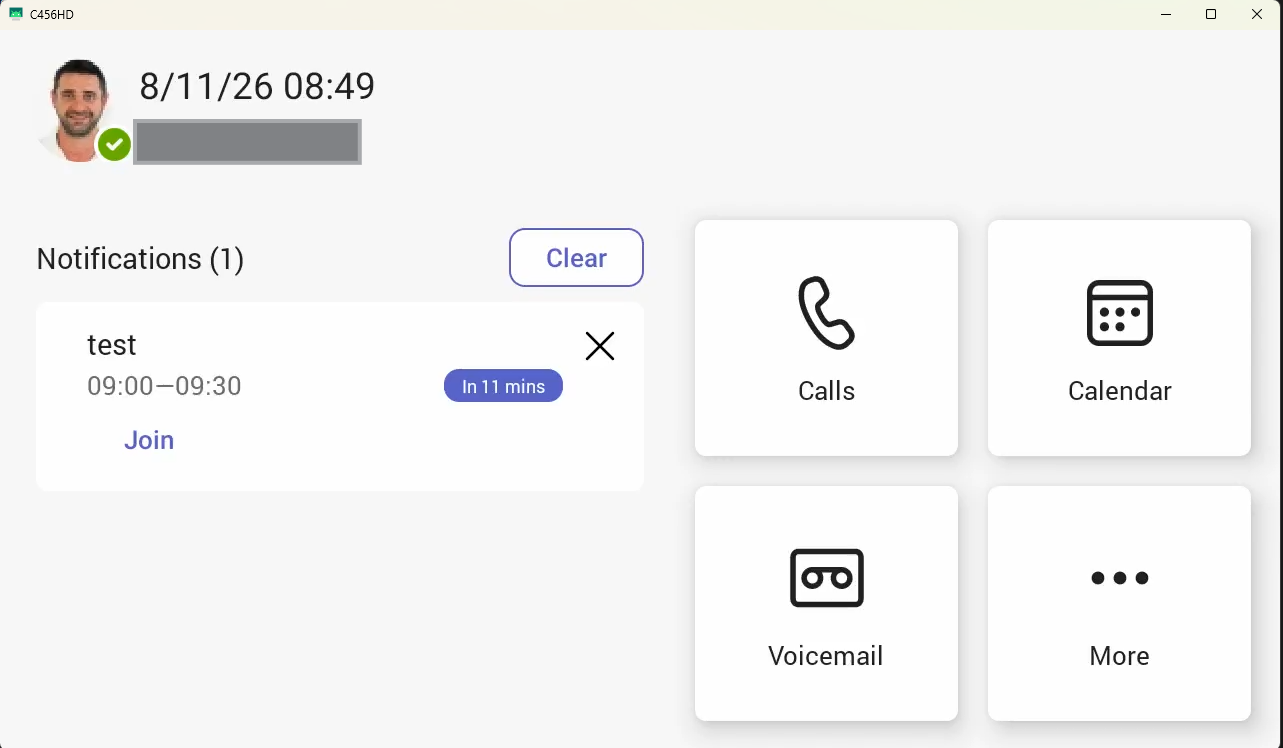
For an upcoming meeting, a notification is displayed on the phone's home screen.
|
■
|
In the meeting you want to join, select the See details link and then select Join online meeting.
|