View and Join Meetings
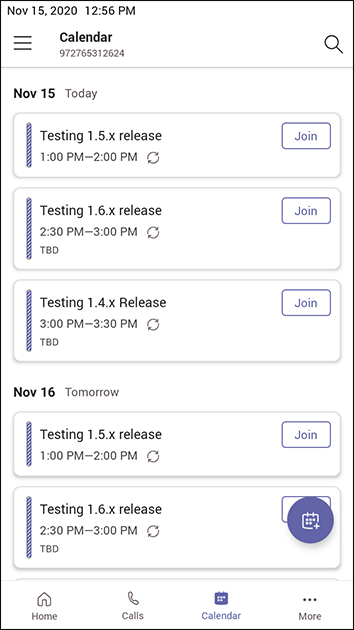
Scheduled meetings can be viewed and joined by selecting the Calendar icon in the phone's home screen. See for a video clip demonstrating how to join a scheduled meeting.
|
➢
|
To view the details of a meeting: |
|
1.
|
Scroll down if necessary to the meeting whose details you want to view and select it. |
|
2.
|
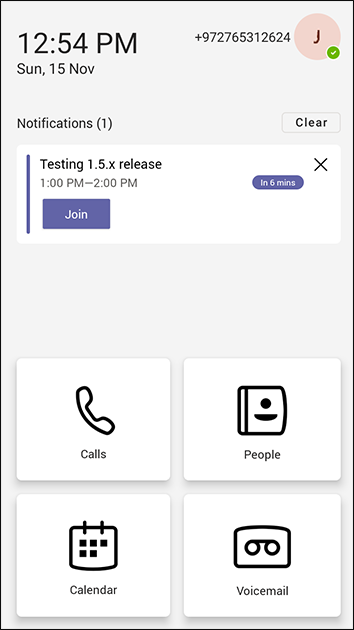
View the details of the meeting under 'Notifications'.
|
For an upcoming meeting, a notification is displayed on the phone's home screen.
|
■
|
In the details of the meeting you want to join, select Join.
|