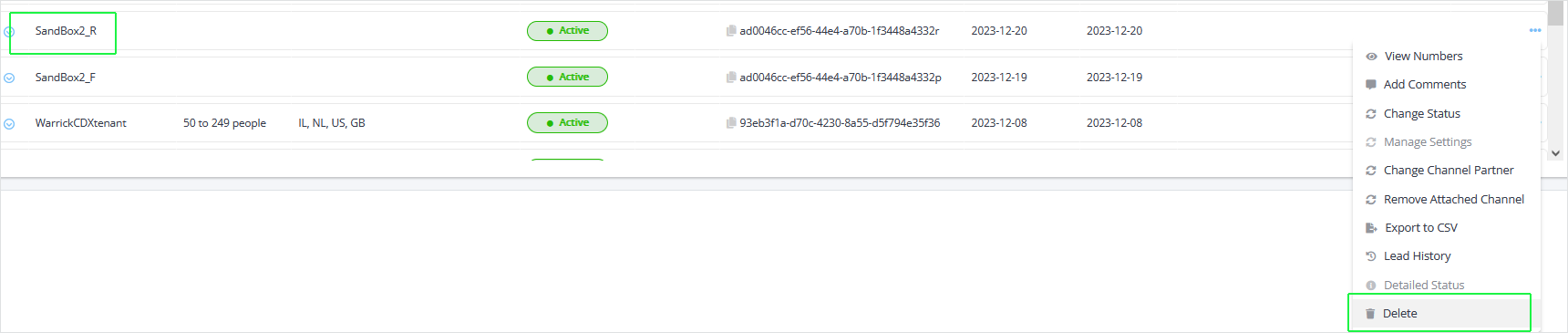
Delete Consentless Lead
You can delete a 'Consentless' Lead (a lead created by clicking the New Lead button, see Triggering the Partnering process from Live Platform). You can identify a Consentless lead where the 'Size' and 'Market' fields do not contain values.
'Consented' leads can only be deleted using the Teams admin center.
| ➢ | To delete a consentless lead: |
| 1. | Select the lead that you wish to delete and then from the right-click menu, choose Delete. |