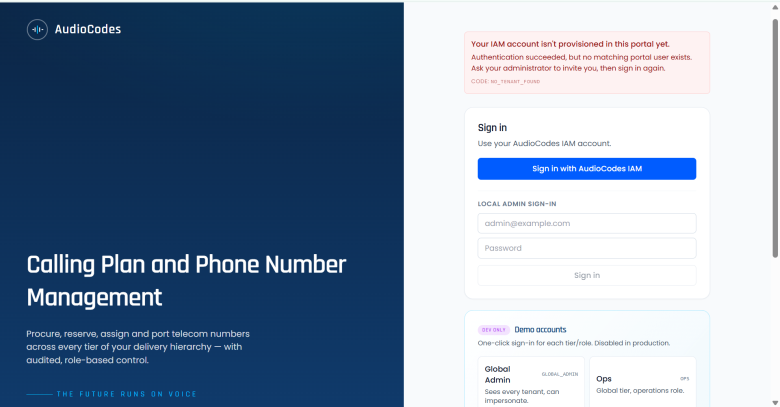
Access external applications (Tools)
The Tools page allows you to configure access to URLs for AudioCodes-managed or third-party external applications . You can configure a list of service provider and channels who can access the URLS. Users can either access directly to the log in page or through Single Sign‑on (SSO) with IAM authentication.
| ➢ | To access the Tools menu: |
| 1. | From the Main menu, choose Tools. |
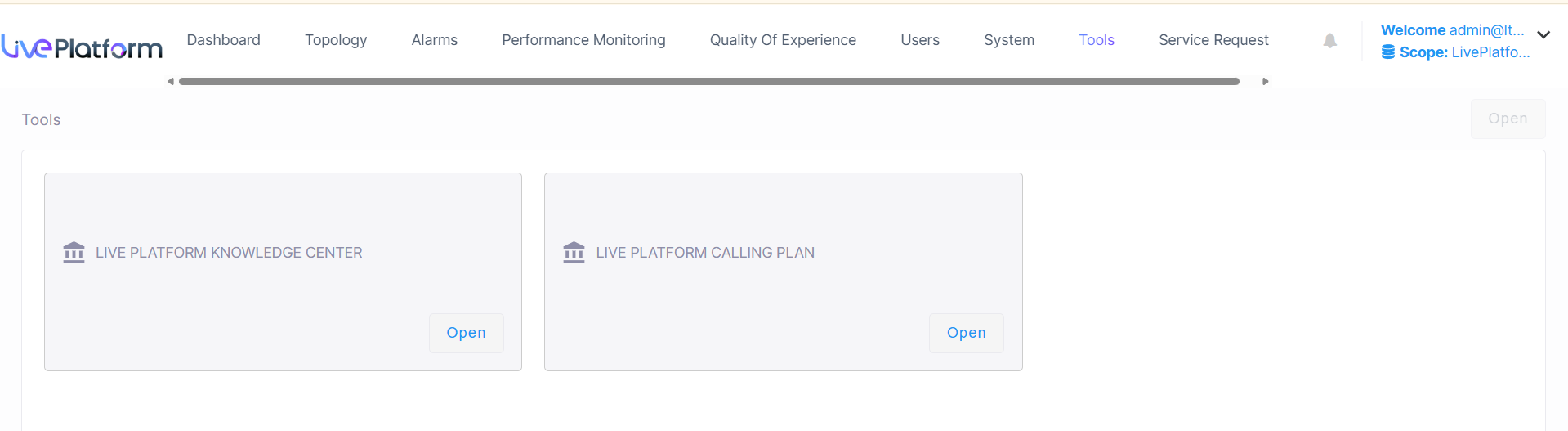
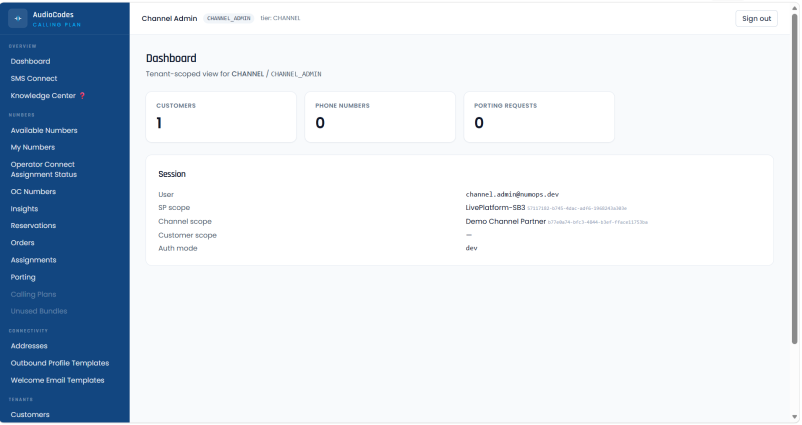
| 2. | Click the open button for the relevant external application. The example below shows the AudioCodes Calling Plan application. |
If