Displaying customer details (show customer)
You can display a summary of the customer details.
| ➢ | To display customer details: |
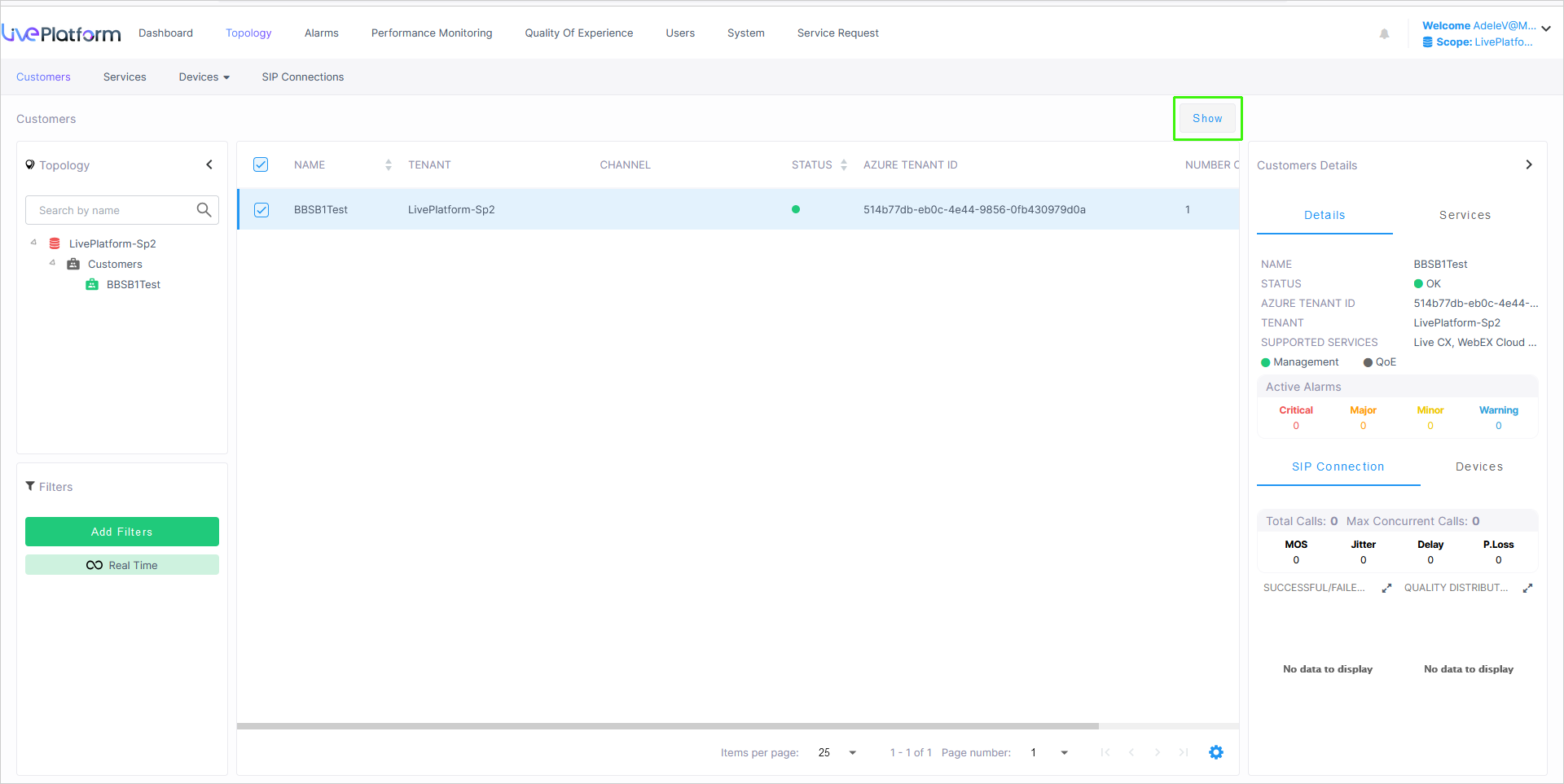
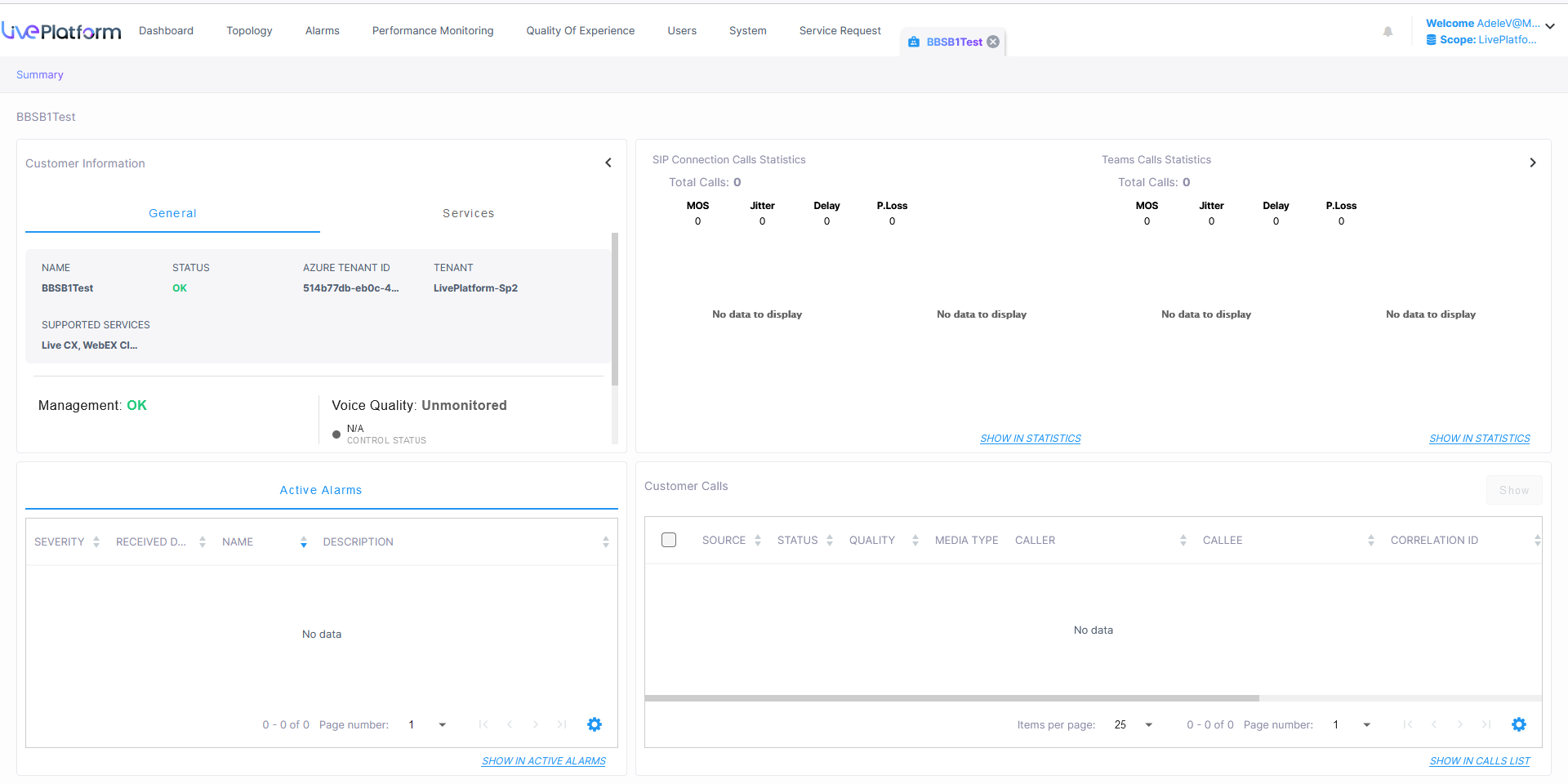
The table below describes the Customer Details snapshot pane.
|
Status Type |
Description |
|---|---|
|
General and Services |
|
|
Name |
The name of the service. |
|
Status |
The status of the Management entity (see Management statuses). |
|
Azure Tenant ID |
Microsoft Tenant ID of the customer. |
|
Tenant |
Name of the Service Provider tenant. |
|
Management and QoE Status |
The status of the Management and QoE entities (see Management statuses). |
|
Active Alarms |
The breakdown of the Active alarms. Click to drill down to the Alarms page (see Monitoring alarms from customer sites). |
|
SIP Connection Calls Statistics |
Voice Quality statistics retrieved for all SIP connections. |
|
Teams Calls Statistics |
Voice Quality statistics retrieved from all Teams devices (when a Microsoft Teams connection is attached, see Managing Teams devices). |
|
Devices |
Voice Quality statistics retrieved for all attached Hybrid devices (see Hybrid entities). |
|
Customer Calls |
List of customer calls (see Monitoring calls from customer sites). |