Migrate service to Zoom Provider Exchange V3
This option lets you migrate an existing Zoom V2 service to Zoom V3. If a Token connection has been established with your Zoom account then your provider or reseller can seamlessly upgrade to V3. If a Token connection is not established then you must complete the process in the Customer portal.
This option is only available for services with all uploaded numbers with “User” type. For Contact-Center and Service numbers, the migration process should be performed by AudioCodes Professional Services.
| 1. | Open the Customer portal and then click Upgrade Zoom. |
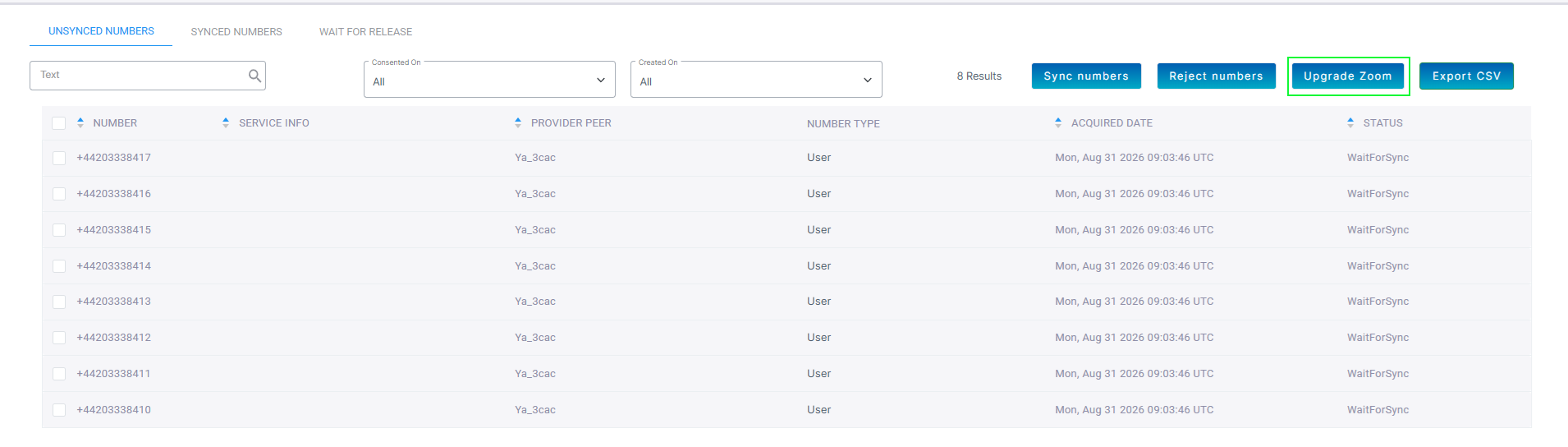
If you have numbers that are not synchronized then they are not migrated during this process. Once you have successfully migrated the service and synchronized the numbers then they are automatically migrated with V3 tags.
A dialog is displaying indicating that all V2 numbers will be migrated to Zoom V3.
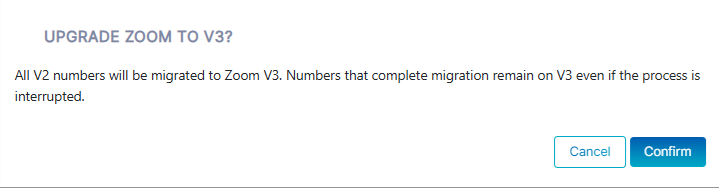
| 2. | Click Confirm. A confirmation message is displayed indicating that the upgrade was successful and that the numbers were successfully migrated. |
