Accessibility
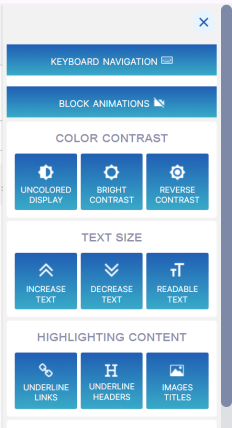
An Accessibility menu lets you adjust the interface settings for enhancing usability. The menu can be opened from all Service portal pages. You can perform actions such as adjust color brightness and contrast, change the size of the font of displayed text, magnify screen view and allow navigation using the keyboard arrow keys.