Edit a service
You can edit the details of an existing service. In addition, you can add Save On Demand (SOD) and Record On Demand (ROD), Pause-and Resume recording functionalityto your service (see Advanced features). You can also manage its AI summary templates and settings if it has the AI Settings feature enabled.
| ➢ | To edit a service: |
| 1. | In the Services page, select the check box adjacent to the service that you wish to edit and then from the Interaction Insights drop-down, choose Edit Service. |
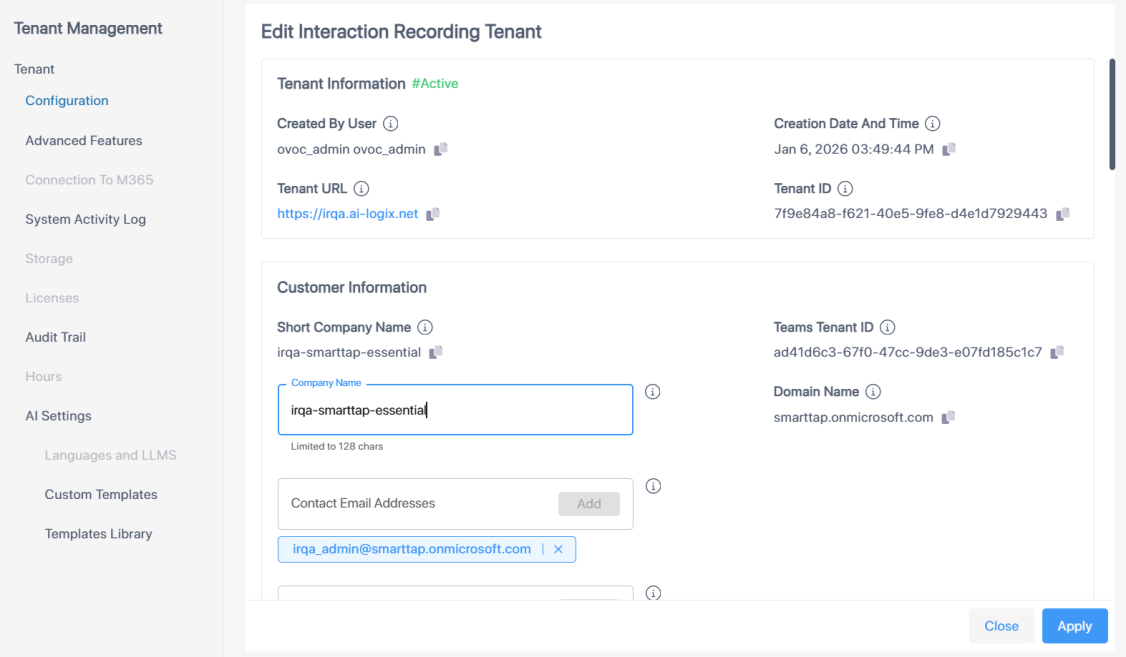
| 2. | Modify Configuration settings (see Onboard Interaction Insights services for details) and then click Apply. |