View Multitenant Portal Software Version
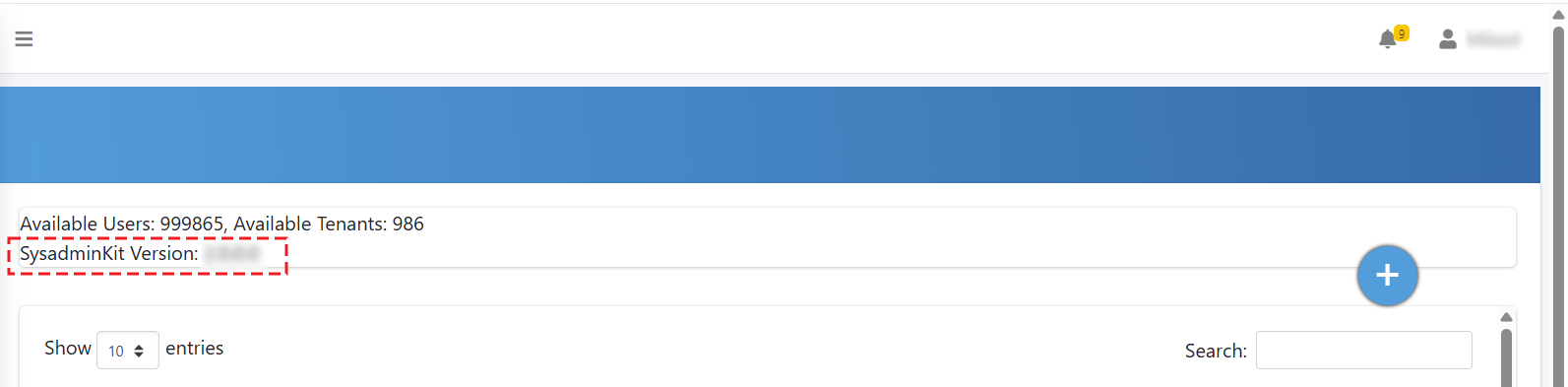
You can view the current software version of the Multitenant portal on the All Services page.
|
➢
|
To view Multitenant portal software version: |
|
1.
|
Log in to the Live Platform portal. |
|
2.
|
Open the Multitenant portal ( Teams: Operator Connect or Teams: Direct Routing menu > Open UMP Page). |
|
3.
|
In the navigation pane, expand Services, and then select All Services. |
The software version number is displayed in the 'SyadminKit Version' field located above the table of services: