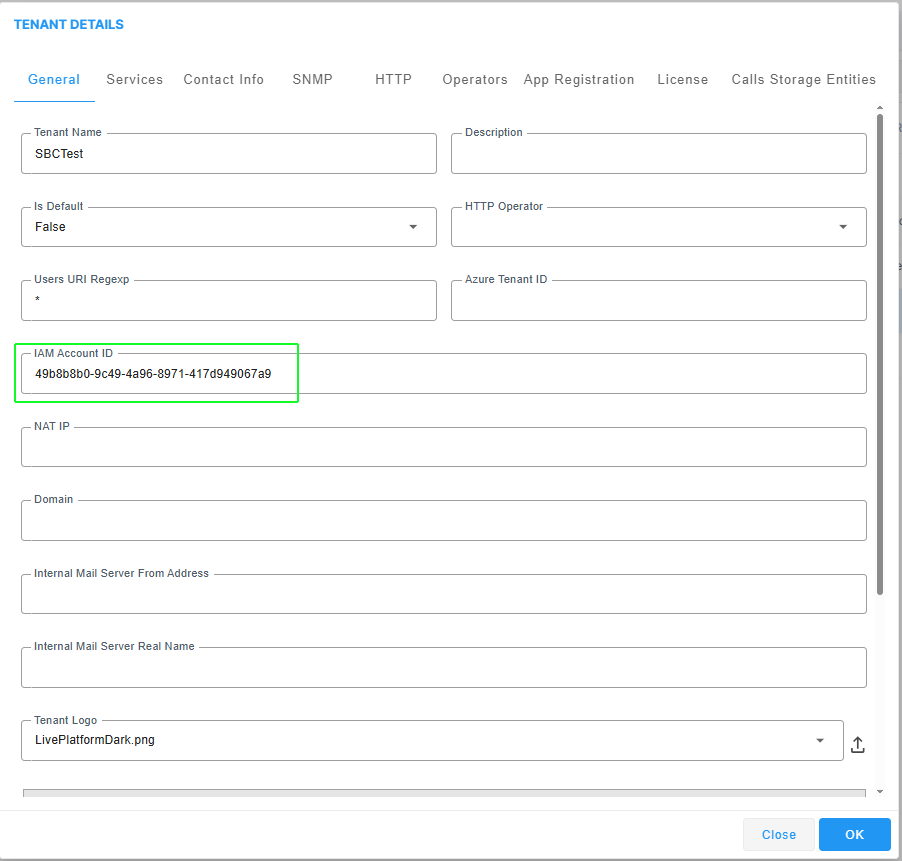
Create Identity and Access Management (IAM) Account
All Live Platform entities including Service Providers, Channels and Customers must be configured with a separate IAM account:
|
■
|
For entities created from Version 8.4.2000 and later, an IAM account is created automatically. |
|
■
|
For entities created prior to Version 8.4.2000, the IAM account is not created automatically and you need to synchronize Live Platform entities with IAM as described in Configuring Identity and Access Management (IAM). However, if synchronization fails for an entity, you can add the IAM account manually as described in this section. |
IAM accounts are used by Live Platform as follows:
|
■
|
Authentication: Verify user's login credentials like usernames, passwords, and multi-factor authentication (MFA). |
|
■
|
Authorization: Determines which actions the user is allowed to perform—such as reading files, modifying data, or accessing specific services. |
|
■
|
User Provisioning: Manage user account access including joining, leaving and and role management. |
|
■
|
Role-Based Access Control (RBAC): Allows you to assign permissions based on Live Platform roles, simplifying access management and improving security. |
|
■
|
Audit and Compliance: Logs user activity and access history for compliance requirements (e.g., GDPR, HIPAA) and for detecting suspicious behavior. |
|
■
|
Federated Identity and Single Sign-On (SSO): Enables users to access External applications including AudioCodes SBC devices, UMP-365, Device Manager, UCaaS Connect, Voca CIC, Meeting and Interaction Insights using the same credentials. |
|
1.
|
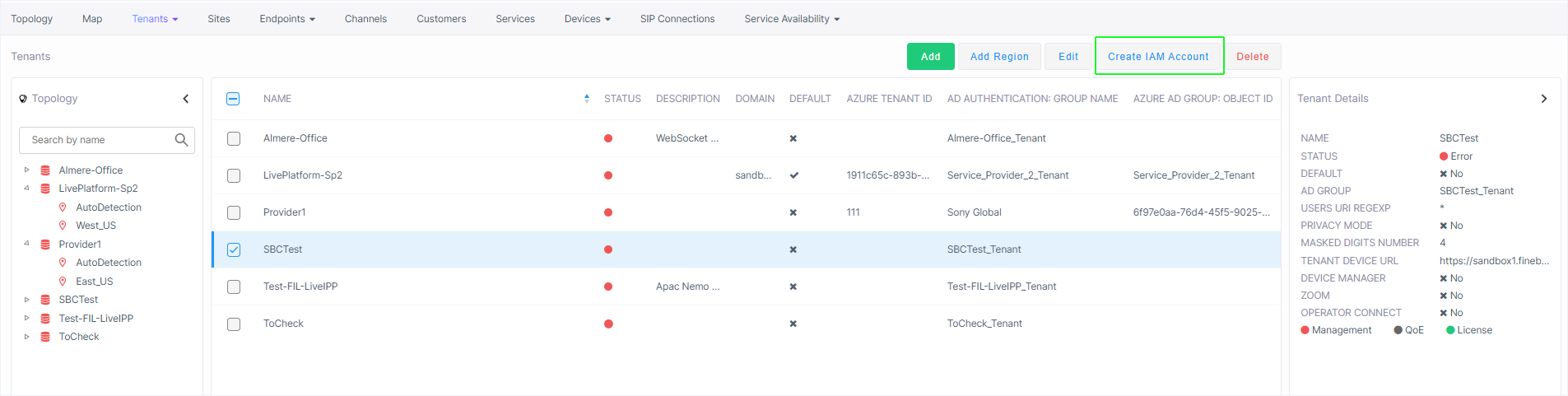
Select the entity for which you wish to create an IAM Account, and then click Create IAM Account. |
|
2.
|
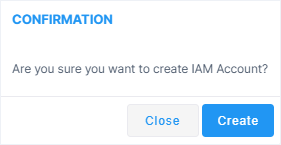
The following confirmation is displayed; click Create to confirm. |
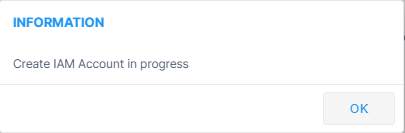
The following confirmation is displayed. Click OK to close the dialog.