
Exporting and importing agents
You can easily import or export AI agents, enabling backup and restoration of AI agents and related configuration entities.
The export feature allows you to select one or more top-level agents, automatically including all referenced objects, such as tools, documents, and sub-agents, in the backup.
The import feature restores data from the backup and overwrites any existing entities with identical names.
Export agents
To export agents:
-
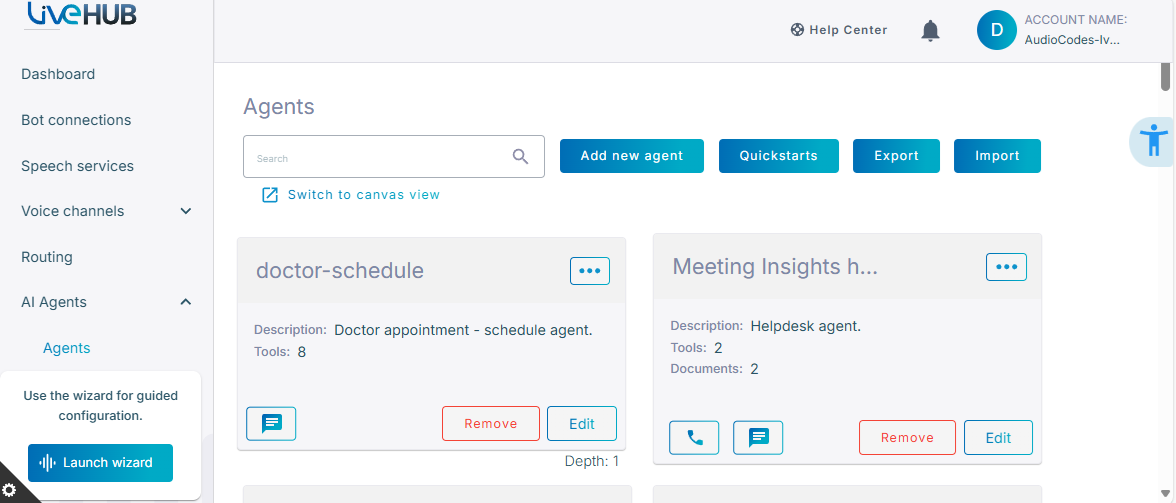
In the Navigation menu pane, select AI Agents, and then click Agents.
-
Click Export.
-
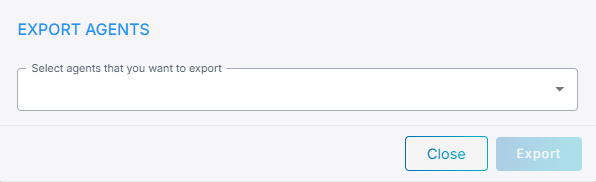
Select the agents that you want to export from drop-down list.
- Click Export. The selected agents will be saved as a .json file.
Import agents
To import agents:
-
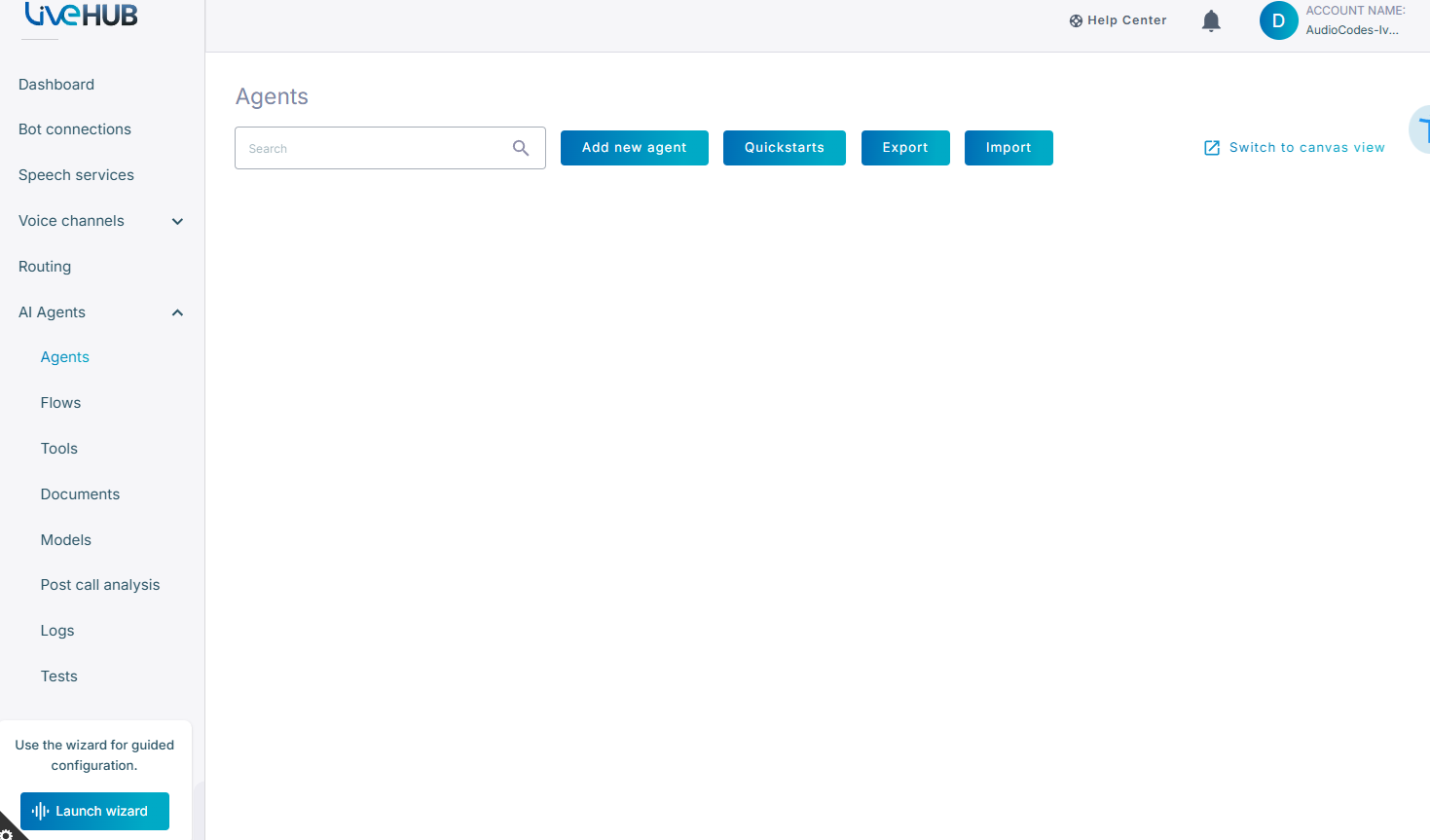
In the Navigation menu pane, select AI Agents, and then click Agents.
-
Click Import.
- Browse for your AI agent file, then click Import to begin the process.