
Failover actions
Failover actions control how a voice bot responds when a call fails during an ongoing call (a call that is already connected), allowing it to perform a predefined action, such as playing an audio prompt or transferring the call, instead of disconnecting immediately.
Errors that trigger failover
Failover can be triggered by the following types of errors:
-
Bot framework errors
-
Speech service errors
-
Logical errors on VoiceAI Connect
Failover handling options
When a failure occurs, the bot can perform one or more of the following actions:
-
Play a prompt to the user (textual or audio file).
-
Transfer the call (to a human agent or to another bot).
-
Disconnect the call with specific reason.
To configure failover actions:
-
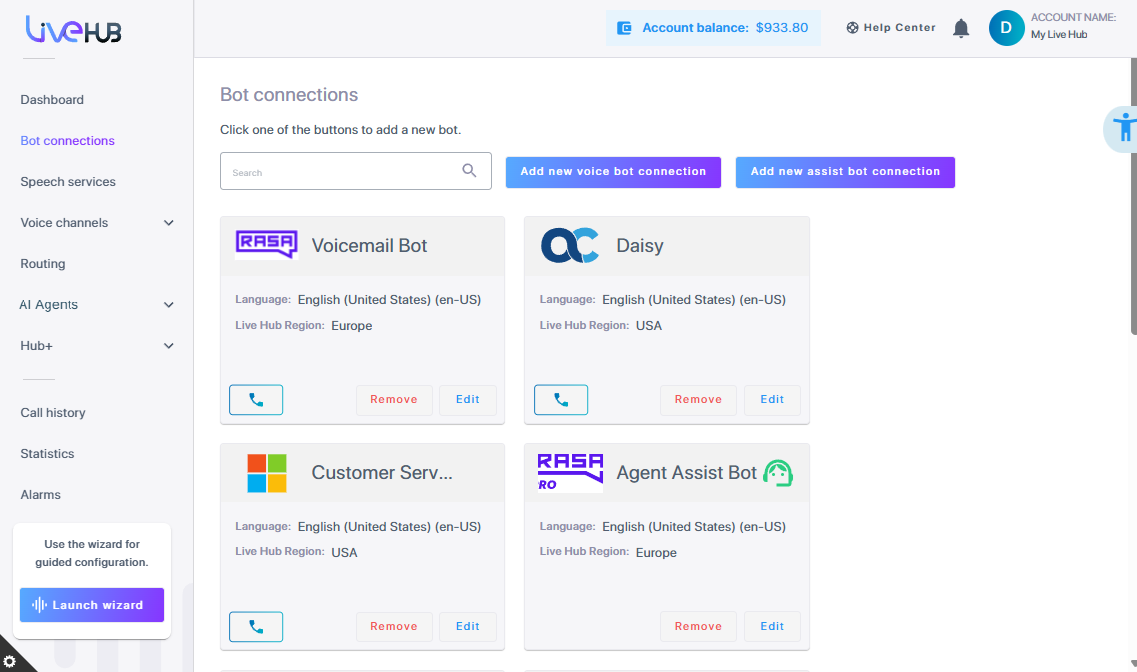
In the Navigation pane, select Bot connections.
-
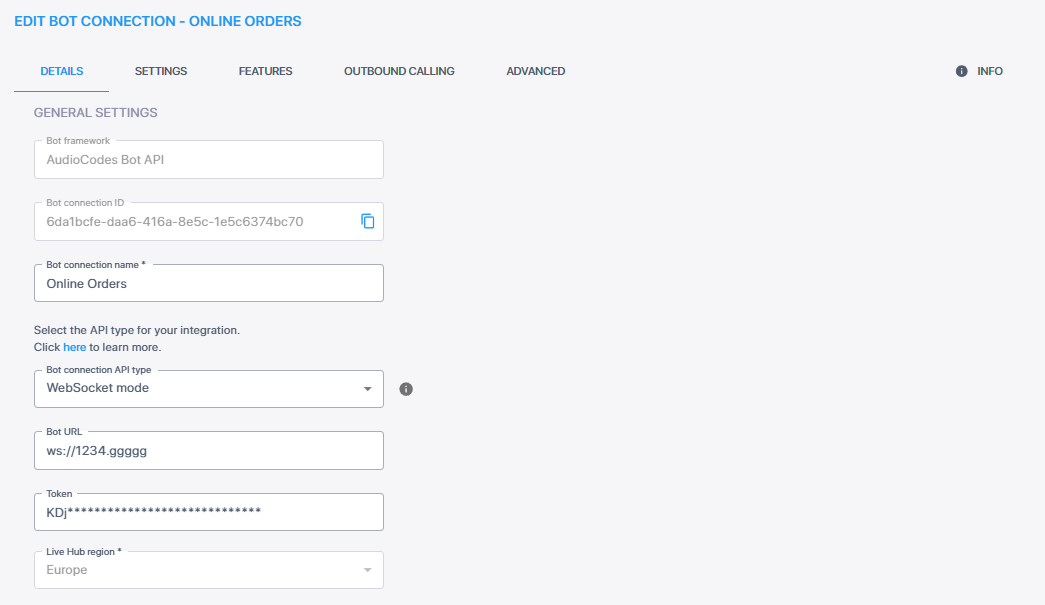
Click Edit on the bot connection for which you want to configure failover actions.
-
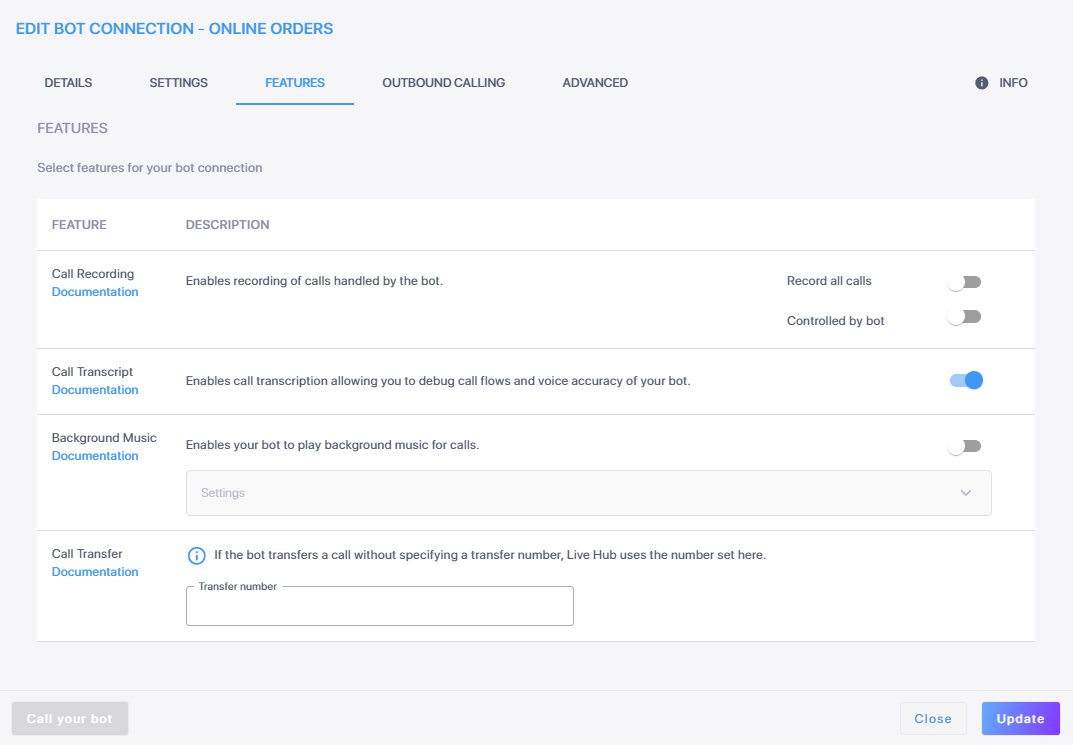
Click the Features tab.
-
Under the 'Select features for your bot connection' section, expand Settings.
-
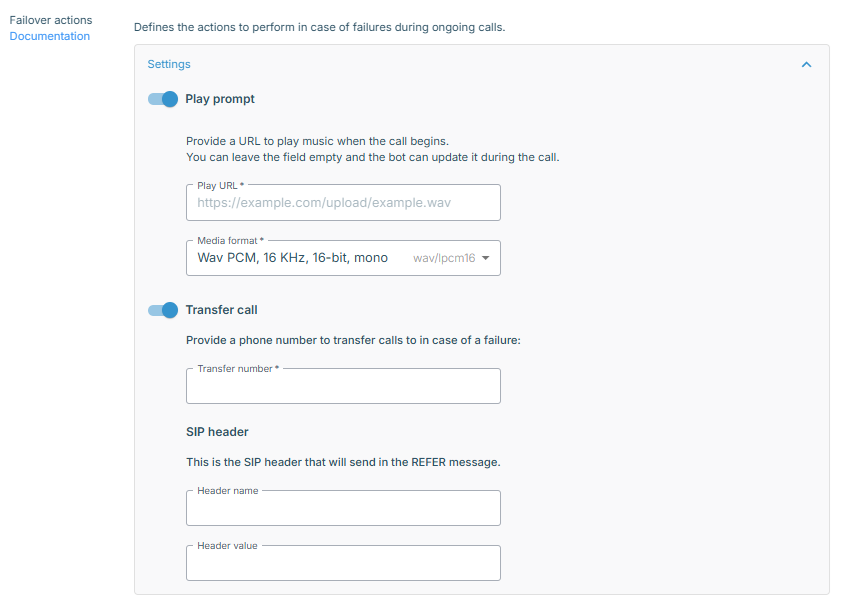
Select one or both of the following toggle switches to turn on the required Failover actions feature:
-
Play prompt - Plays a predefined audio message when a failure occurs.
-
Under 'Play URL', enter a media URL.
-
Under 'Media format', choose the desired media format (Wav format or Raw formats are available).
-
-
Transfer call - Transfers the call to a specified number upon failure.
-
Enter a SIP 'Header name' and 'Header value' pair, to allow metadata about the failure to be passed to the receiving agent.
-
-
-
Click Update.