
Switch accounts
Users can be associated with multiple accounts. If you have access to more than one account, you can switch between accounts by following the procedure below.
To switch accounts:
-
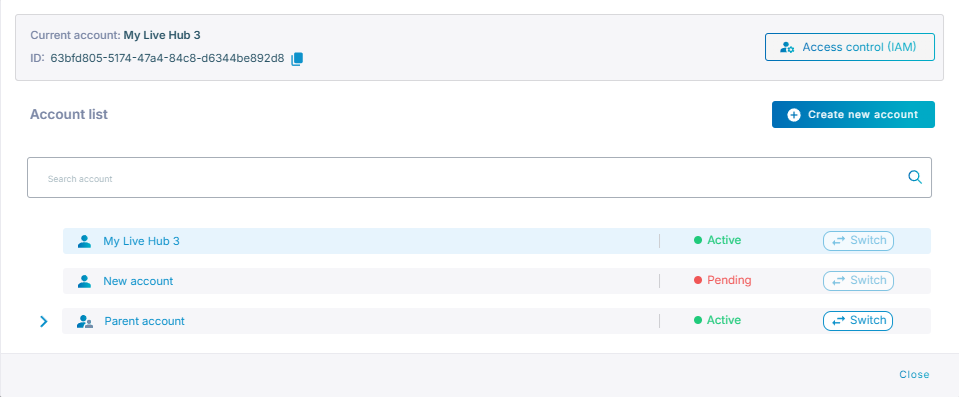
Click Current account located in the top-left corner of the Live Hub window. Displays your current account. Click to view your account list, switch accounts, create a new account, or access IAM controls.
-
Under Account list, locate the account you want to switch to, and click Switch. Live Hub now switches you to the chosen account and the 'Account Name' in the top-right corner displays the switched account.
If you have multiple accounts, when you sign in, Live Hub brings you to the same account as on your previous sign in.