
Update your account details
The following procedure describes how to update your Live Hub account details, including your billing address.
Before you can add credit to your account, you must provide your billing address for tax purposes, as described in this section.
To update your account details:
-
In the Navigation pane, select Settings.
-
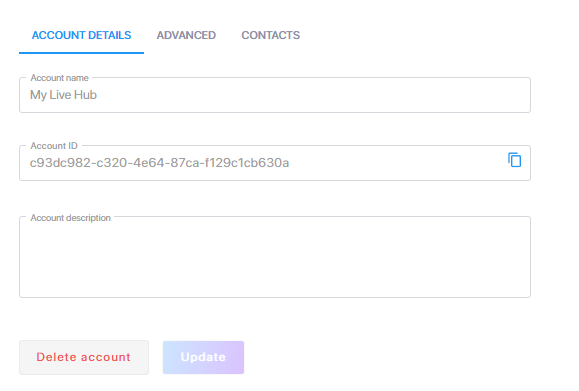
Update your account details as needed. You can modify the account name and description to make them more meaningful, then click Update to save your changes.