Configuring a Color Mode Preset on the RXVCAM50 Camera
When RXV200 is connected to the AudioCodes RXVCAM50 camera, you can configure a Color Mode preset from RX-PAD.
Regular users can only create temporary presets during ongoing meetings. These presets are automatically deleted at the end of the meeting.
To permanently configure the default Room preset or create permanent presets, you need to be logged in as admin (see Accessing Device Admin Settings).
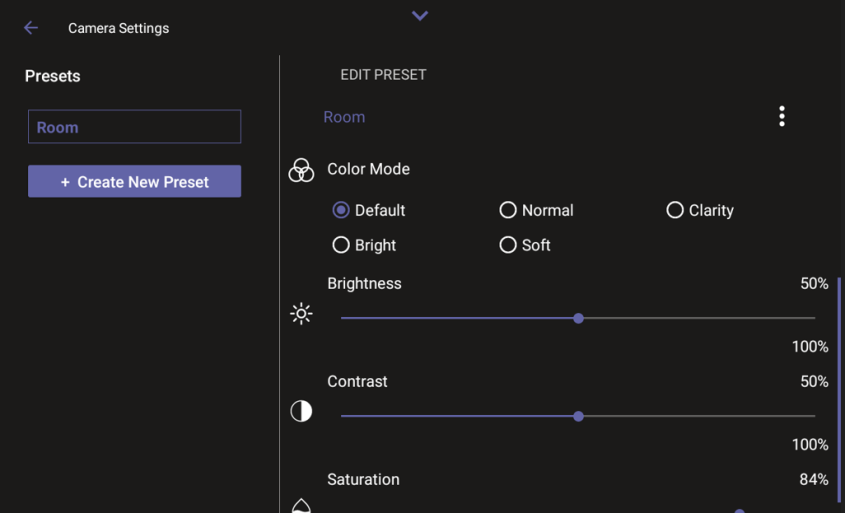
Users can configure either of the following options:
|
Color Mode |
Attributes |
|---|---|
|
Default |
Brightness - 50, Contrast - 50, Saturation - 70 |
|
Normal |
Brightness - 50, Contrast - 50, Saturation - 70 |
|
Clarity |
Brightness - 60, Contrast - 50, Saturation - 60 |
|
Bright |
Brightness - 50, Contrast - 50, Saturation - 70 |
|
Soft |
Brightness - 50, Contrast - 50, Saturation - 60 |