Managing Popup Messages
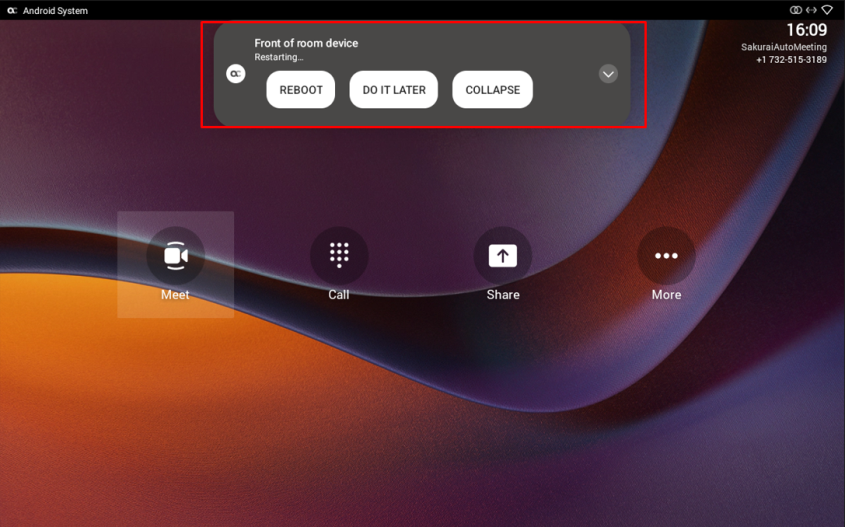
Popup messages displayed on the MTRA device are seamlessly mirrored in the bundled RX-PAD to enhance user interaction. When a message pops up in the MTRA GUI, the same is displayed in the RX-PAD. The feature streamlines user experience, allowing users to conveniently confirm messages directly from the RX-PAD and manage notifications intuitively and efficiently.
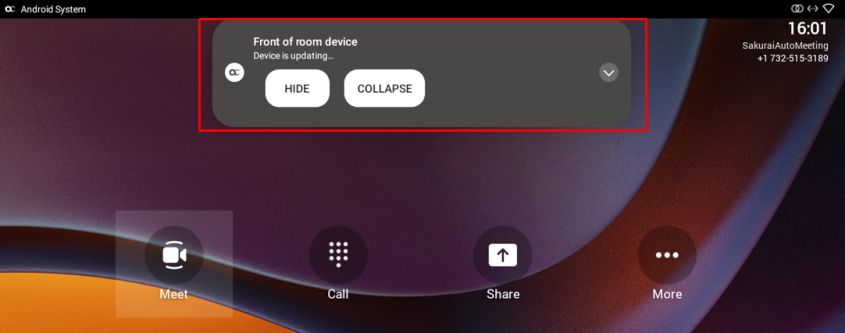
The following picture shows the popup message Device is updating on the RX-PAD.
If the alert is an action, you can perform the action using the RX-PAD, for example, REBOOT / DO IT LATER / COLLAPSE, as shown in the following picture.