Setting up Camera Zoom and Color Properties
| ➢ | Zoom |
To manually set a camera’s zoom-in and PTZ, set its Tracking Mode to Manual. Use the + and - signs to zoom in and out, and the arrows to set its PTZ.
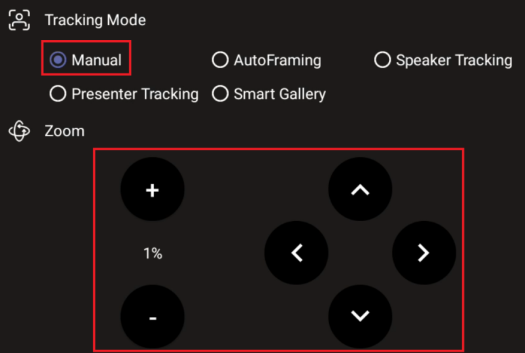
| ● | If a Tracking Mode other than Manual is selected, the camera zoom is handled by the MTRA. |
| ● | Manual zoom setup is not possible in Composite AI mode. |
| ➢ | Color Properties |
Each connected camera comes with default Brightness, Contrast, and Saturation properties. You can adjust them as required.
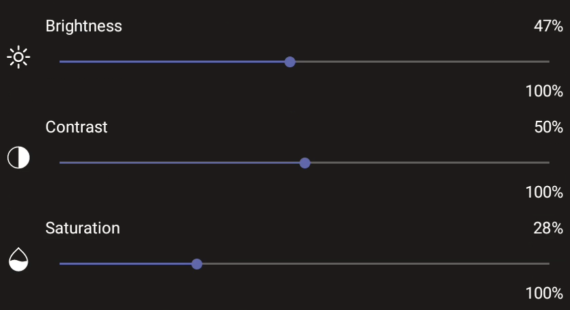
With an RXVCAM50 camera, you can also select a Color Mode (see Configuring a Color Mode Preset on the RXVCAM50 Camera).