Viewing About the RXV200 or RXV81
The ‘About’ screen gives you quick access to information about the
| ➢ | To access the About page: |
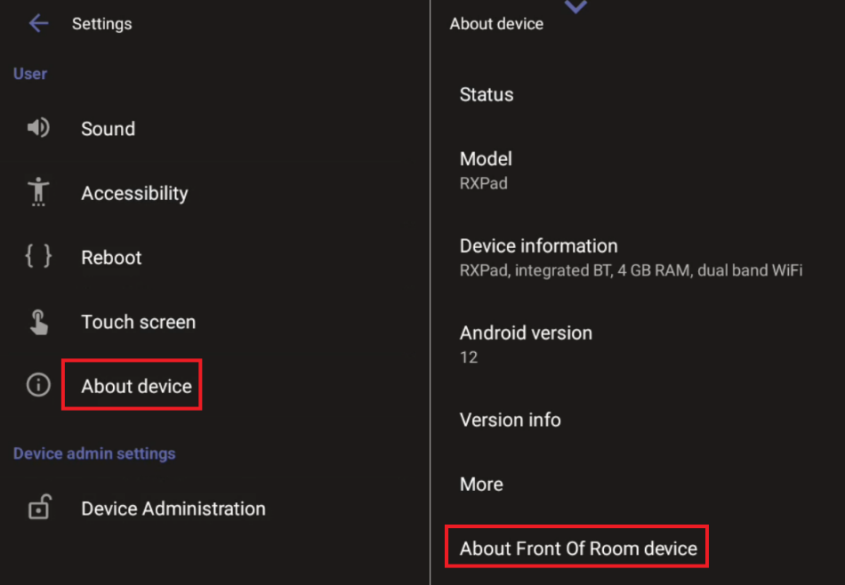
| 1. | Navigate to ‘Settings’ (see Accessing User Settings). |
| 2. | Under ‘User’, tap About device. |
If you are accessing the page from the RX-PAD, the RX-PAD device information is displayed. To view the RXV device info, tap About Front of Room device.
Admins can monitor the status of the device’s software modules from the System State page (see Monitoring the System Status).