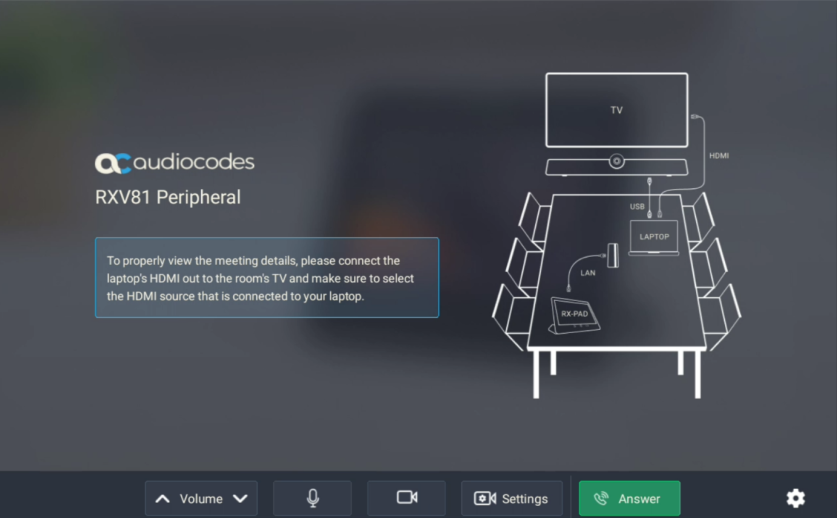
Pair RXV81 with RX-PAD
Customers that acquired an RXV81P-B10 bundle (see Bundles) need to pair the RXV81 with the RX-PAD (which is part of the bundle).
|
■
|
Make sure both devices are running the latest AudioCodes firmware version. |
|
■
|
Make sure both devices are connected to the same network (subnet). |
|
■
|
Make sure that both UDP port 9999 and TCP port 9999 are open in both directions inside the network. |
|
■
|
For Wi-Fi connectivity, you must use a power supply adapter (not supplied but can be ordered separately). |
|
■
|
Make sure that the distance between the pairing devices is close enough for uninterrupted Bluetooth connectivity. |
|
➢
|
To pair the RXV81 with the RX-PAD: |
|
1.
|
After connecting the RX-PAD and RXV81 to the network, the pairing process automatically begins. |
|
2.
|
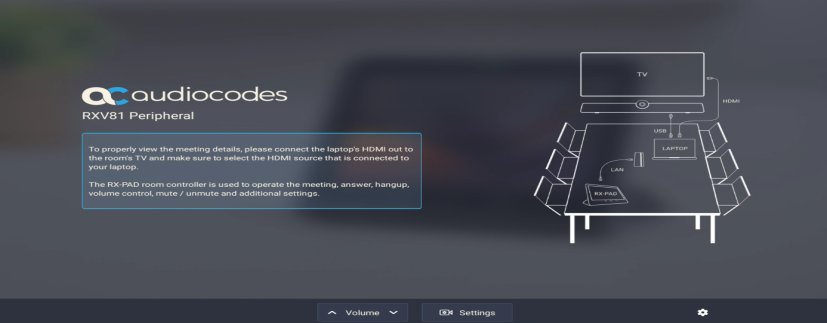
Once pairing is complete, the RX-PAD displays the following: |
3. When a call comes in, view the incoming call’s functions on the RX-PAD, for example, ANSWER, as shown in the following figure.