View Details
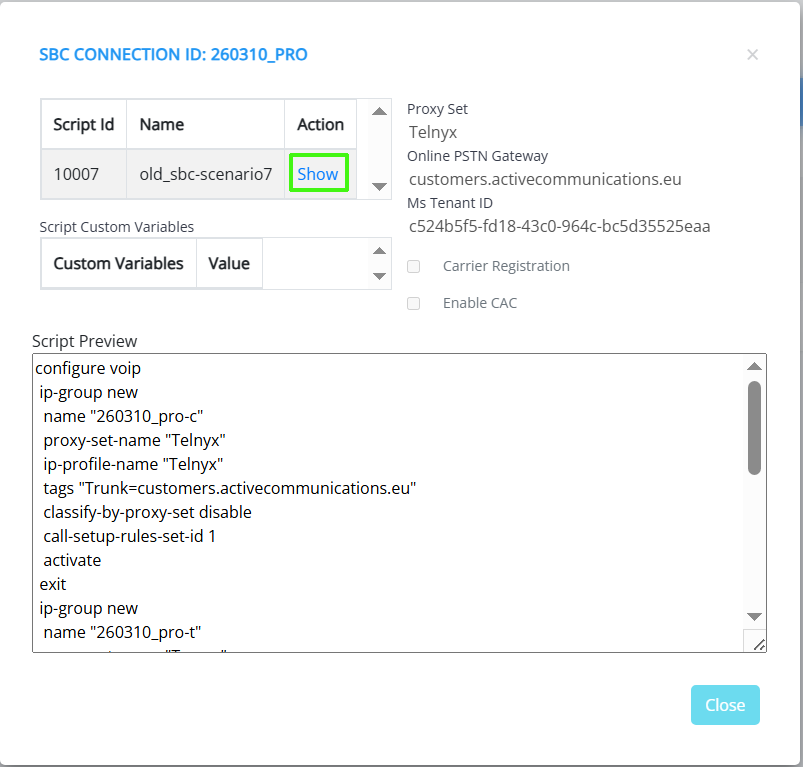
When you click the View Details link you can view a summary of the main configuration parameters including the Proxy Set, Online PSTN Gateway and Ms Tenant ID and whether Carrier Registration or CAC is enabled. You can also view the Onboarding script that is applied to the connection.
| ➢ | Do the following: |
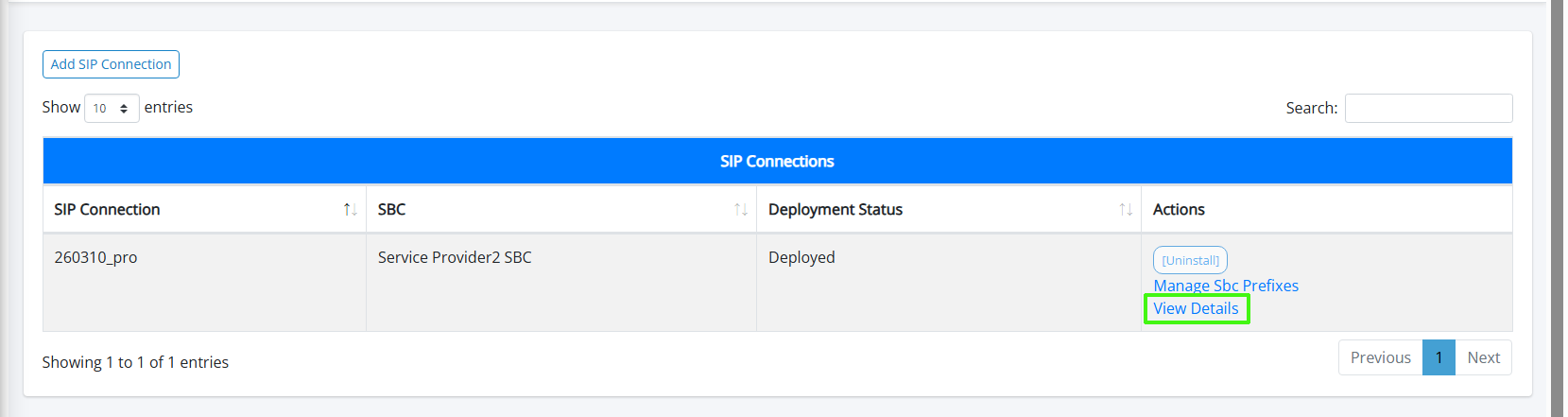
| 1. | In the SIP Connections page, click the View Details link for the relevant SIP connection. |
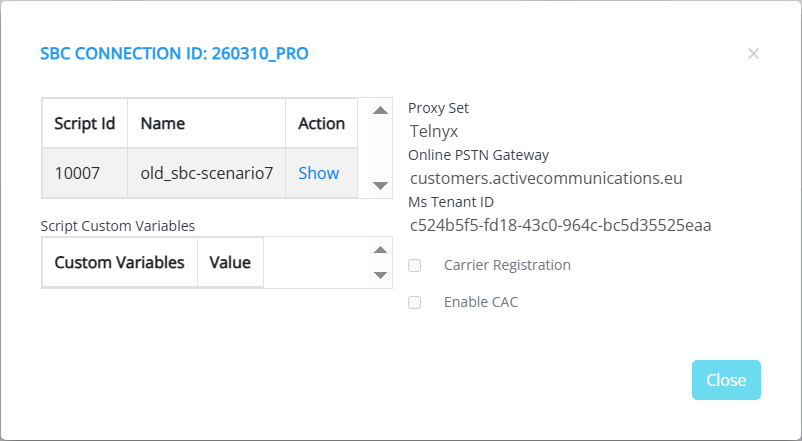
| 2. | Click Show to view the Onboarding script. The script preview pane opens. |