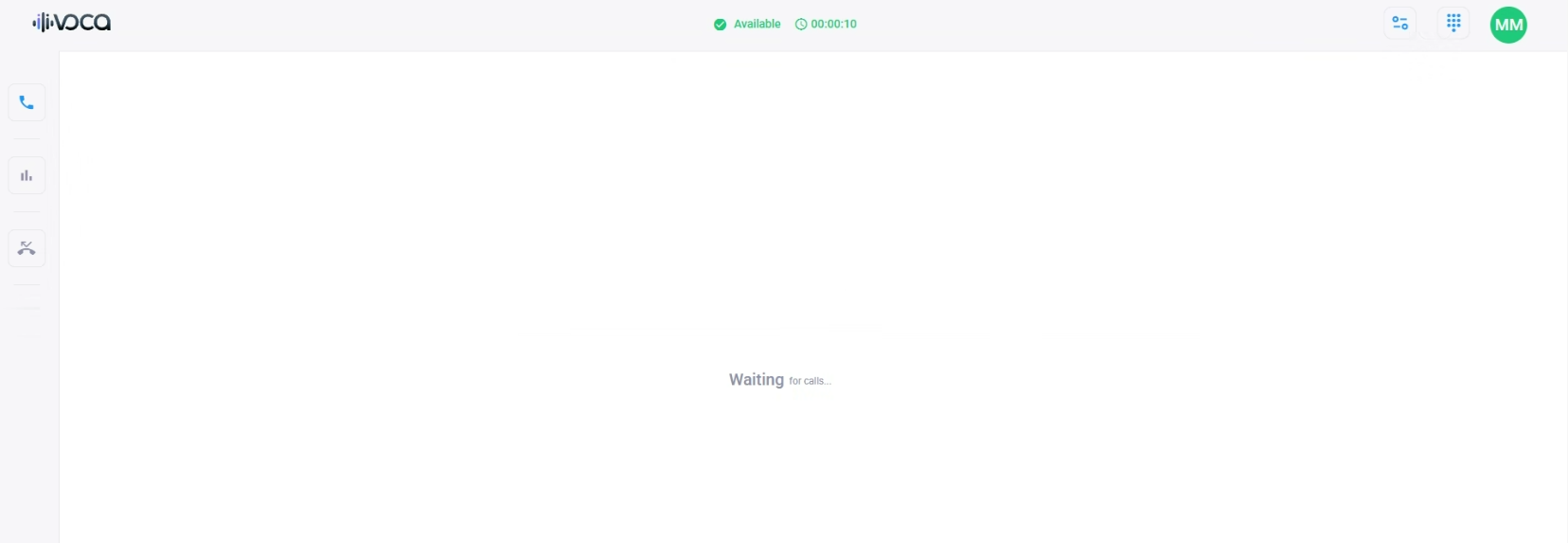
Logging into Voca CIC Flex Application
The following procedure describes how to log into the Voca CIC Flex Application so that you can start using it.
| ➢ | To log in to Flex Application: |
| 1. | From the Navigation menu pane, select Dashboard, and then on the top bar, click the Voca Flex Application button: |
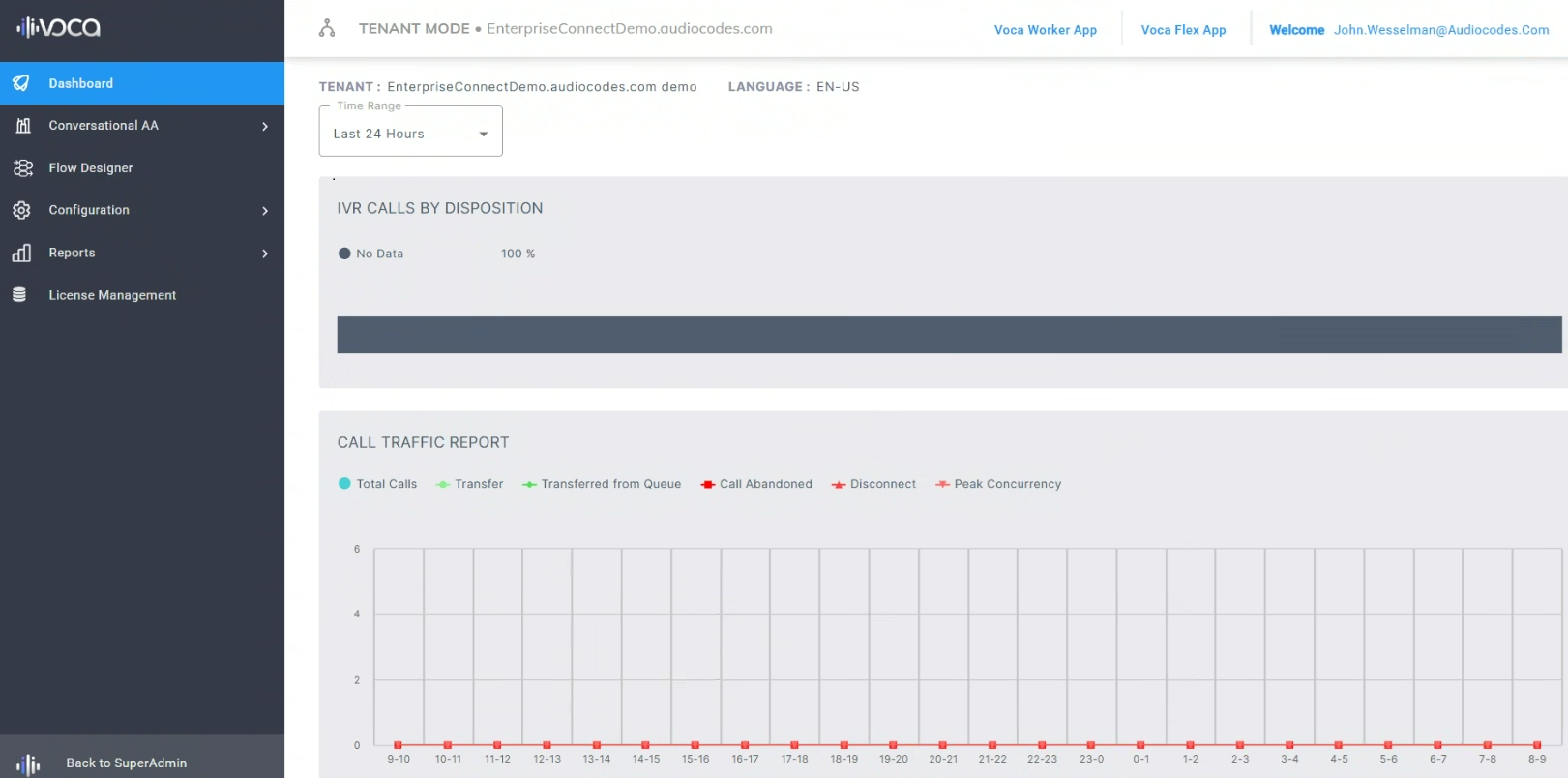
The Flex Member login page appears:

| 2. | Enter your Flex Member's email address, as configured in Voca CIC, and then click Login; a password window appears: |
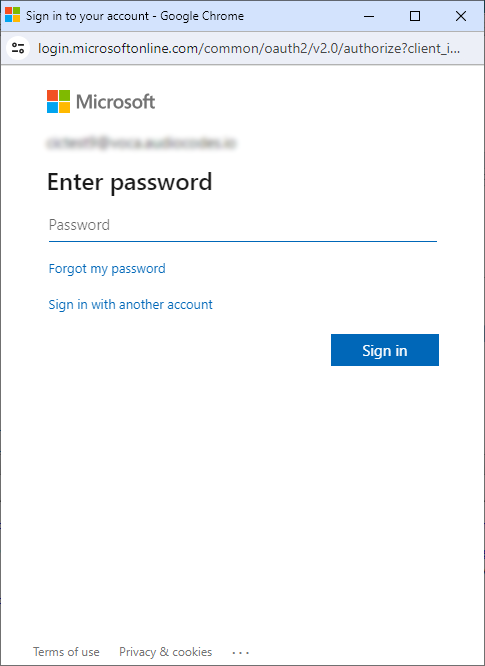
| 3. | Enter your Flex Member’s Microsoft account password (single sign-on / SSO), and then click Sign in; the Flex Application opens, as displayed below! |