Onboarding LiveOps 360 Services
This procedure describes how to onboard liveOps 360 services.
| ➢ | To onboard the Live Ops360 service: |
| 1. | Do one of the following: |
| ● | In the Services page, from the Add Service drop-down, choose Live Ops360. |
| ● | In the Customers page, select the check box adjacent to the relevant customer and then from the Add Service drop-down, choose Live Ops360. |
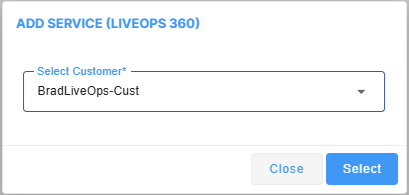
The Onboarding form is displayed.
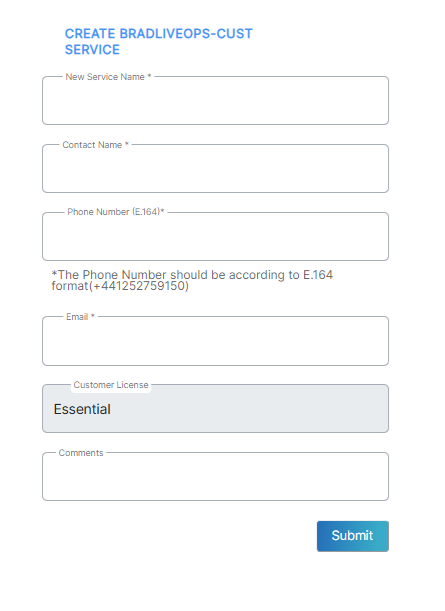
| 2. | Configure parameters according to the table below. |
|
Parameter |
Description |
|---|---|
|
New Service Name |
The name of the new service. |
|
Contact Name |
The name of the contact. |
|
Phone Number (E.164) |
The phone number of the M365 tenant admin. |
|
|
The email of the M365 tenant admin. |
|
Customer License |
The license type for the service. Default: Essential |
|
Comments |
Free text notes. |
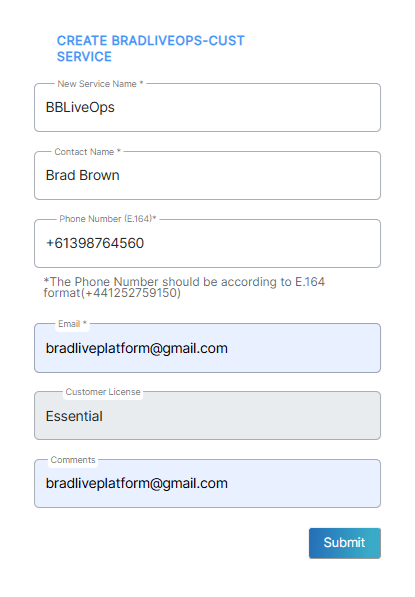
| 3. | Click Submit. Once the service is successfully added, a message similar to the following is displayed. |

Once created, notice that the Deploy status is Ready.
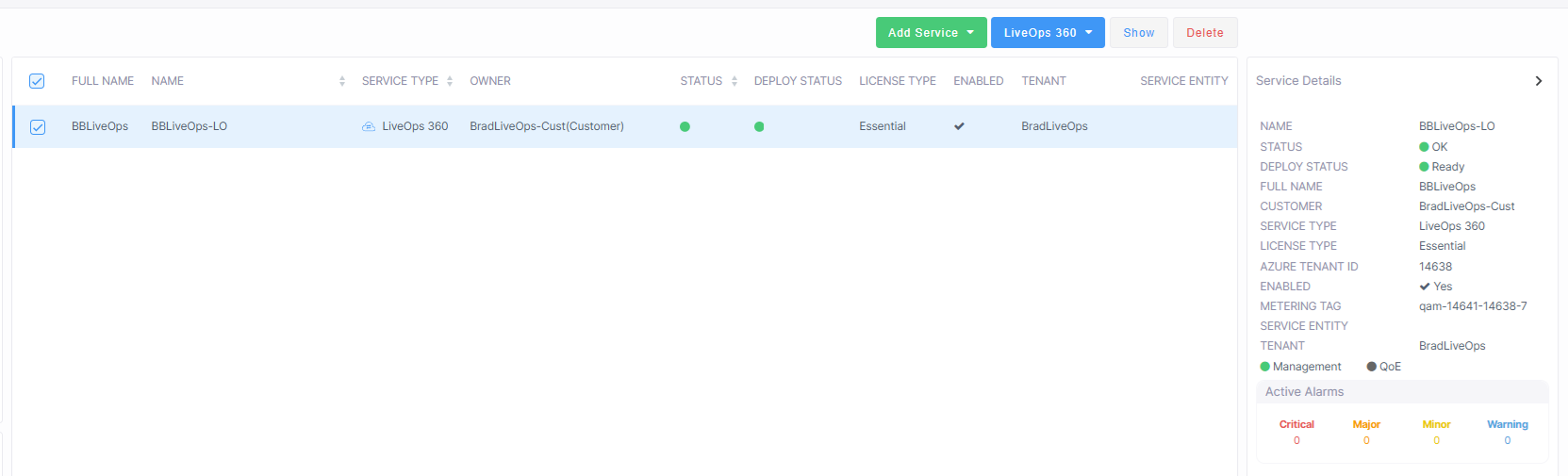
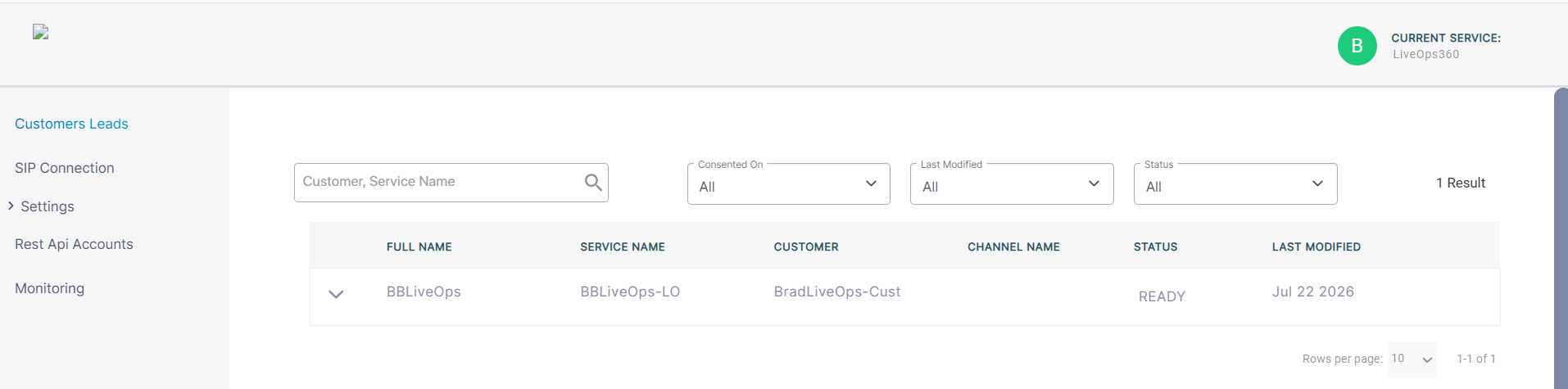
| 4. | From the Services page, from the Service Actions drop-down, open the Service portal (Live Ops360 > Open Services page). Notice that the customer status is also indicated as Ready. |
| 5. | Proceed to Add SIP Connections. |