Add a note to an interaction
You can attach notes to Interactions containing any text or keywords that may later assist to identify the interaction when specifying search criteria (see Filter interactions).
| ➢ | To add notes: |
| 1. | On the Interactions page, click the note icon adjacent to the interaction for which you wish to attach a note. |
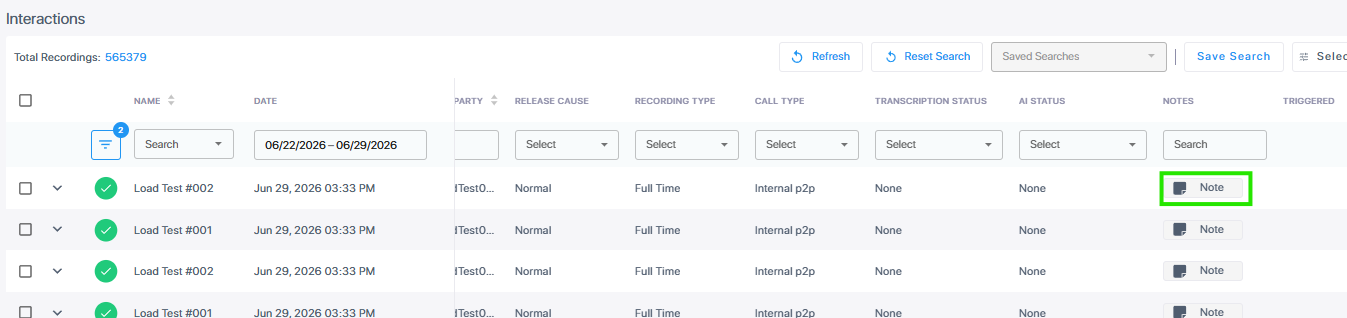
| 2. | Enter a note in the dialog, then click Ø. You can add more than one note in this way. The Note icon becomes blue and displays the number of notes added. |
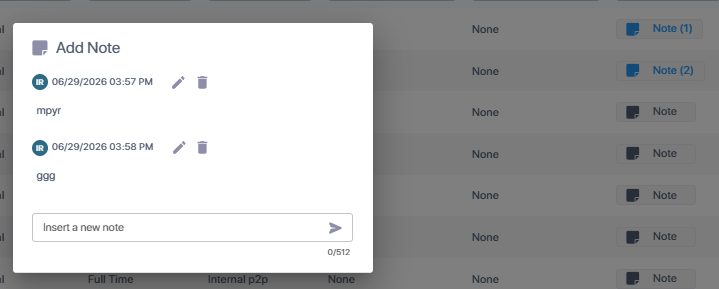
You can edit and delete existing notes.
| 3. | Click outside the dialog to close it. You can open it anytime by clicking the Note icon. |
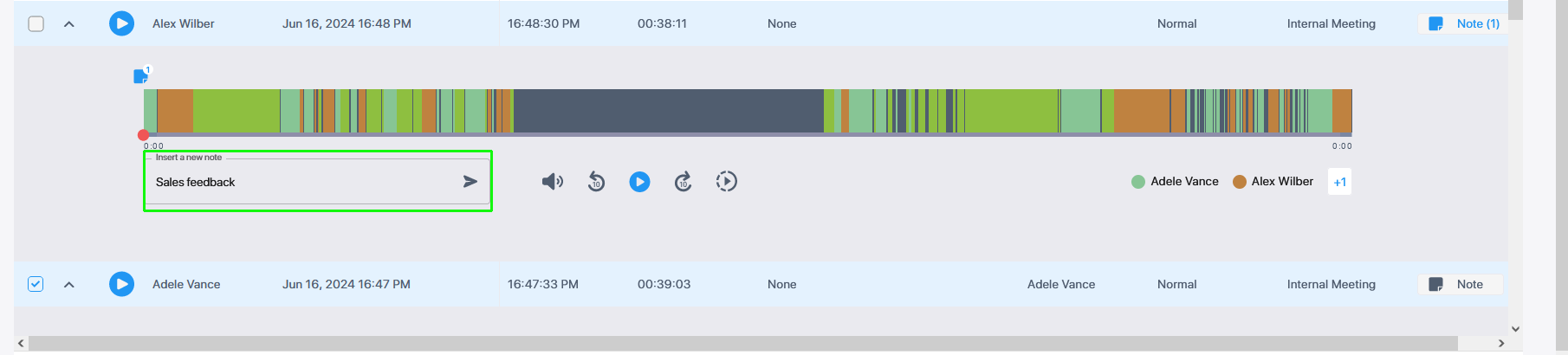
| 4. | You can also add an a new note from an existing note inside the Media player. Click the note icon above the player. |

| 5. | Enter the note text and then click the arrow. |

The new note is added.
You can alternatively add notes below the Media player.