Viewing Service
The Services page lets you view the LiveOps 360 service and monitor the associated Live Platform Topology components:
| ■ | View the service's topology tree. In the figure below, view the service component in attached to both customer and to a channel. |
| ■ | The Service status is active as indicated in both the Main pane and in the Service Details. |
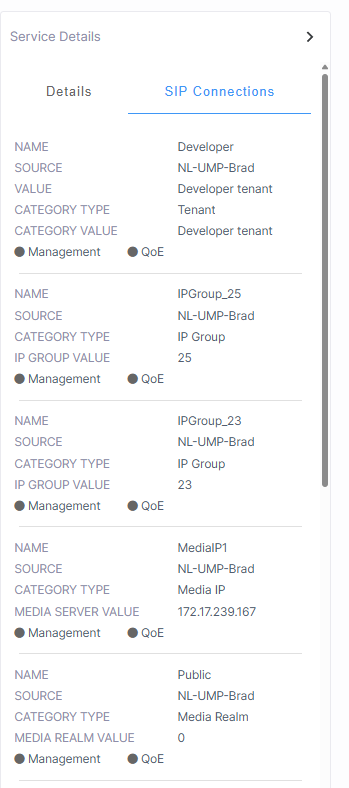
| ■ | Click the SIP Connections tab in the Service Details to view a summary list of SIP Connections that are attached to the service by your provider or reseller. Click SIP Connections in the menu bar to open the SIP Connections page. |
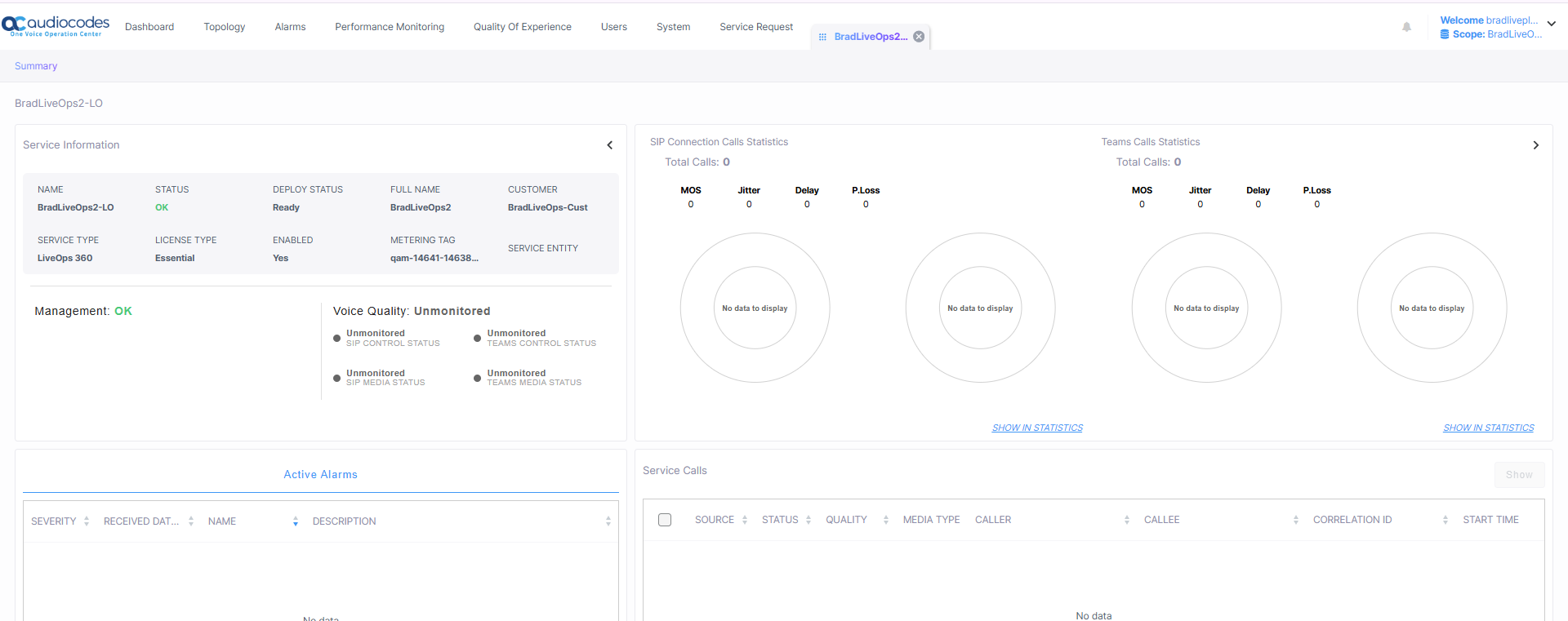
| ■ | Click Show to view the Service statuses in detail. See Show a Service for details. |
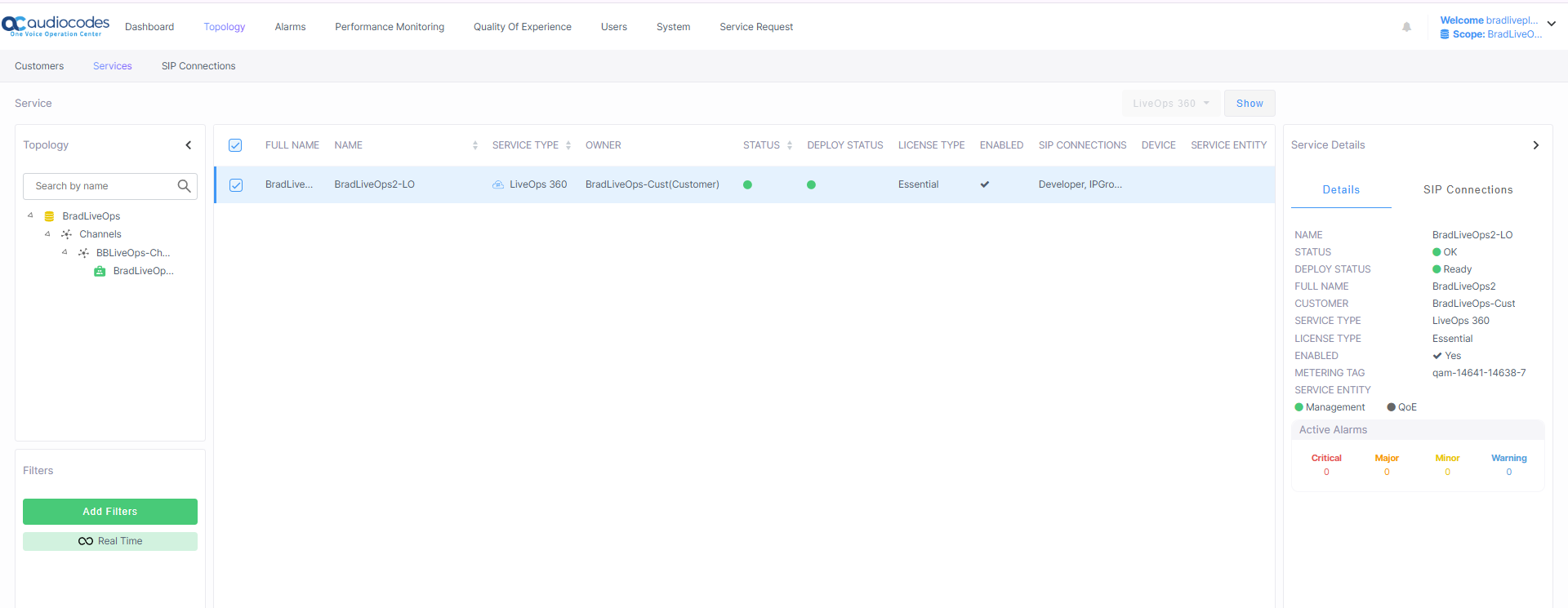
Show Service
SIP Connections
The table below describes the parameters in this page.
|
Parameter |
Description |
|---|---|
|
Name |
Service Shortname as defined in the Onboarding. |
|
Status |
Management Status (see Management Statuses) |
|
Deploy Status |
|
|
Full Name |
Service Full name as defined in the Onboarding. |
|
Customer |
Name of the customer attached. |
|
Service Type |
LiveOps 360 |
|
License Type |
Essential |
|
Enabled |
Indicates whether the Live Platform license is enabled for the service. |
|
Metering Tag |
This tag assigned to DIDs and is used by the Metering server for billing purposes. This value is a unique identifier representing the entity in the Live Platform topology. |
|
Tenant |
Name of the attached Live Platform Service Provider tenant. |
|
Management and QoE Status |
Indicates the status of the Management and QoE managed entities. |
|
Active Alarms |
Summary of Active Alarms for the service (click to drill down to Service alarms). See Monitoring Alarms from Customer Sites. |