Viewing SIP Connections
The SIP Connections page lets you view the SIP Connections that have been attached to your service. Select a SIP Connection to view details.
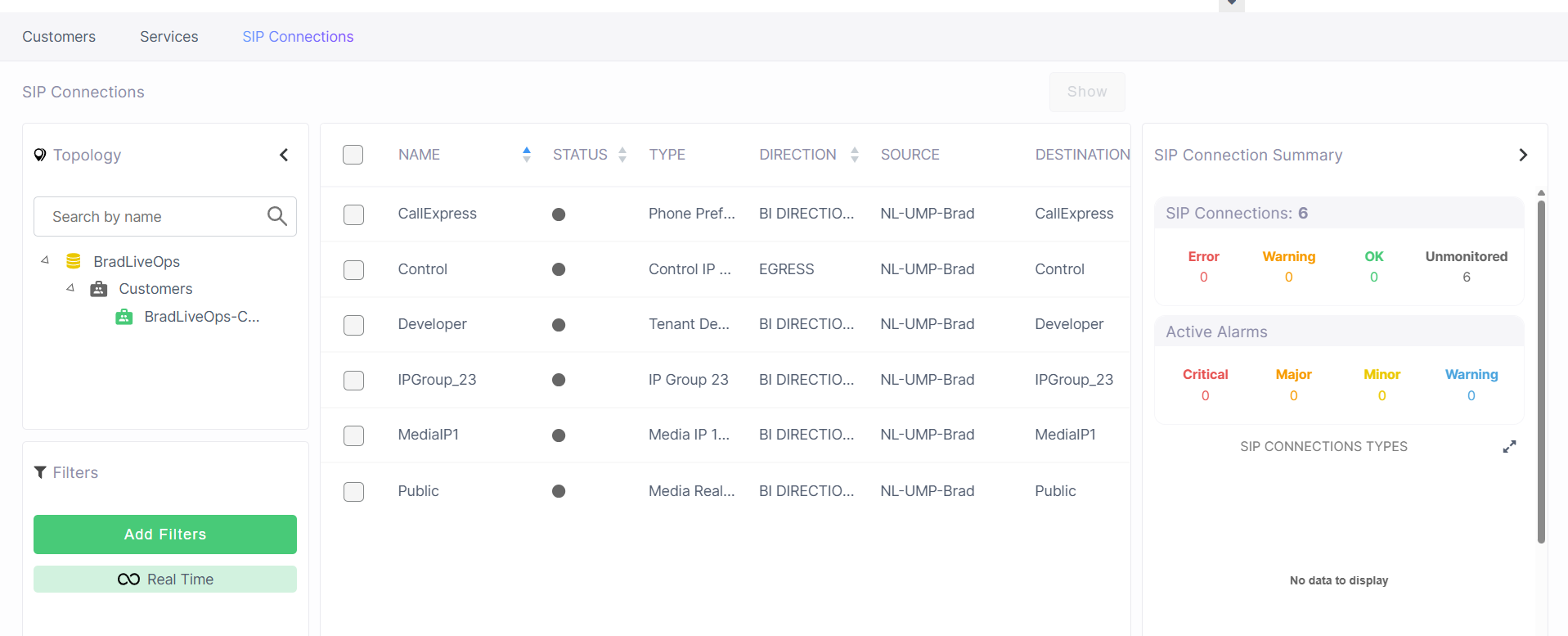
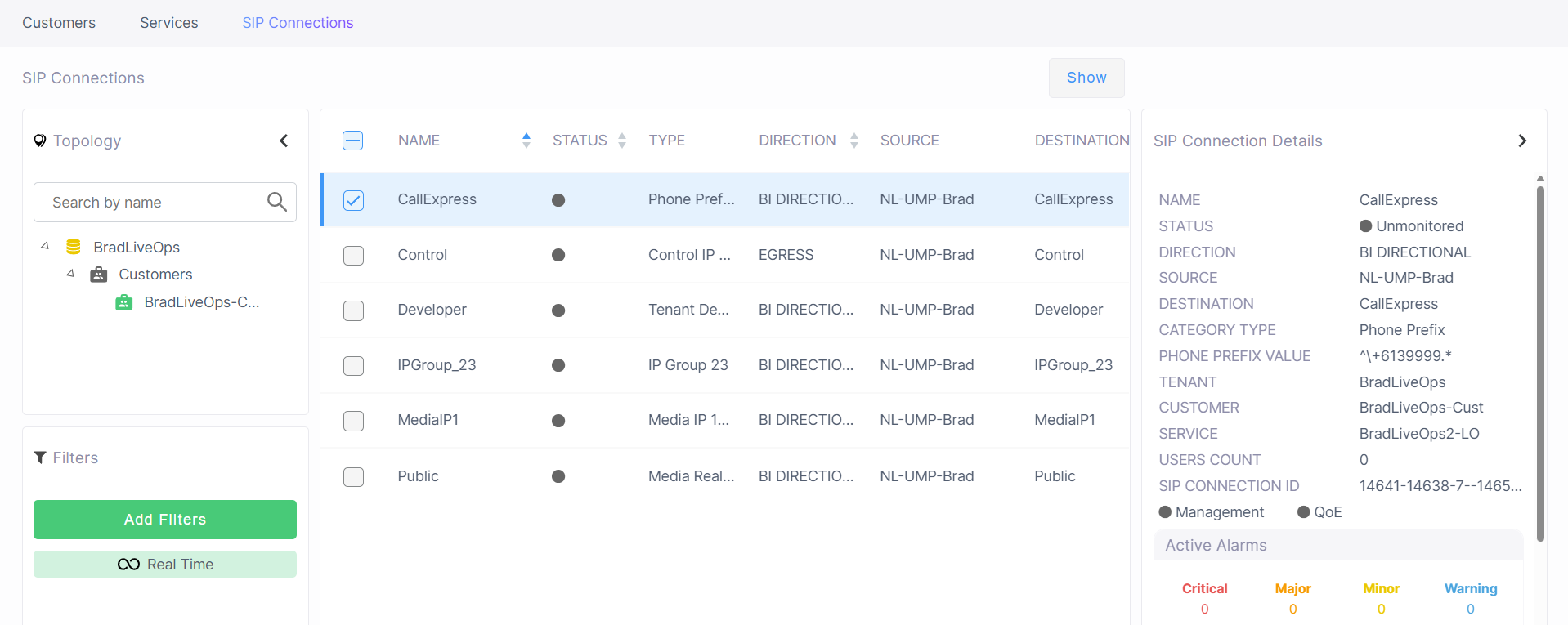
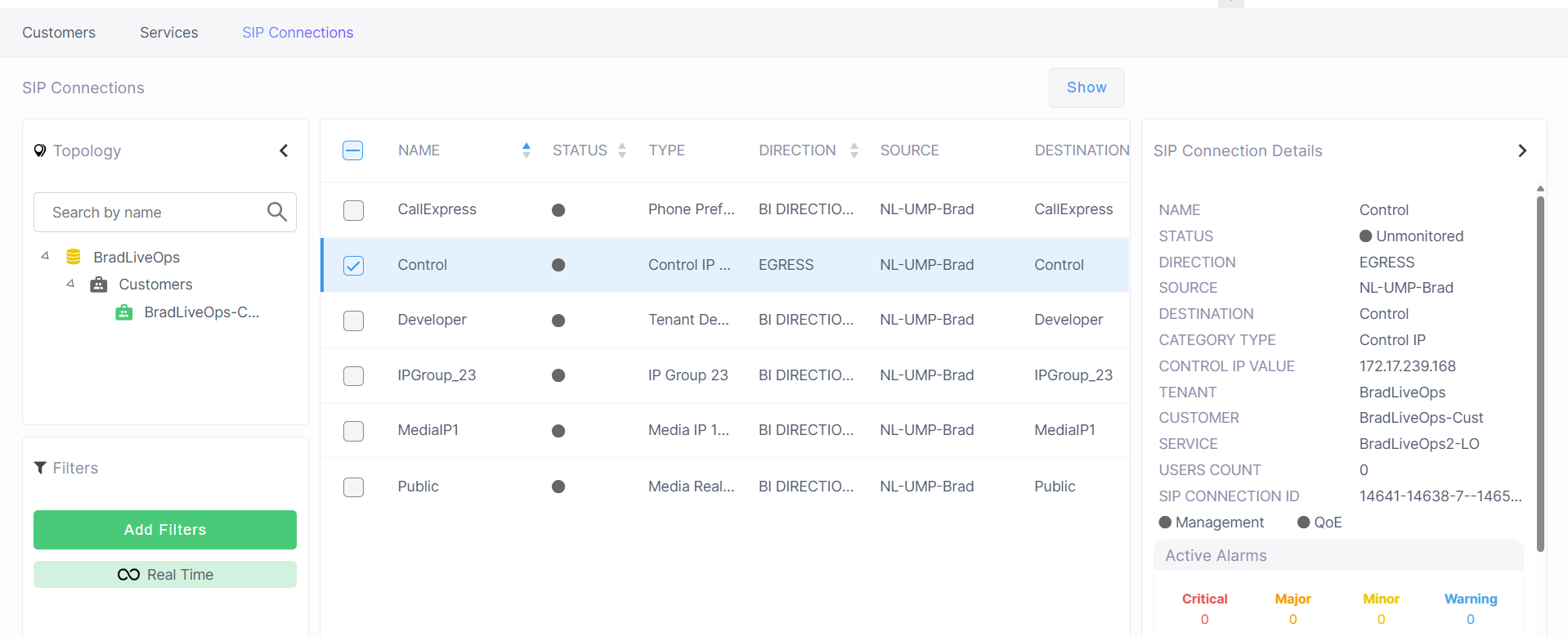
The table below describes the parameters in this page.
|
Parameter |
Description |
||||||||||||||||||
|---|---|---|---|---|---|---|---|---|---|---|---|---|---|---|---|---|---|---|---|
|
Name |
Name of the SIP Connection of the customer service. |
||||||||||||||||||
|
Status |
Connection status (see Management Statuses) |
||||||||||||||||||
|
Type |
The following SIP Connection types are configured where each type has a corresponding entity configured on the SBC device:
|
||||||||||||||||||
|
Direction |
Indicates the direction of the call traffic managed by the SIP Connection.
|
||||||||||||||||||
|
Source |
The name of the SBC device where the SIP Connection is configured. |
||||||||||||||||||
|
Destination |
The destination entity (see "Type" above) through which the outgoing call leg traverses. |
||||||||||||||||||
|
IP Group Value |
Unique IP Group ID for the SIP connection of the service created in the Live Platform database. |
||||||||||||||||||
|
Tenant |
The name of the Service Provider tenant. |
||||||||||||||||||
|
Customer |
The name of the customer attached to the service. |
||||||||||||||||||
|
Service |
The name of the service to which the SIP Connection is attached. |
||||||||||||||||||
|
SIP Connection ID |
Unique ID of the SIP connection that is generated by the specific service platform. For example, when creating a Direct Routing service , a unique SIP connection ID is created for the PSTN or SIP Trunk connection leg and another for the Microsoft Teams leg (if a Microsoft Teams device is added to the service). The unique ID facilitates identification, for example, when the same name is used to label both the SIP/PSTN and Microsoft Teams connections. |
||||||||||||||||||
|
Management Status |
See Management Statuses. |
||||||||||||||||||
|
QoE Status |
See Management Statuses. |
||||||||||||||||||
|
Active Alarms |
Shows the Active alarms for all categories including Critical, Major, Minor and Warning alarms. Click each category to drill down to the Active Alarms page. |