Management with an Integrated service
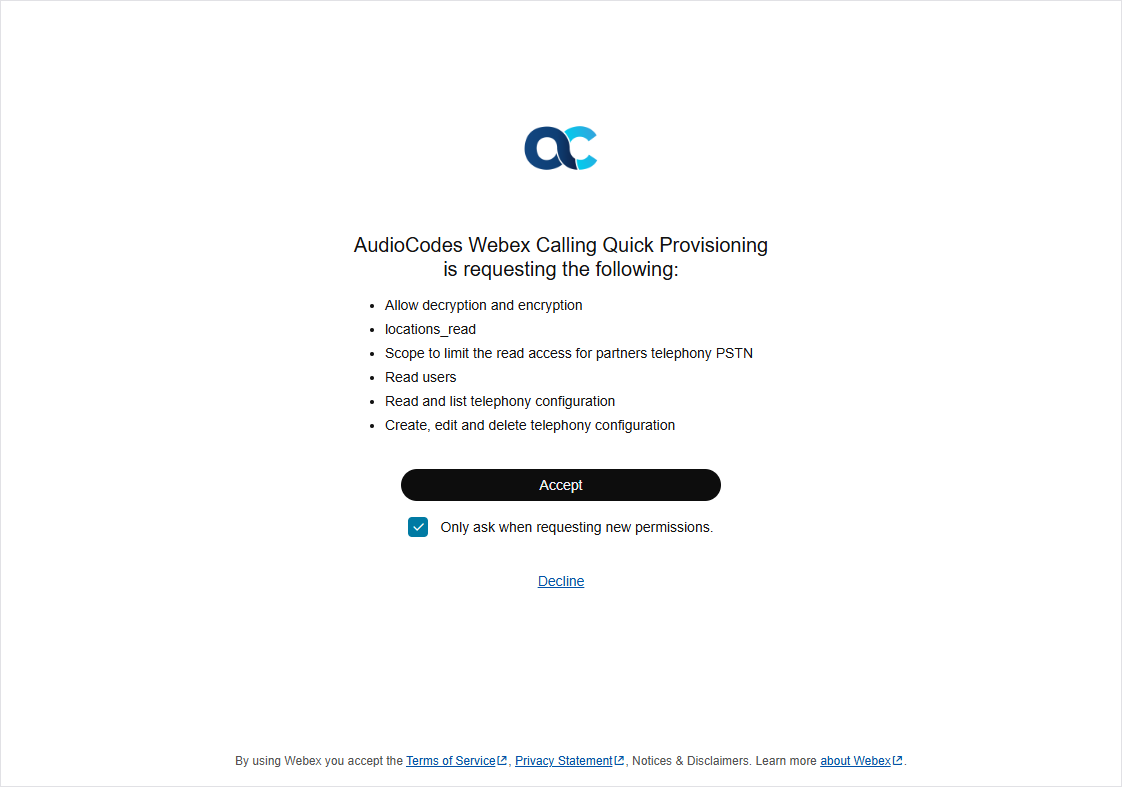
You can allow your Service provider or Channel reseller to connect to your Webex Control Hub. Once a secure connection is established, locations added on Webex Control Hub are synchronized to Live Platform and phone numbers added on Live Platform are synchronized to Webex Control Hub. The secure connection is established through a Token Invitation wizard which is triggered through an email link sent to your customer admin. You must consent to allow the following permissions on your Webex Control Hub:
|
■
|
Allow decryption and encryption |
|
■
|
Scope to limit the read access to partners telephony PSTN |
|
■
|
Read and list telephony configuration |
|
■
|
Create, edit and delete telephony configuration |
|
1.
|
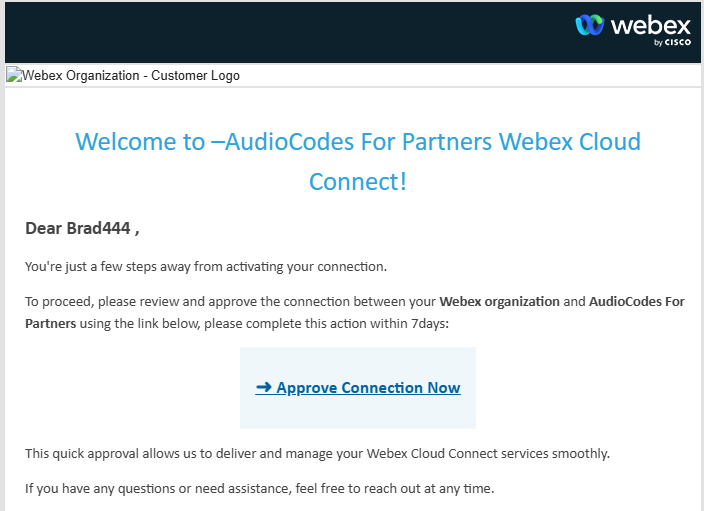
You receive an email invitation similar to the following from your Service Provider or channel partner. |
|
2.
|
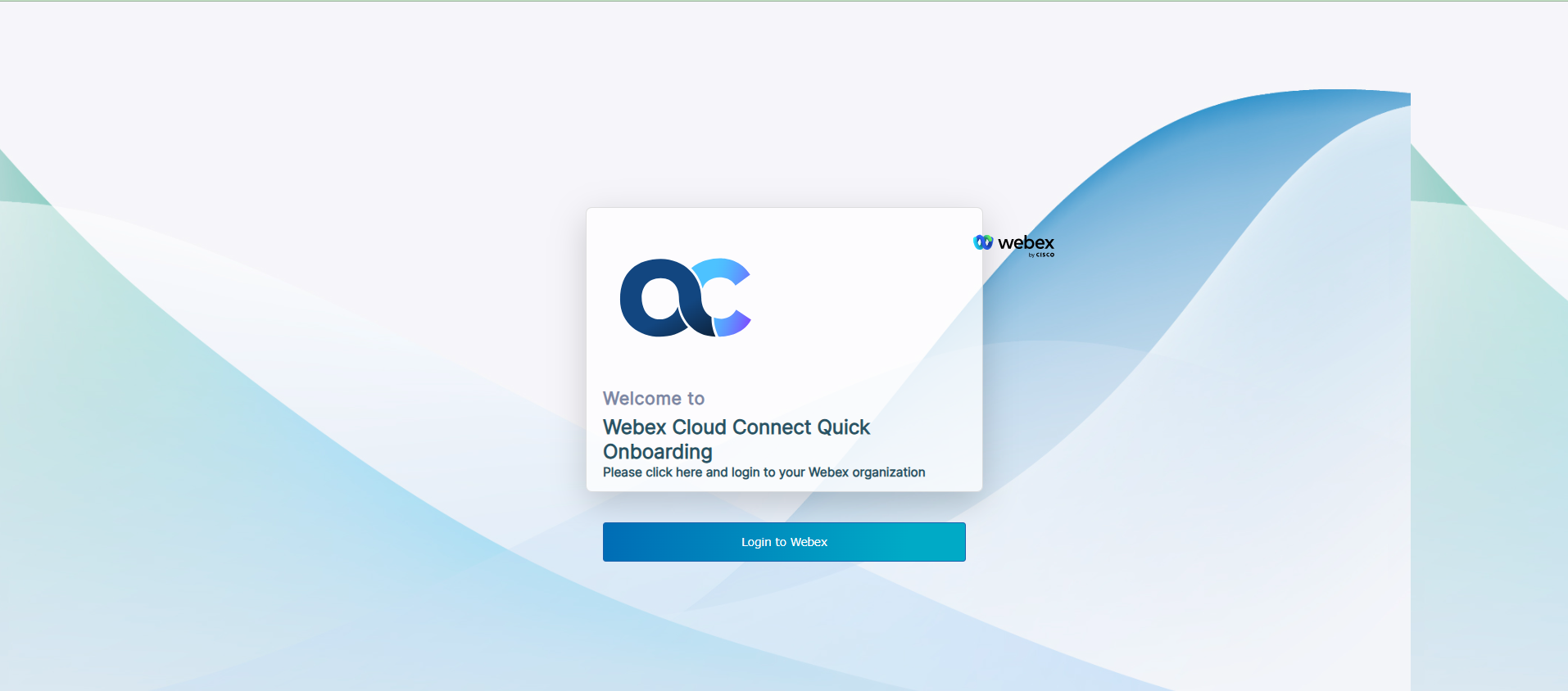
Click Approve Connection Now. |
|
4.
|
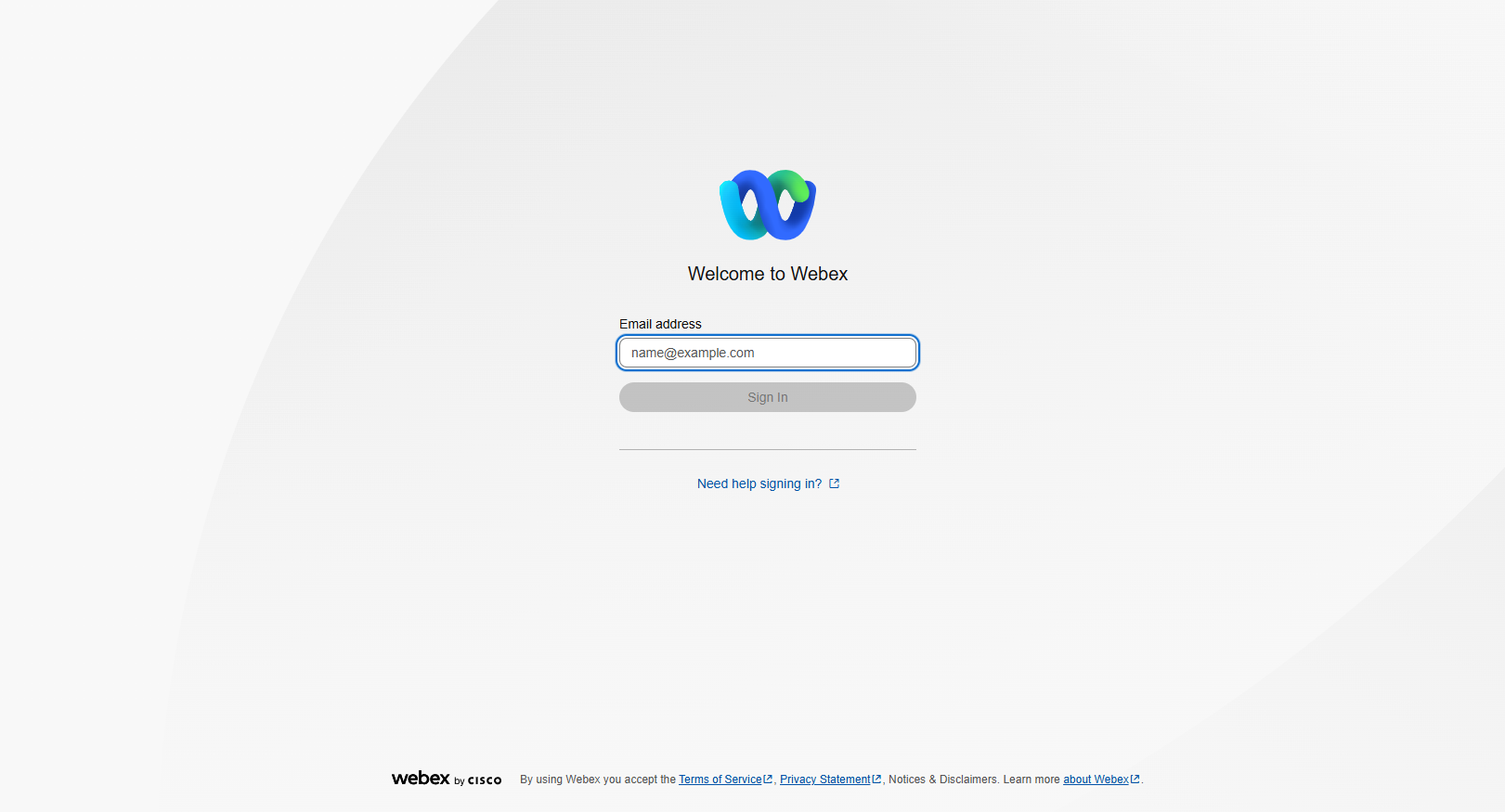
Enter the Email address and password of your Webex Control Hub account and then click Sign in. |
|
5.
|
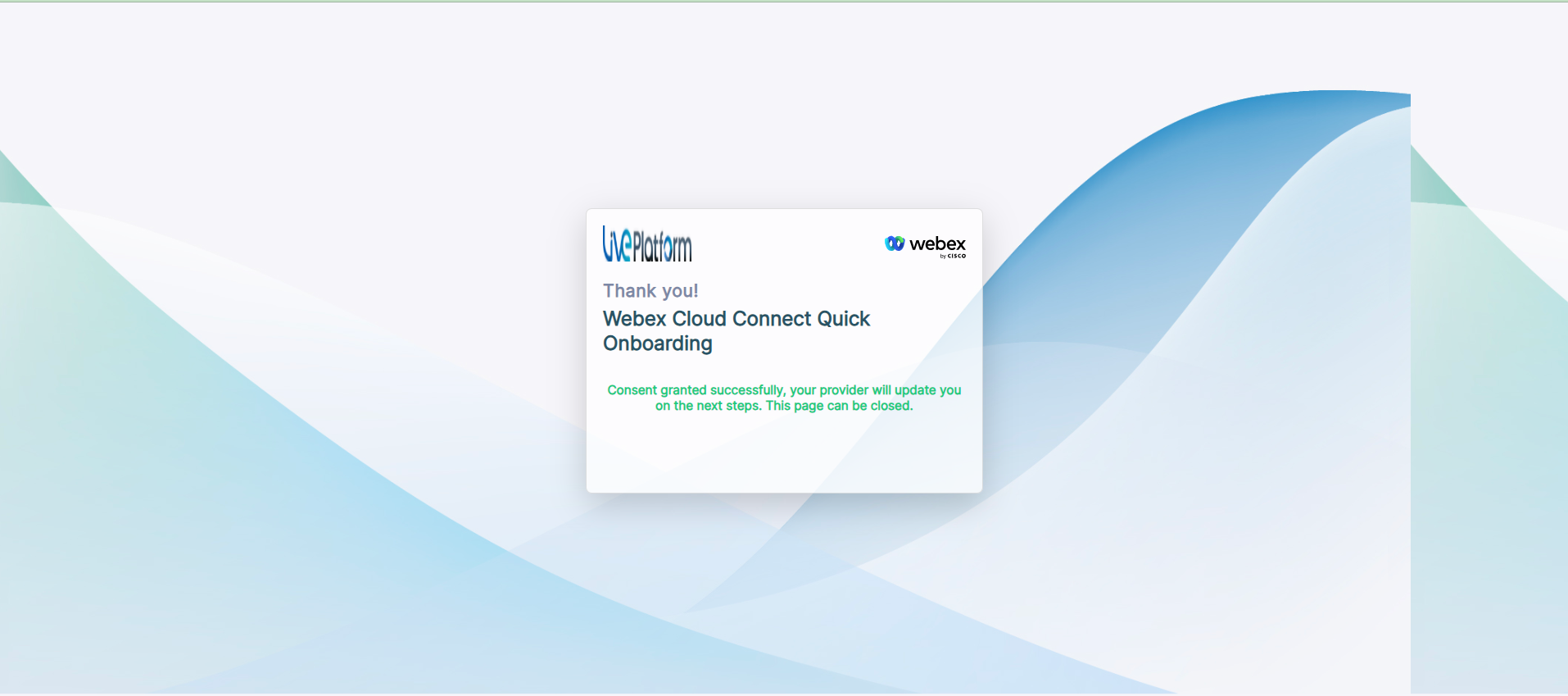
Click Accept to provide consent. The following confirmation is displayed. You can close the screen. Contact your Service provider or Channel partner to complete the Onboarding process. |