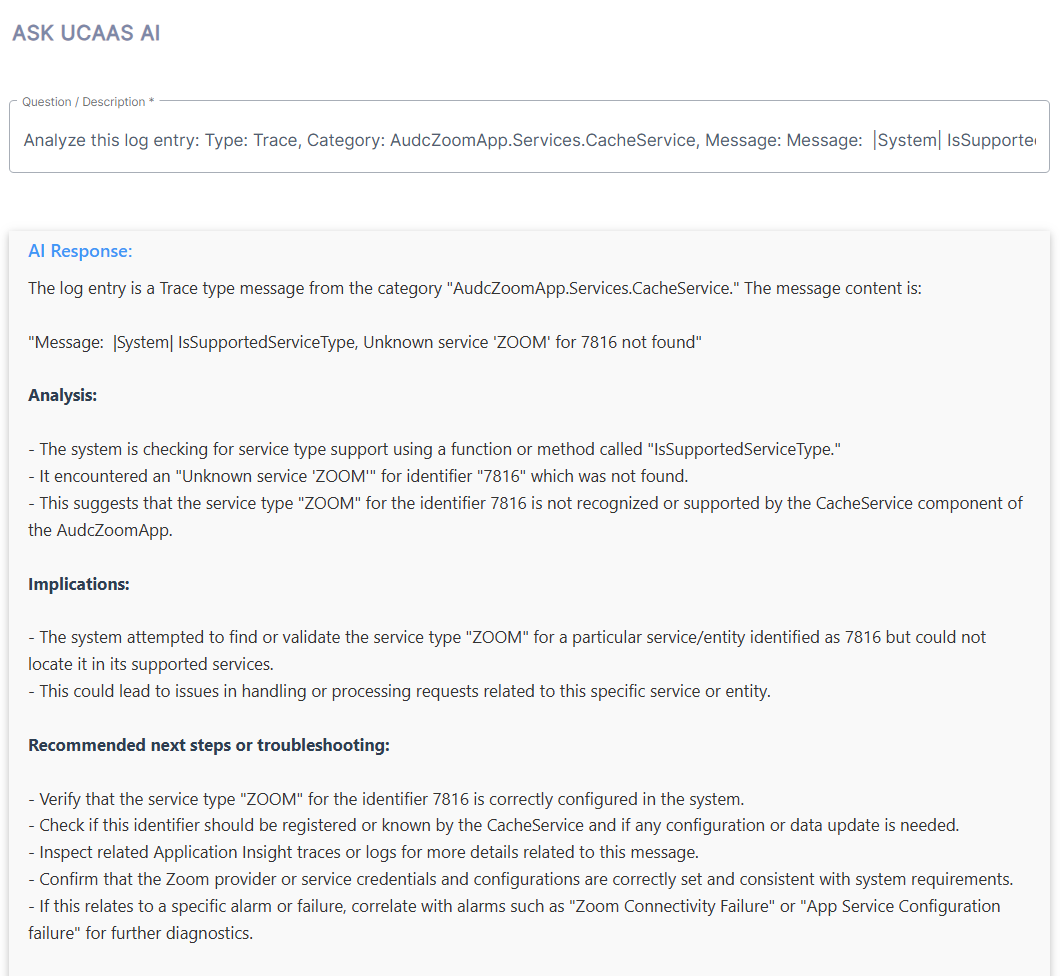
Ask UCAAS AI
The Monitoring page includes a UCAAS AI query tool that lets you run search queries related to details of the specific alarms and Application logs entries. You can define the query prompts by either extracting specific text or keywords directly from the alarm description or by clicking the Analyze option to automatically fill the query field based on the information in the reported entry. The example below shows a query for a trace log related to the ZoomApp CacheService.