Attach a Profile to Devices
You can attach a profile to one or more devices.
|
1.
|
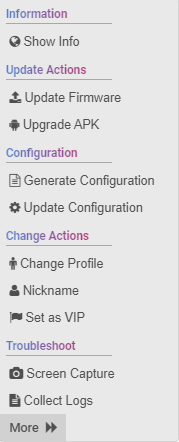
Open the Devices Status page (Monitor > Devices Status) and next to the managed device, click the Actions menu. |
|
●
|
Alternatively, select multiple devices and then click the Selected Rows Actions link. |
|
●
|
The menu shown in the preceding figure differs slightly when multiple devices are selected or when RXV100 is selected. |
|
2.
|
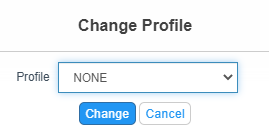
Select the Change Profile option. |
|
3.
|
From the drop-down, select the profile that you wish to attach. |