View the License Types
You can view a list of the Meeting Insights license types and their default feature settings.
|
➢
|
To view the license types: |
|
1.
|
Open the Tenant Management portal for the Meeting Insights service. |
|
2.
|
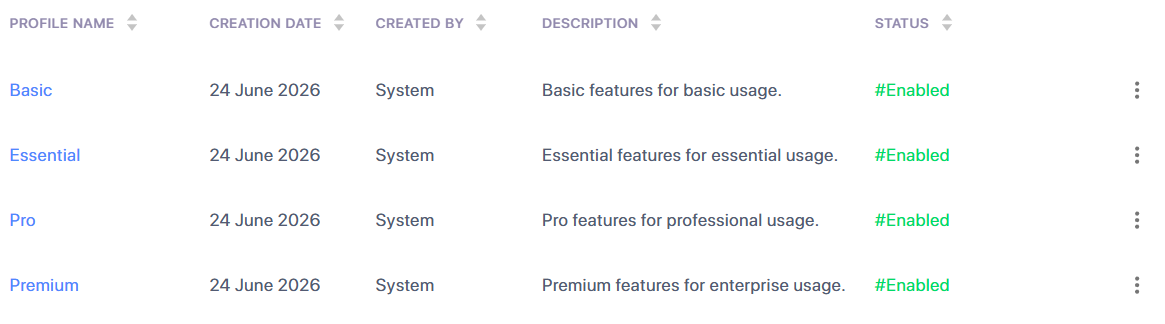
In the navigation pane, select License Profiles; a page appears listing all the Meeting Insights license types. |
|
3.
|
To view the default feature settings of a license type, click the license type name; the View License Profile page appears, displaying the feature settings of the license type. |