Active alarms
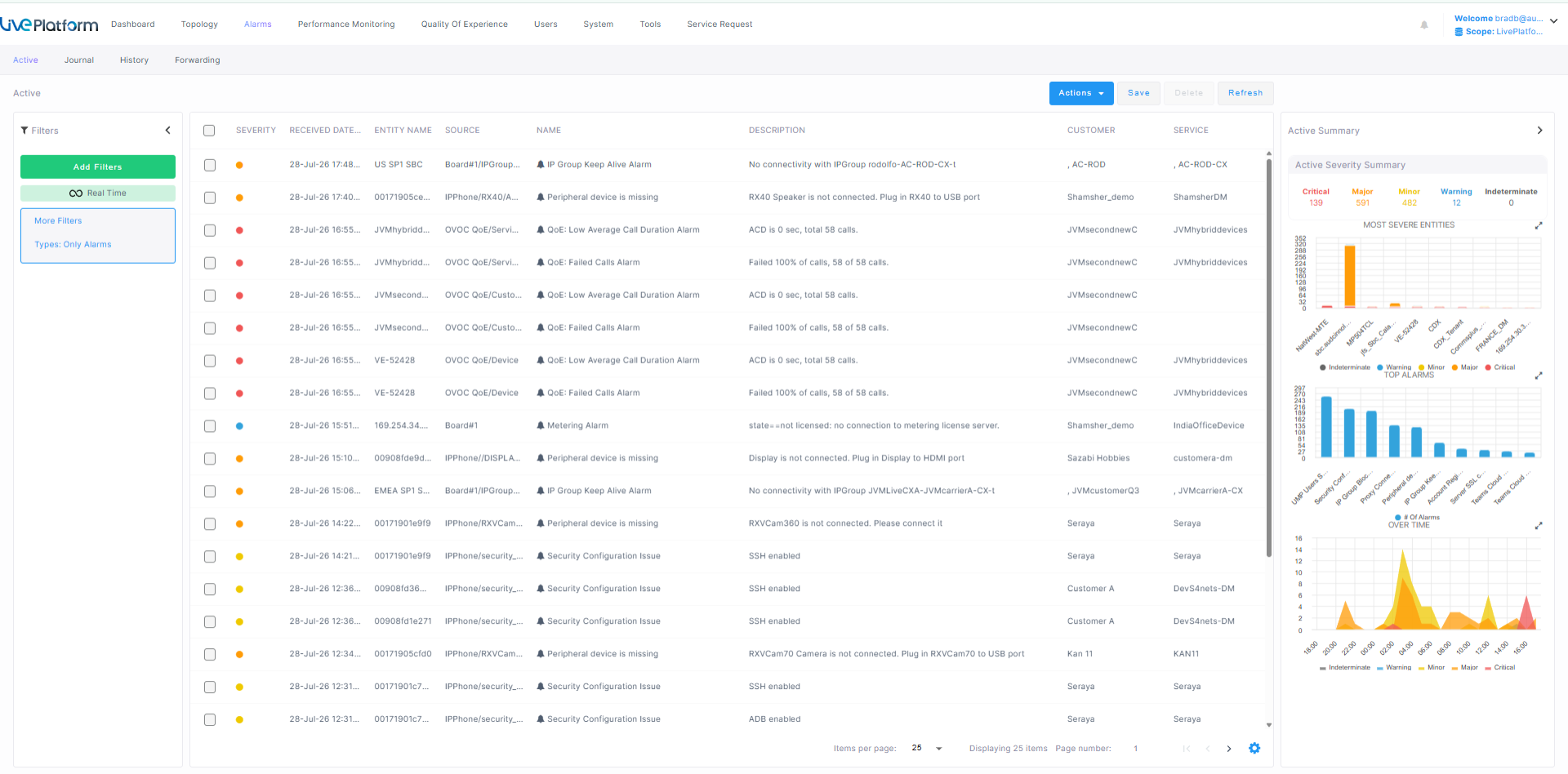
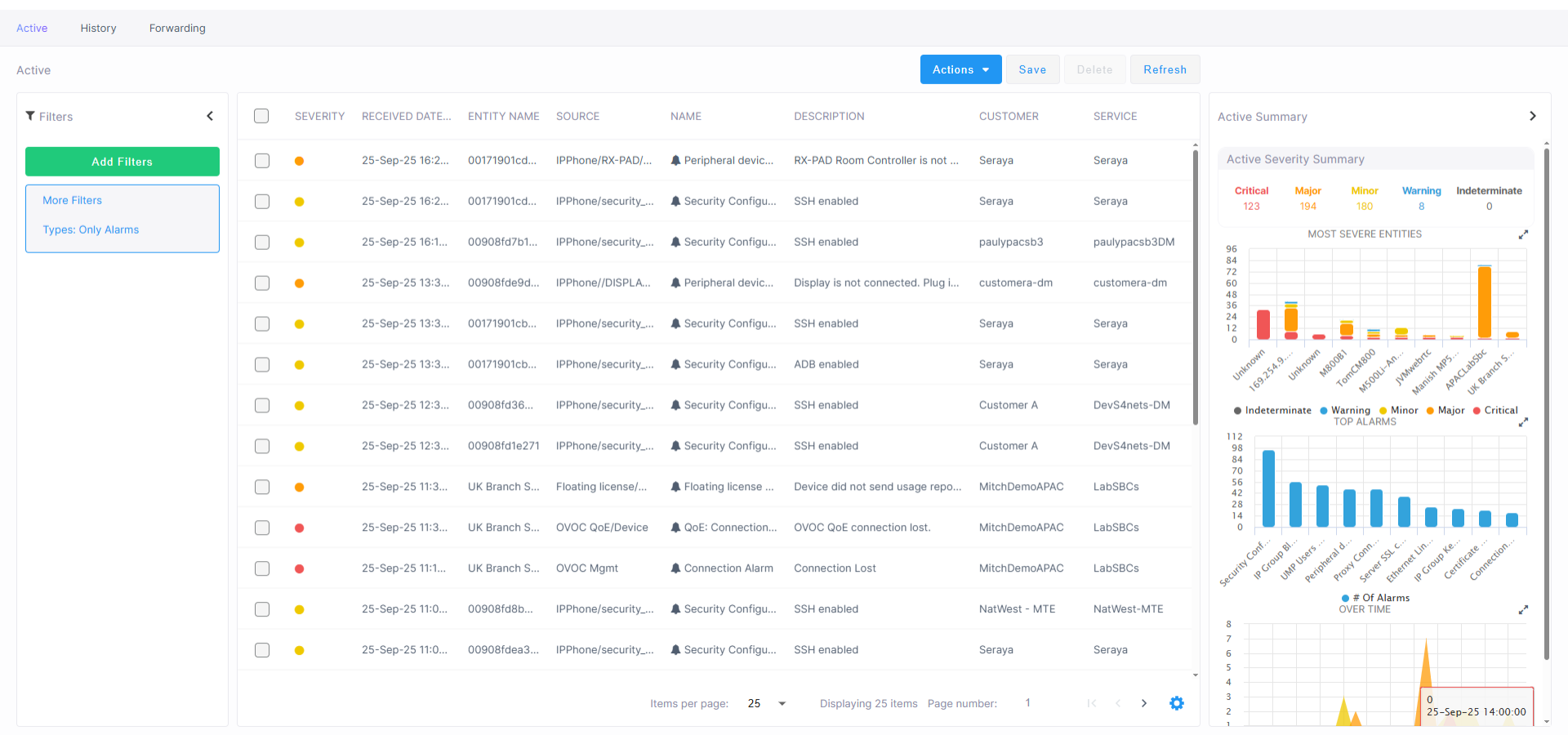
The Active Alarms page displays all alarms for managed customers. Management includes performing actions such as deleting, acknowledging, and saving alarms to file, as well as monitoring active alarms in the network to determine network health.
Customers can monitor authentication failure alarms with the Live Platform server connection.
| ➢ | To view Active alarms: |
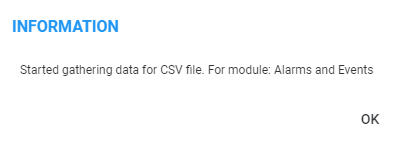
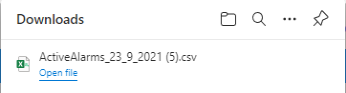
| ■ | On the toolbar, from the Actions drop-down, select the relevant alarm and select Acknowledge to acknowledge the receipt of the alarm. |