Channel Quick Glance Summary
You can view a quick glance summary for a specific channel.
| ➢ | Do the following: |
| 1. | Select the check box adjacent to the channel whose details you wish to view. The Channel details are displayed in the right pane. |
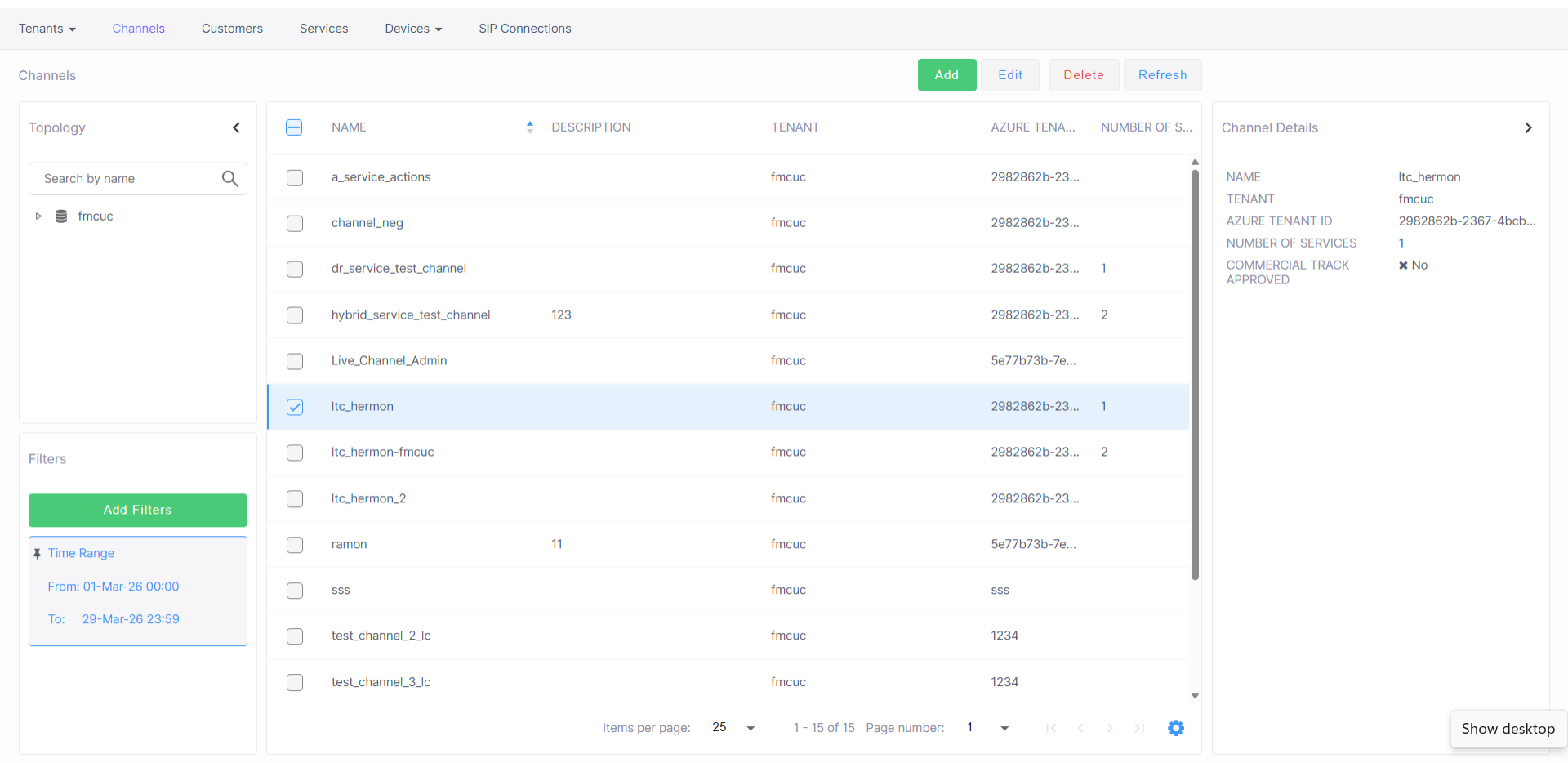
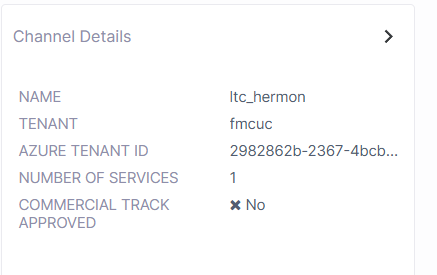
The table below describes the parameters in this screen.
|
Parameter |
Description |
|---|---|
|
Channel Name |
The name of the channel partner. |
|
Tenant |
The name of the Service Provider tenant to which the channel is attached. |
| Number of Services |
Indicates the number of services that have been deployed under the channel. |
|
Commercial Track Approved |
Indicates whether Commercial Track Enabled feature is enabled. When enabled, a Commercial Information form requesting basic Purchase Order (PO) related information (commercial) opens whenever this channel adds a new service (see Enabling Commercial Information for Services). |