Delete a Service
You can delete services attached to customers. This action deletes all associated data including calls, alarms and QoE data.
| ● | Hybrid service: you must first detach devices. All aggregated alarms and QoE data generated for the service is kept for one year. |
| ● | When deleting services with attached SIP Connections (Direct Routing, CX, Zoom, Operator Connect), you must first remove the SIP Connections. |
| ● | Operator Connect service: once deleted, the service reverts to a Lead for the associated tenant ID. |
| ➢ | To delete a service: |
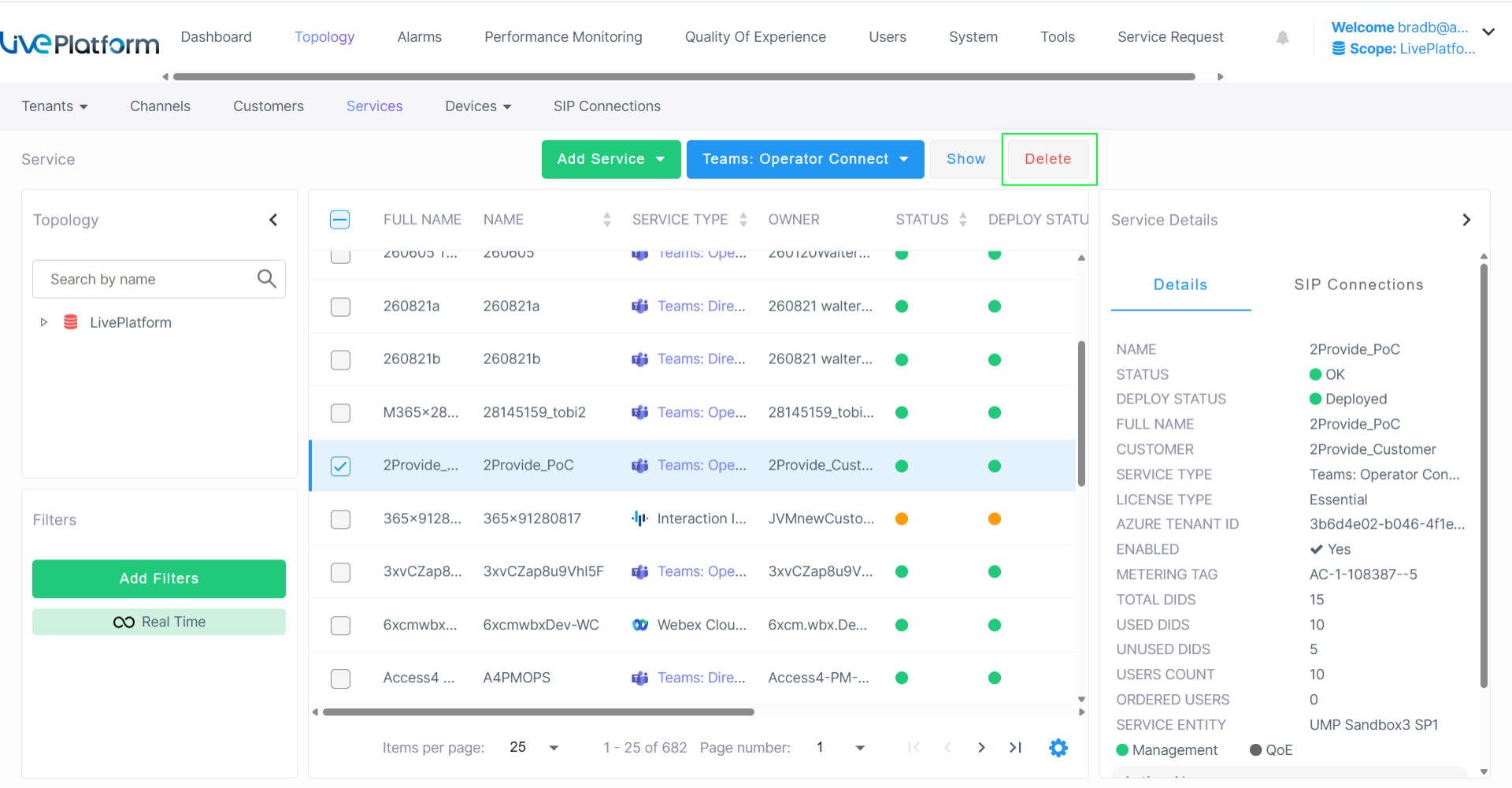
| 1. | In the Services page, select the service that you wish to delete, and then click Delete. |
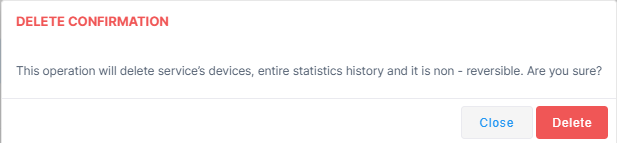
The following confirmation is displayed.