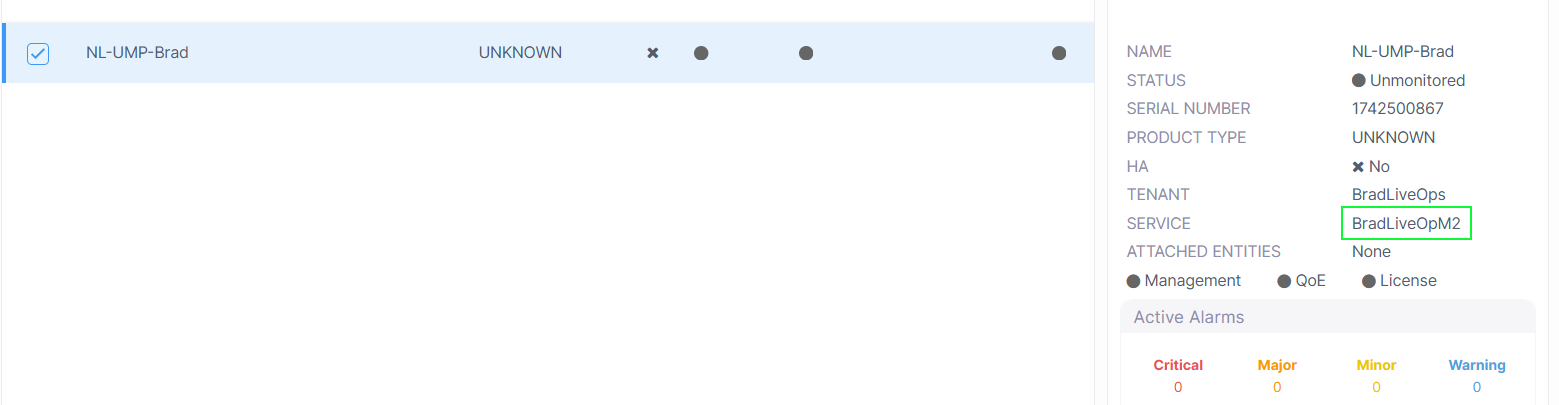
Switch Device between Management Services
An AudioCodes device can only be attached to a single Management service. If you add another Management service and wish to attach a device to this service that is already connected to Live Platform, then you can use this option which switch this device to the new service and detaches it from the existing service.
| ➢ | To switch devices between services: |
| 1. | In the Devices page, select the device that you wish to switch, and then from the Actions drop-down, choose Maintenance > Attach Device to Service. |

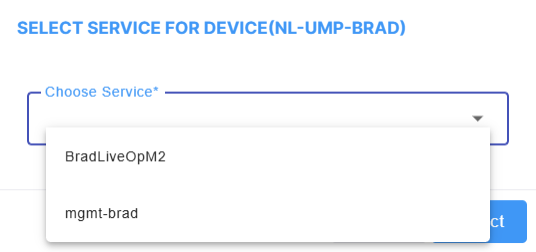
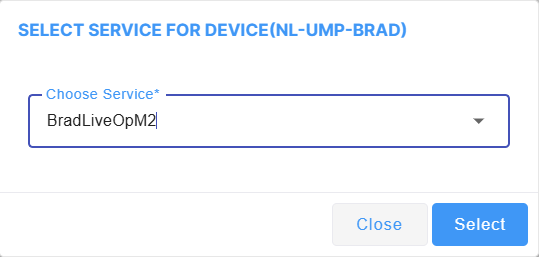
| 2. | From the Select Service dialog, select the service that you wish to attach to the device. |
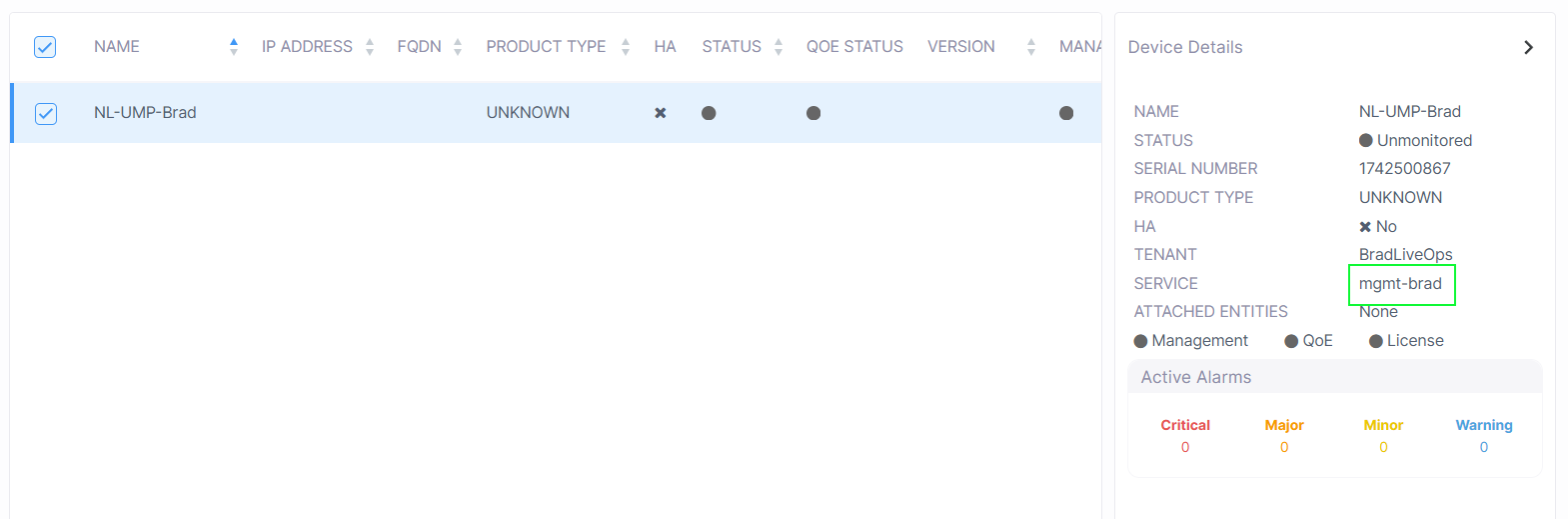
Notice that the Device Details are updated with the name of the newly attached Management service.