Configure Provider License
This option lets you open a Single Sign-on connection to the Voca CIC interface, landing on the Edit Channel page in Service Provider mode. For detailed information, see the Voca CIC Admin Guide.
| ➢ | Do the following: |
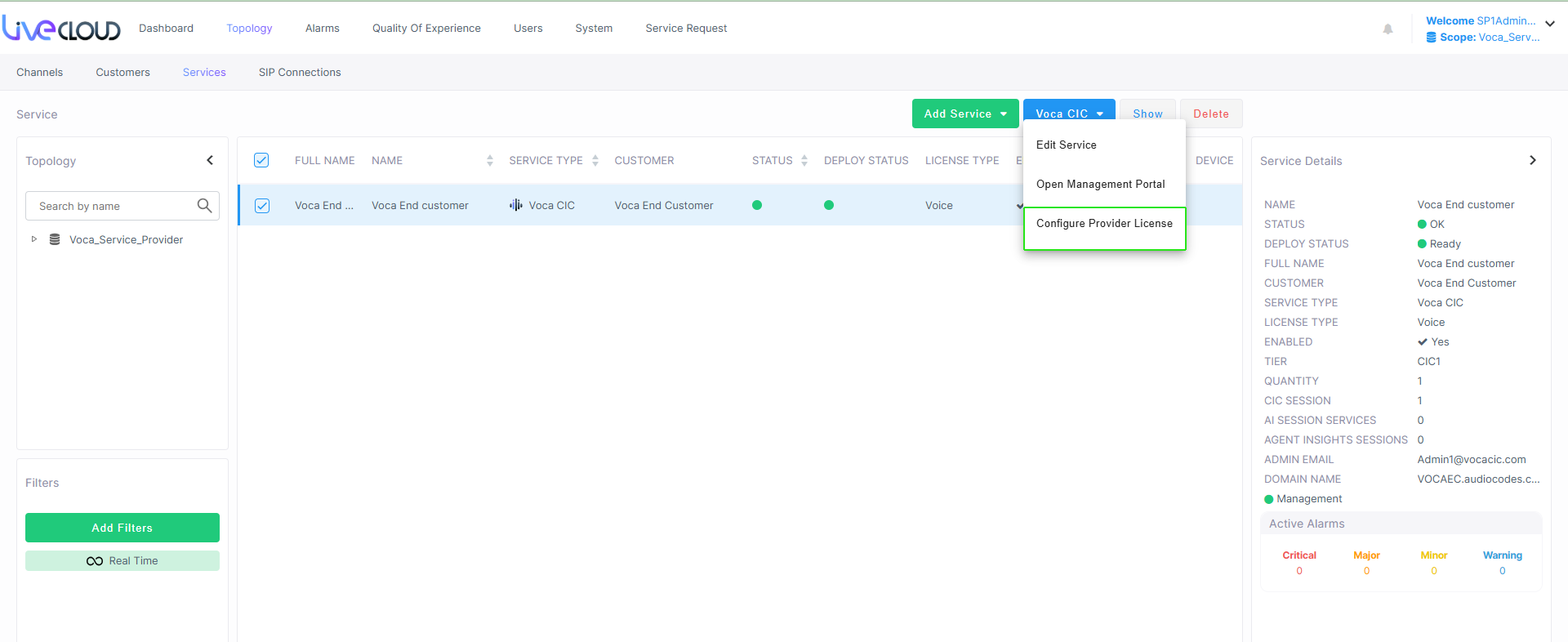
| 1. | From the Voca CIC drop-down, choose Configure Provider License. |
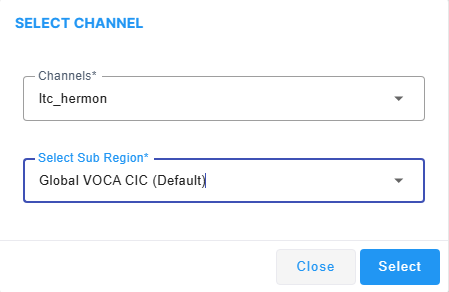
| 2. | From the Channels drop-down, select the relevant channel and then from the Sub Region drop-down, select the relevant sub region. |
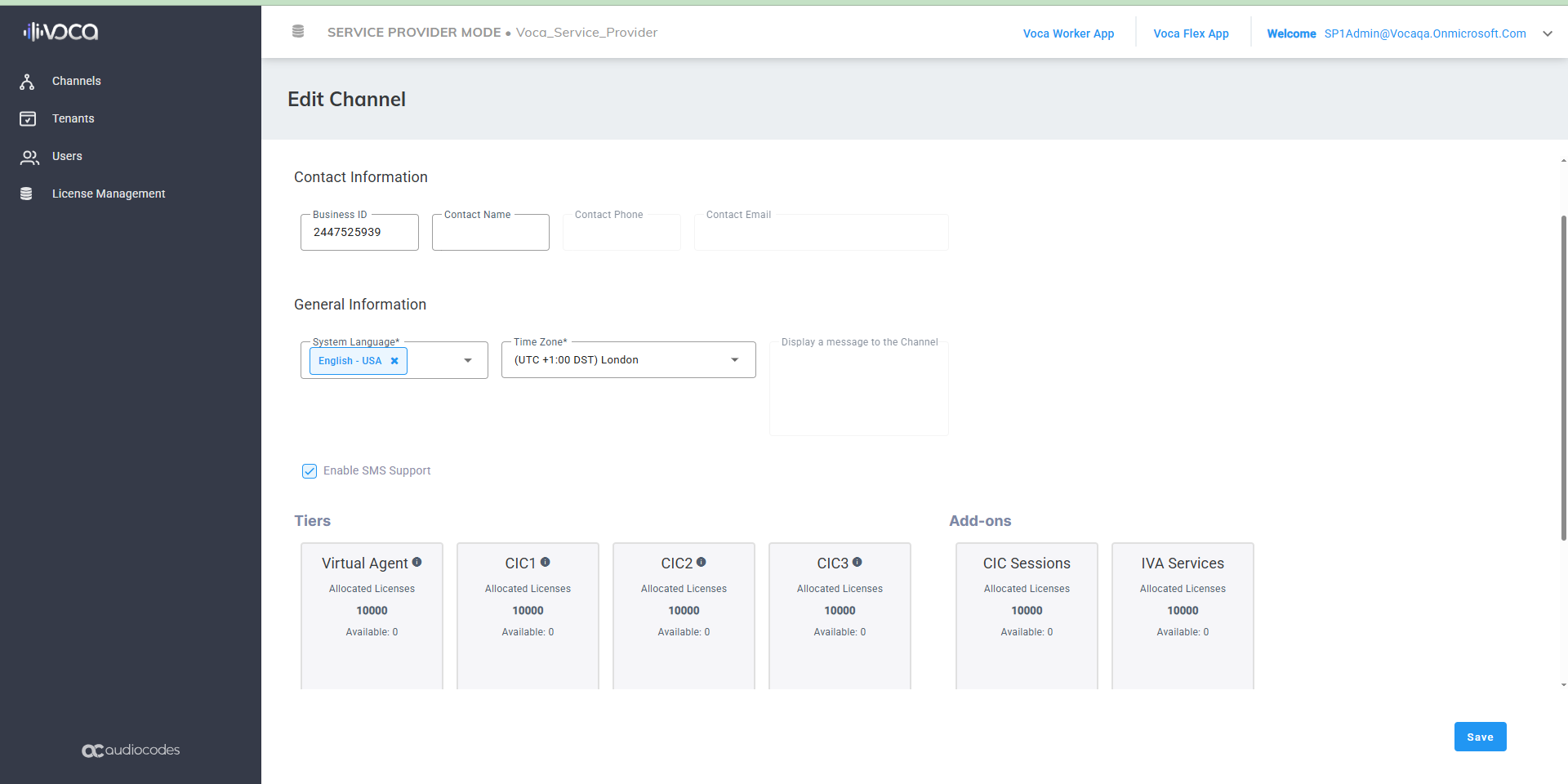
The Edit Channel page is displayed.
| 3. | Click a specific tier to manage it. |
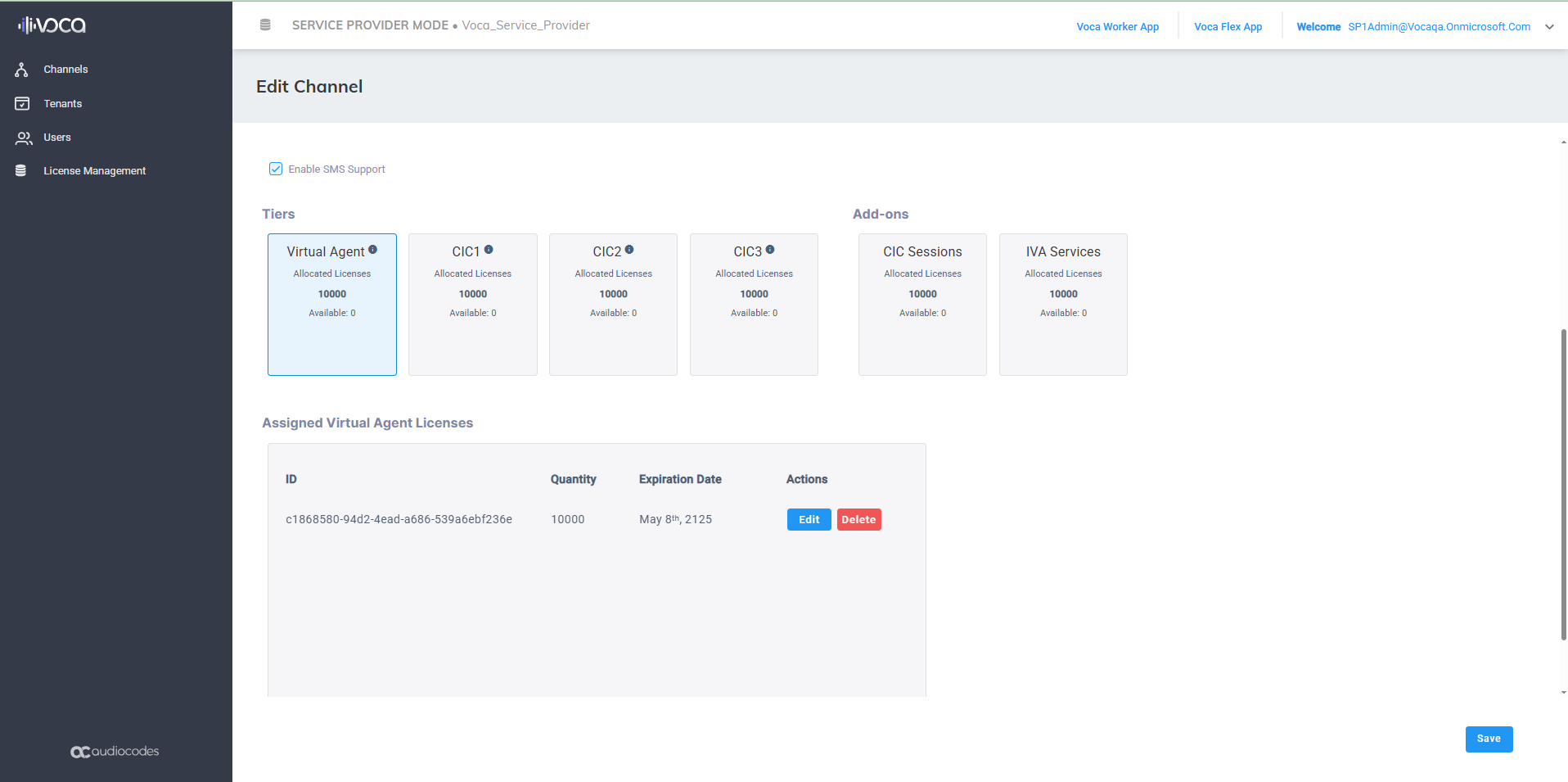
| 4. | Click Edit to modify the license. |
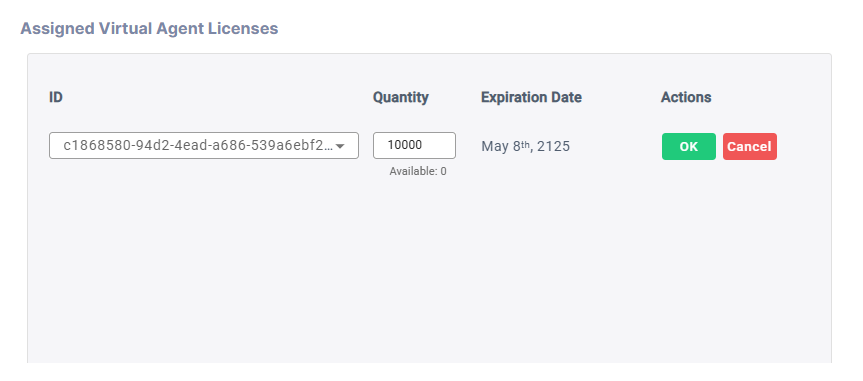
| 5. | Enter the required ID and Quantity values and then click OK. |