Day Two Management using Management Portal
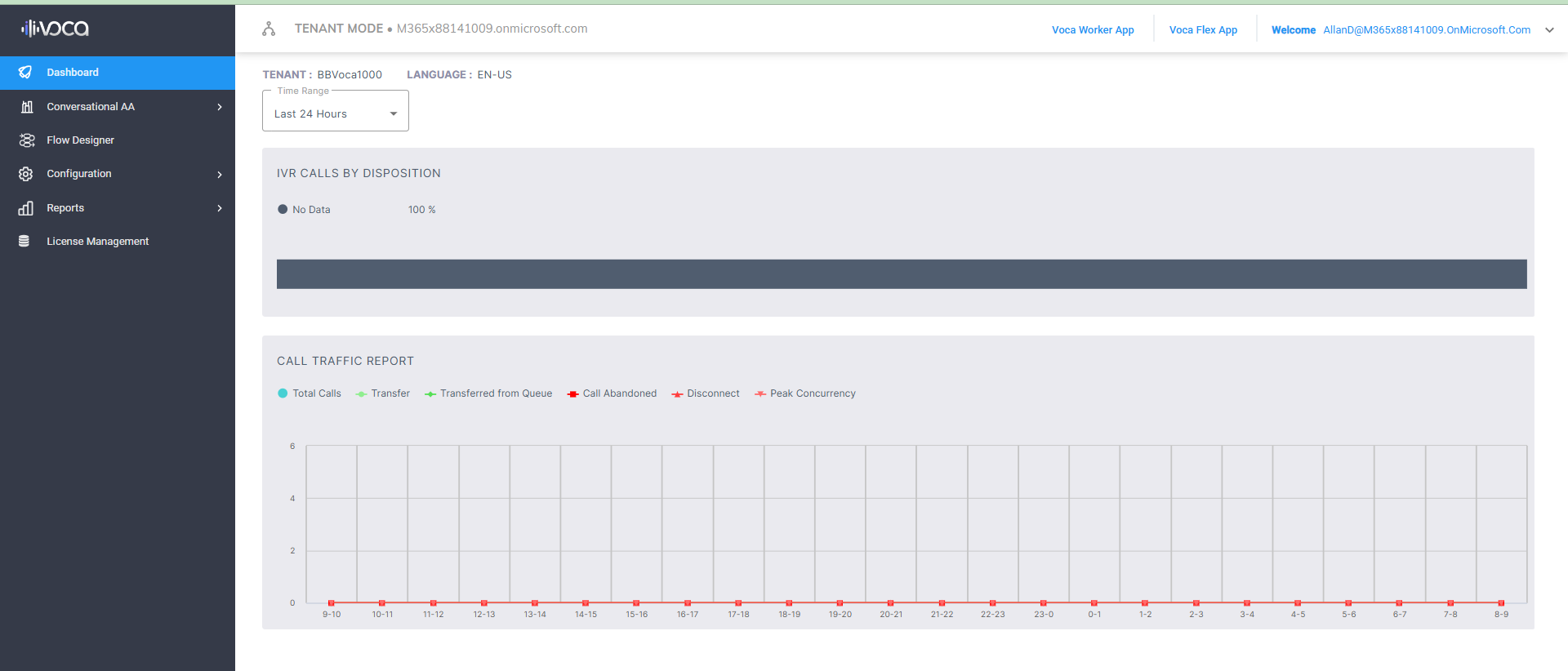
The Management portal lets you manage your service in the Tenant mode on the Voca CIC platform.
| ■ | For details, see Voca Conversational Interaction Center - Administrator’s Guide. |
| ■ | For details, see Voca Conversational Interaction Center - Channel Administrator's Guide. |
| ➢ | To open the Management portal: |
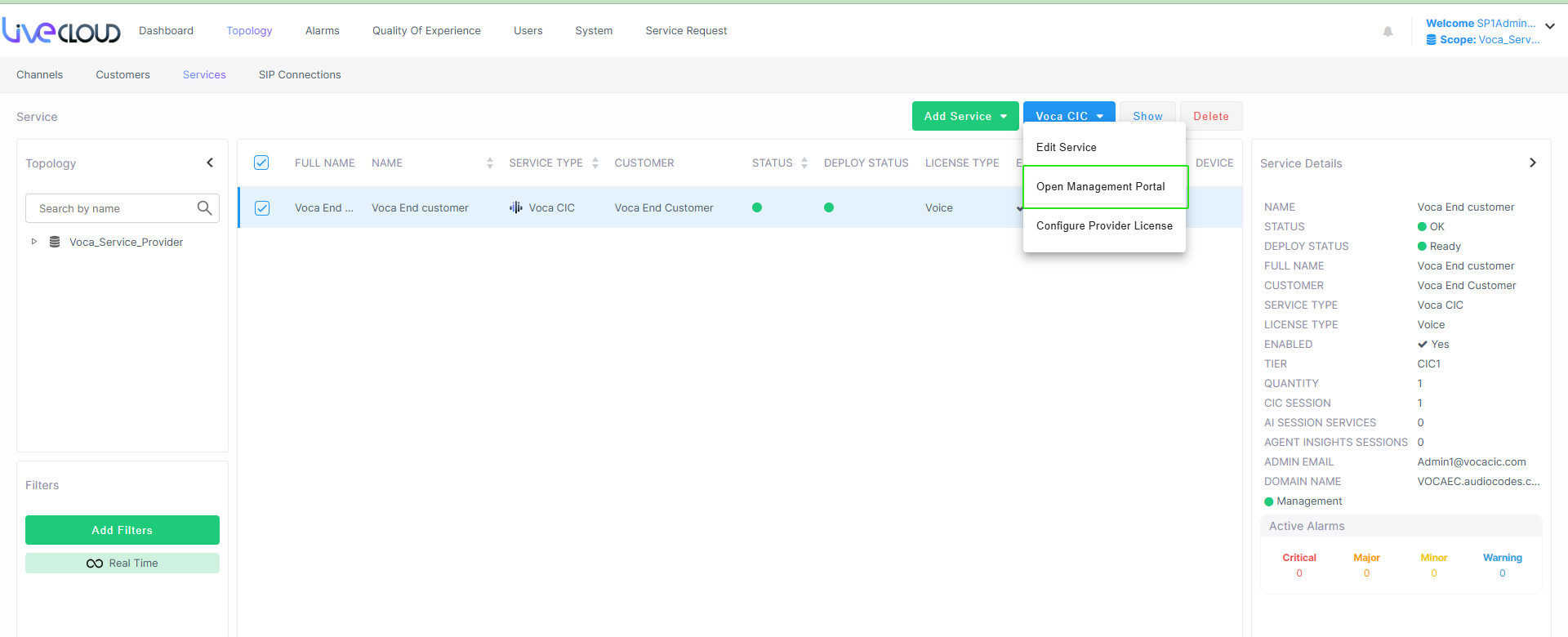
| 1. | In the Services page, select the check box adjacent to the service that you wish to edit and then from the Voca CIC drop-down, choose Open Management Portal. |
The Management portal is displayed in Tenant mode.