Adding an HTTP Operator
This HTTP operator manages services running on devices that connect directly to Live Platform over an HTTP connection. This connection is used for files transfer (upload and download) and REST communication. Connection requests sent to Live Platform by these devices are managed through this operator. You must then attach this operator to the Service Provider tenant (see Adding Service Provider Tenants). The HTTP operator is used by the following services:
|
■
|
UCaaS Connect services including Zoom Peering, WebEX Cloud Connect, WebEX: LGW, Live CX and Live Essentials. |
|
■
|
Interaction Insights and Meeting Insights services for IAM token authentication. |
|
●
|
Device Manager and Hybrid Entities services do not use this operator. |
|
1.
|
Open the Operators page (System > Administration > Operators). |
|
2.
|
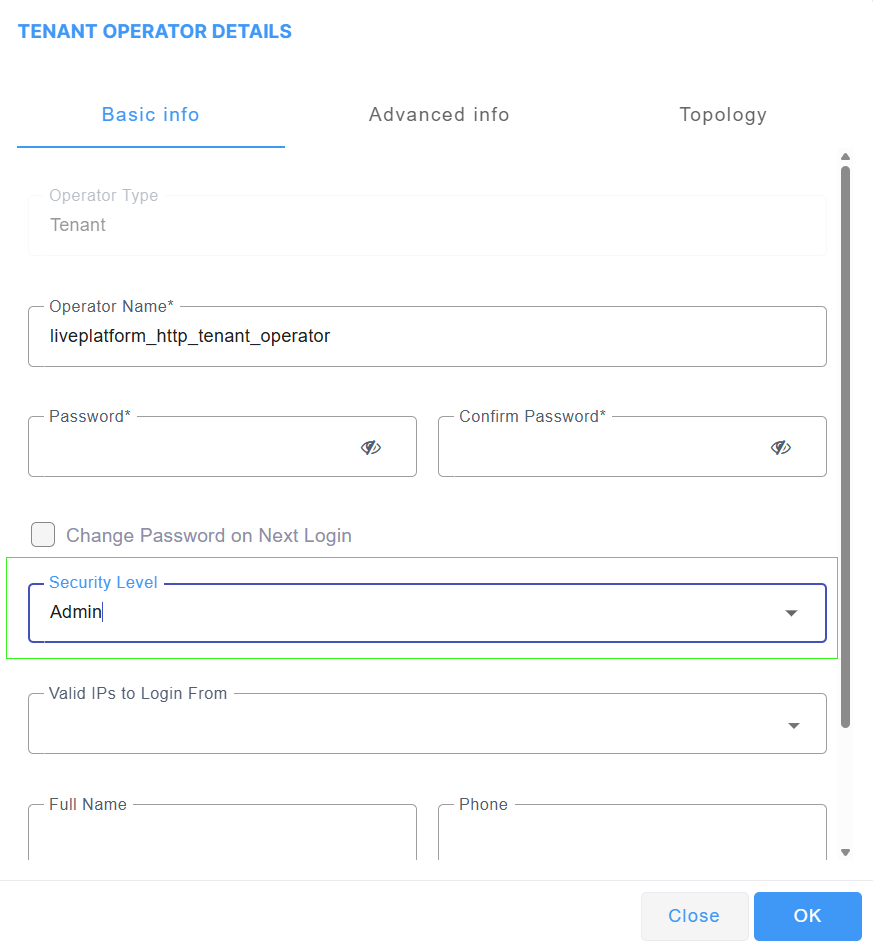
From the Add drop-down, select Tenant Operator. |
|
3.
|
In the Operator Name field, enter the generic name for the Live Platform operator. |
|
4.
|
From the Security Level drop-down, select Admin and then click OK. |