System license allocations
The System Allocations page lets the System admin (Global scope) enable the Analytics feature (see Analytics ) and to configure license for report generation.
| ➢ | Do the following: |
| 1. | Open the System Allocations page (System > License > System Allocations). |
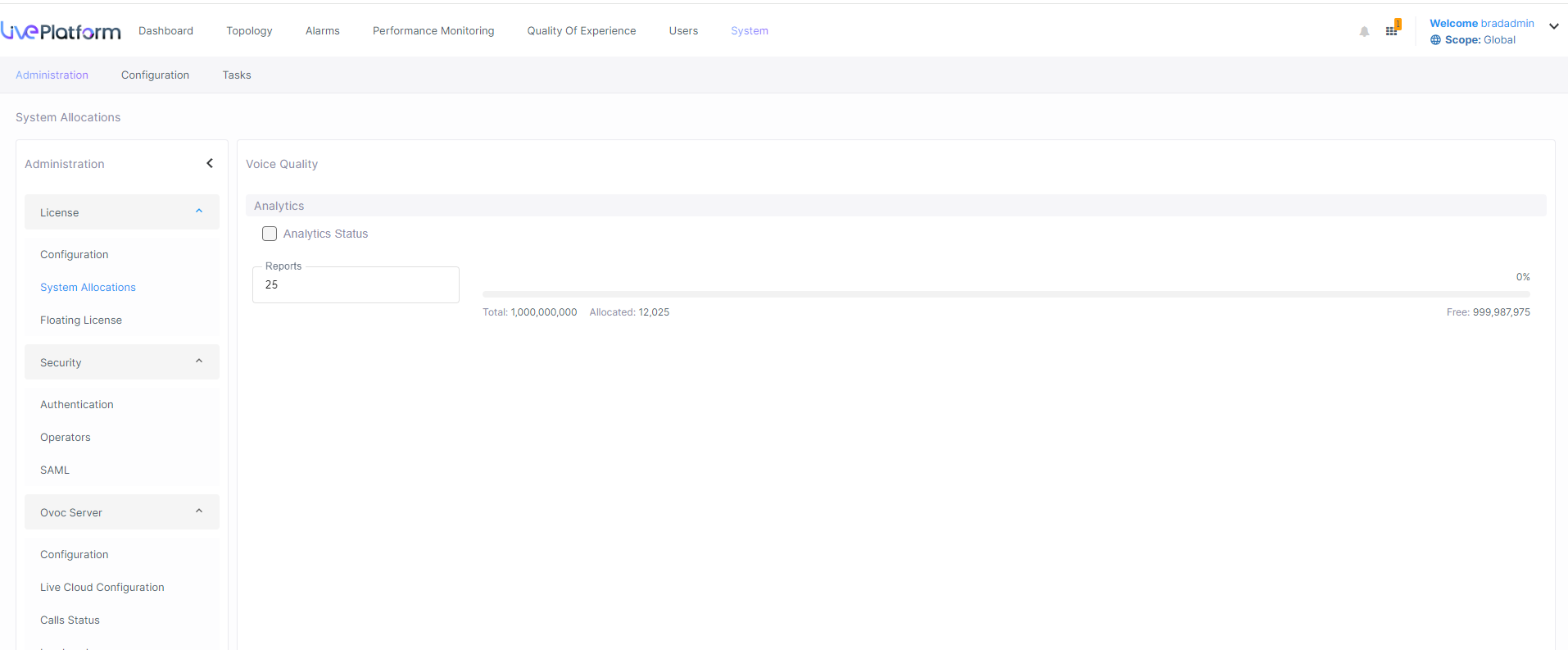
| 2. | Adjust the value slider to configure the number of Reports required by the Global scope admin to generate. |
| 3. | Click Submit to confirm changes. |