Pausing and Resuming Recording in Live Panel
During a meeting recording in the Live Panel, you can pause recording and then resume recording. The feature allows you to exclude sensitive information from being recorded. For example, you may want to pause recording when talking about salaries, and then resume recording when you want to continue the subject of the meeting.
| ➢ | To pause and resume recording: |
| 1. | Open the meeting recording's Live Panel (see Accessing the Live Panel). |
| 2. | Pause recording, by clicking the Stop Recording  icon. icon. |
| 3. | Resume recording, by clicking the Start Recording  icon. icon. |
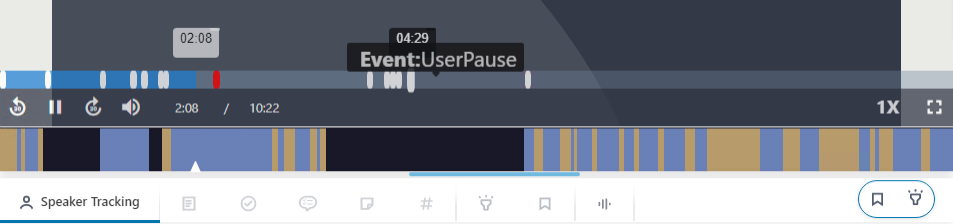
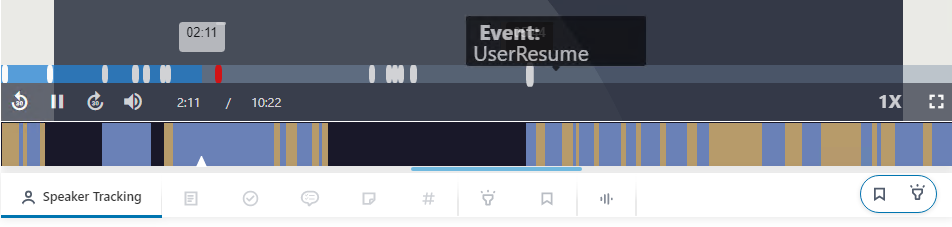
When you play the meeting recording's video after the meeting, Meeting Insights skips over the paused part of the meeting, saving users from sitting through a period of silence, as shown here: