Pausing and Resuming Recording in Mobile Live Panel
During a meeting recording in your Meeting Insights mobile app, you can pause and resume recording. This feature may be useful, for example, if you don't want confidential information from being recorded.
|
●
|
Only the Owner, Co-owner, or users assigned editing privileges of the meeting recording can pause and resume recording. |
|
●
|
When you pause recording, all other functions in the Live Panel (e.g., adding recaps) are deactivated. |
|
➢
|
To pause and resume recording: |
|
1.
|
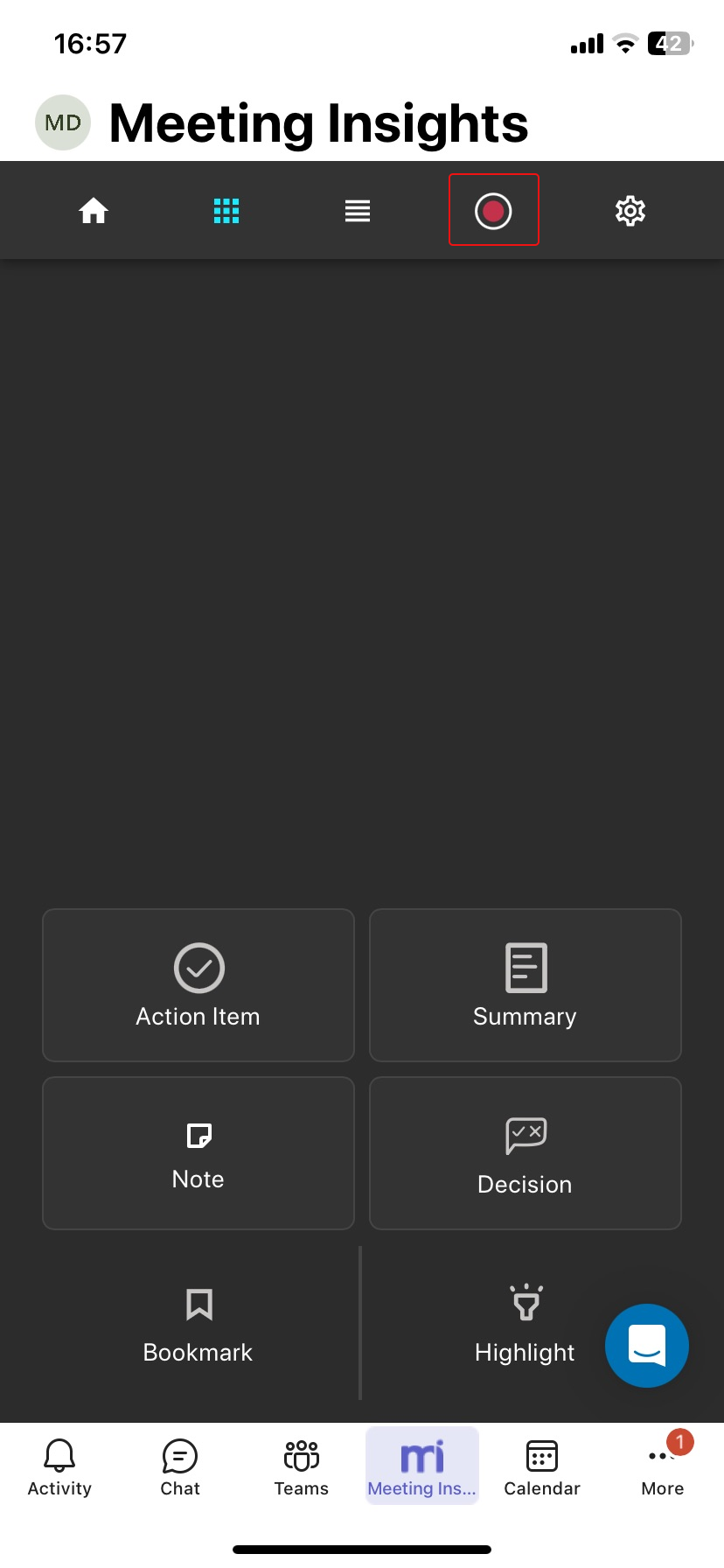
On the toolbar, tap the record button; recording is paused: |
|
2.
|
To resume recording, tap the record button again. |