Get Support from the AI Agent
Meeting Insights provides an AI chat-bot agent that connects you with the Meeting Insights Support Team and Customer Success Team.
Use the AI agent for the following:
|
■
|
Ask questions about Meeting Insights features and functionality. |
|
■
|
Report an issue to Meeting Insights Support team. |
|
■
|
Submit feedback to Meeting Insights Customer Success team. |
|
■
|
Get step-by-step instructions for using Meeting Insights features. |
|
➢
|
To use the Meeting Insights Get Support AI agent: |
|
1.
|
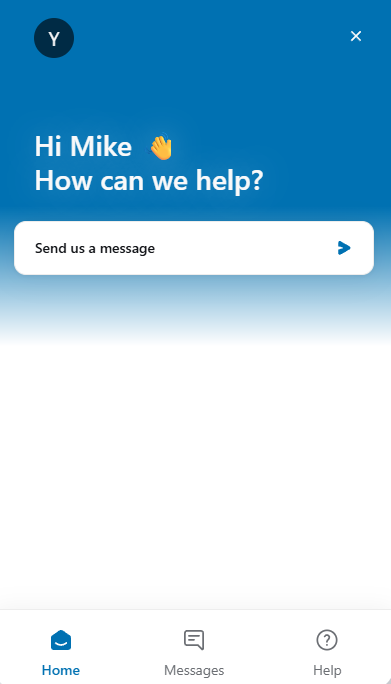
In the Navigation pane, click  Get Support; the Meeting Insights AI chat bot appears: |
|
2.
|
To ask a question, report an issue, or provide feedback:
|
|
a.
|
Click Send us a message or on the bottom menu bar, click Messages. |
|
b.
|
Click one of the following options: |
|
❖
|
Ask a Question: Ask the bot about Meeting Insights features or usage. |
|
❖
|
Report an Issue: Report a problem to the Meeting Insights Support team. |
|
❖
|
Provide Feedback: Send suggestions, comments, or feedback about features you like or dislike to the Meeting Insights Customer Success team. |
|
3.
|
To get instructions on how to do something in Meeting Insights:
|
|
a.
|
On the bottom menu bar, click Help. |
|
b.
|
Use the search field to search for a topic or select a topic from the list. |
|
4.
|
To close the Get Support AI agent, click "x" in the top-right corner of the chat window. |