Use the Help ? Icon
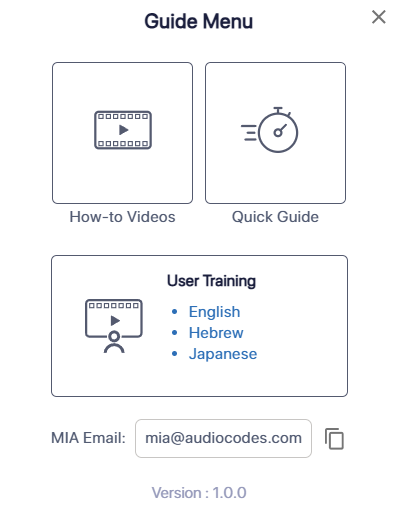
You can access help for the Meeting Insights web interface by clicking the Help (question mark)  icon located near the top-right corner of the Meeting Insights window. This displays the Guide Menu, which provides the following:
Opens the Meeting Insights YouTube channel with video tutorials that show how to perform common tasks.
Opens this document from AudioCodes website.
Opens an interactive online training course on Meeting Insights, available in the following languages:
Displays the email address of the Meeting Insights assistant, Mia. You can copy this address to invite Mia to external meetings held on platforms such as Zoom (see Zoom Meetings), Google Meet (see Google Meet Meetings), or Cisco Webex (see Webex Meetings).