Capture presenter and audience in auditorium
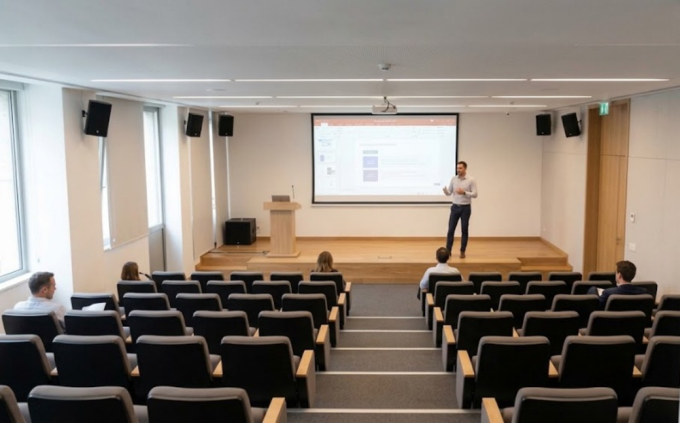
In an auditorium or classroom, one camera is not enough to effectively capture both the presenter and the audience. It cannot focus on both:
Using Room Composite AI layout involving two cameras resolves the problem. In this scenario, one camera is positioned to capture the presenter, while the other captures the audience in the room.
| ➢ | To capture both presenter and audience: |
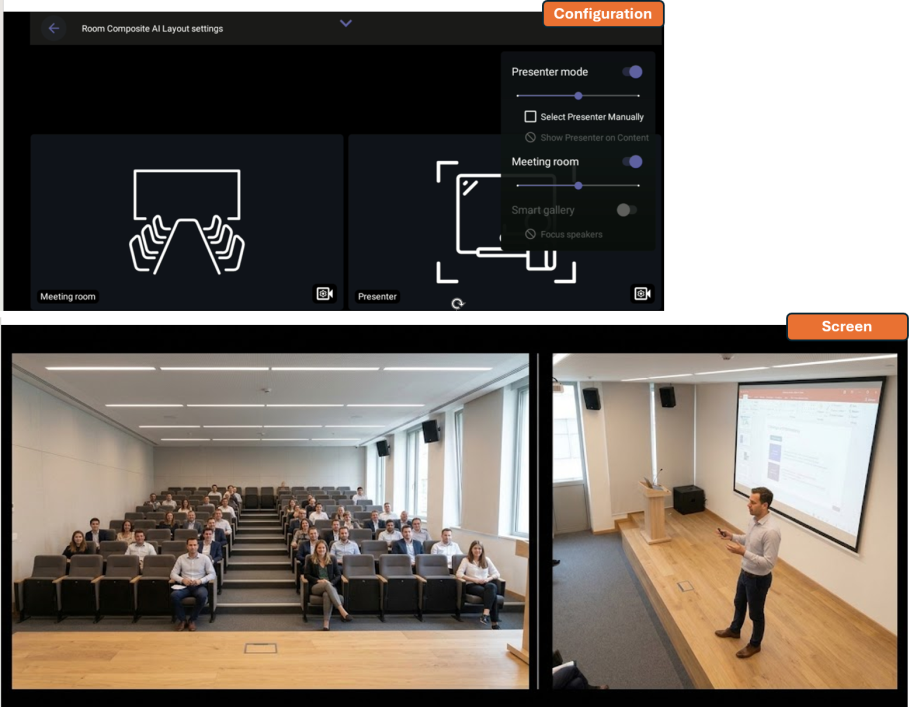
Connect two cameras to your RXV200 and set their roles as follows (see Set up composite layout with multiple camera room views):
| ■ | An RXVCam70 camera to focus on the presenter. This camera consists of two camera units: |
| ● | RXVCam70 (mechanical PTZ camera for a focused view) – set its role to Presenter. |
| ● | RXCam70 Wide (wide-angle camera) – set its role to Room to display a view of the presenter area. If this is not needed, set it to Presenter. |
| ■ | Another camera (RXVCam50 or RXVCam70) to capture the audience – set its role to Room. |
The figure below shows the layout settings and the camera captures on the screen: