After Pairing
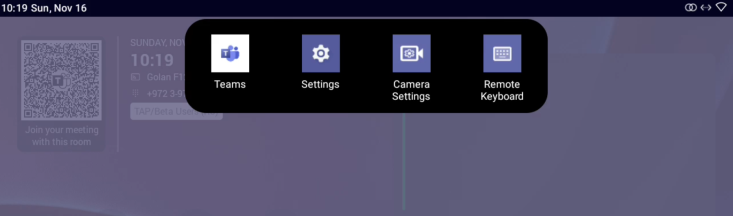
From left to right:
| ■ | Teams (tap to refresh RX-PAD’s UI) |
| ■ | Settings (tap to enter RX-PAD’s Device Settings) |
| ■ | Camera settings (tap to open the MTRA’s Camera Settings) |
| ■ | Remote keyboard (tap to control the MTRA) |