Viewing Supported File Formats
Syslog Viewer allows you to open syslog files that were created in various file formats by third-party syslog servers and recording tools. This section describes how to check which file formats are supported and how to view examples of how Syslog Viewer displays the content of these different file formats.
|
➢
|
To view supported file formats and display examples: |
|
1.
|
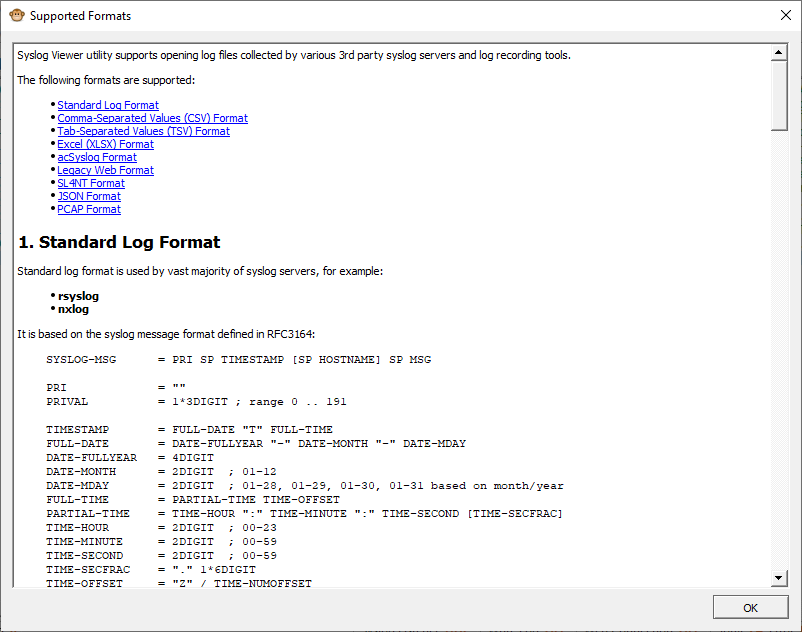
From the Help menu, choose Supported Formats; the following pop-up window appears: |
|
2.
|
To view an example of how Syslog Viewer displays a file format, click the specific file type in the list. |
|
3.
|
Click OK to close the window. |